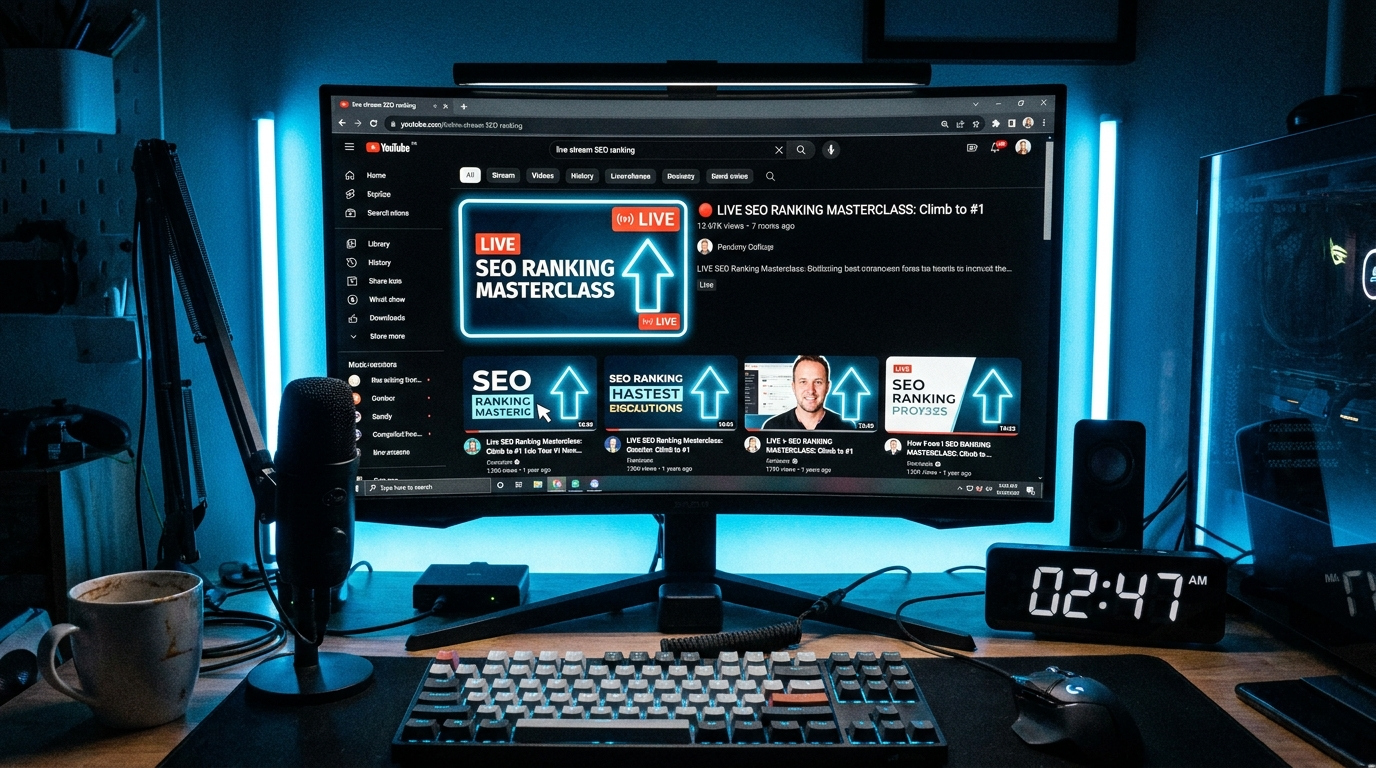
How YouTube SEO Works for Live Streams
YouTube SEO for live streams operates differently from regular video optimization — and understanding the distinction is the first step to getting more views. Regular videos compete primarily through search and browse features after they are published. Live streams get an additional advantage: YouTube promotes active live content in the Live tab, in search results with a "LIVE" badge, and in the home feed of subscribers as a real-time notification.
This means a well-optimized live stream has two opportunities to rank: during the stream itself (while it is live) and after the stream ends as a replay. Optimizing for both is important. Many 24/7 streamers see their replays generate 3–5x more total watch time than the live session, simply because the content remains discoverable indefinitely.
YouTube's ranking algorithm for streams evaluates three factors in roughly this order: relevance (how well your title, description, and tags match what someone searched for), engagement (your click-through rate, average view duration, and concurrent viewers), and authority (the history and reputation of your channel). You have direct control over relevance from day one. Engagement and authority grow with time and content quality.
Live streams with at least 5 concurrent viewers for the first 30 minutes are significantly more likely to be distributed through YouTube's recommendation system. In the early days of your channel, share your stream link actively to reach this threshold quickly.
The Winning Title Formula
Your stream title is the single most important SEO element. It determines your search ranking, your click-through rate, and how YouTube categorizes your content. A great 24/7 stream title follows a proven formula: [Content Type] + [Mood or Use Case] + "24/7" + [Radio / Stream / Live].
The word "24/7" is critical. It signals to viewers that the stream is always available and sets the expectation of an ongoing, ambient experience. The word "Radio" performs especially well for music streams because it taps into an existing mental model viewers have for background audio content.
Keyword placement matters: put your primary keyword as close to the beginning of the title as possible. YouTube truncates titles on mobile at approximately 70 characters — everything after that is hidden unless the viewer taps to expand.
Emojis in titles can increase click-through rate for certain niches (music, meditation, lifestyle) by making the title more visually distinct in search results. For business, finance, or news streams, emojis may reduce perceived credibility. Test both and compare CTR in YouTube Analytics.
- Lofi Hip Hop Radio 24/7 — Study, Chill & Focus Beats (music + use case)
- Finance & Investing News Live 24/7 — Markets, Stocks & Economy (niche + format)
- Ambient Rain & Thunder Sounds 24/7 — Sleep, Focus & Relaxation (nature + use case)
- Christian Worship Music 24/7 — Praise, Prayer & Gospel Radio (niche + mood)
- Gaming Highlights 24/7 — Best Moments & Top Plays Live (content type + appeal)
- Meditation & Mindfulness Music 24/7 — Calm, Relax & Breathe (mood + use case)
- Study Music 24/7 — Classical, Ambient & Focus Beats Radio (content + use case)
- Business Motivation 24/7 — Entrepreneur Mindset & Success Audio (niche + appeal)
How to Write a Complete Stream Description
Your stream description serves two purposes: it provides context for viewers, and it feeds keywords to YouTube's indexing algorithm. Both matter equally. A description that reads naturally but is built around your target keywords is the ideal outcome.
The first 150 characters of your description appear "above the fold" in search results — before the viewer clicks "Show more." This is your most valuable real estate. Use it to restate your main keyword and value proposition in plain language.
The full description should be 300–500 words for maximum SEO value. Include your main keyword naturally 3–4 times throughout. Add a complete list of what the stream contains (timestamps if your stream has sections), links to your social media, a subscribe call-to-action, and a hashtag section at the very end.
Here is a template you can adapt for any niche:
Rewrite your description every 30–60 days using insights from YouTube Studio's Search Report. The report shows you the exact phrases people searched before finding your stream — incorporate the highest-volume terms you're not yet using.
- 1 First 150 chars (above the fold): "Lofi Hip Hop Radio playing 24/7 — the best study beats, chill music, and focus compilations for work, homework, and late nights."
- 2 Description body (150–400 words): Expand on what the stream contains, who it's for, why it's always live. Include your main and secondary keywords naturally. Mention specific moods, use cases, or content details.
- 3 Timestamps section: If your stream has distinct sections or music genres, list them with approximate timestamps (even approximate ones help YouTube's chapter feature and improve viewer navigation).
- 4 Links section: Your other YouTube channels, website, Discord, Instagram, Twitter. More links = more cross-platform discovery opportunities.
- 5 Subscribe CTA: "Subscribe and hit the bell icon for notifications when new content is added to the stream."
- 6 Hashtag section (last 3 lines): #LofiHipHop #StudyMusic #ChillBeats — use 3–5 highly relevant hashtags. YouTube shows the first 3 as clickable labels above your title.
Creating Click-Worthy Thumbnails
Your thumbnail is the first thing a viewer sees before they know anything about your stream. It determines whether they click — which determines your CTR — which is one of the most important signals YouTube uses to distribute your content. A great thumbnail is not about being pretty; it's about being instantly comprehensible and compelling at a glance.
The 3 rules of effective stream thumbnails are: readable text (no more than 6 words, large enough to read on a 300px-wide thumbnail on mobile), high contrast (dark background with bright subject or vice versa — never light text on light background), and an emotional hook (a strong visual that communicates mood instantly — a cozy room for study music, a stock chart for finance, a mountain for ambient nature).
Create 2–3 thumbnail variants for your first month and use YouTube's A/B thumbnail testing feature (available in YouTube Studio for channels with more than 1,000 subscribers via a Creator Experiment) to identify which drives the highest CTR. The winning thumbnail can be worth a 20–40% improvement in views.
Tools for thumbnail creation: Canva (free, browser-based, fastest for non-designers), Adobe Photoshop or Figma (best for pixel-precise design), remove.bg (free background removal for subject photos).
Design your thumbnails to form a cohesive visual series. When a viewer clicks your channel page and sees a grid of thumbnails with a consistent color palette and style, it signals professionalism and builds trust — significantly improving subscriber conversion.
Chapters, End Screens & Cards
YouTube provides three interactive features that improve viewer experience and encourage deeper engagement with your channel: chapters, end screens, and cards. All three work on live streams and their replays, and all three have measurable positive effects on watch time and subscriber conversion.
Chapters (also called video chapters or timestamps) divide your stream into navigable sections. When you add timestamps in the format "0:00 Introduction\n5:30 Chapter Title" to your description, YouTube automatically creates a chapter navigation bar below the video player. For 24/7 streams, chapters are especially powerful: a viewer who joins mid-stream can instantly navigate to the genre or segment they want, increasing average view duration.
End screens appear in the last 5–20 seconds of your video and allow you to promote other videos, playlists, or your subscribe button. For stream replays, end screens are an automatic mechanism for moving viewers to your next piece of content — configure them on every stream.
Cards are interactive notifications that appear at specific timestamps during your video. Use them to link to related content, a playlist, or an external website. Cards are most effective when placed at natural "peak engagement" moments in your stream — the 25% and 75% marks are common best practices.
YouTube Chapters — Adding Chapter Markers
How to add chapter markers to improve navigation and viewer experience on your streams and videos
https://support.google.com/youtube/answer/9884579
YouTube End Screens
How to add end screens to promote other videos, playlists, and your channel subscription button
https://support.google.com/youtube/answer/6140493
YouTube Cards
How to add interactive cards to link viewers to other content, external websites, or your merchandise store
https://support.google.com/youtube/answer/3303729
Using YouTube Analytics to Improve SEO
SEO optimization is not a one-time task — it is an ongoing process driven by data. YouTube Studio provides all the analytics you need to continuously improve your stream's discoverability. The key is knowing which metrics to prioritize and how to act on them.
Impressions CTR is the most direct measure of whether your thumbnail and title are working. The healthy range for 24/7 streams is 4–8%. If your CTR is below 3%, your thumbnail or title is not compelling enough for the audience that sees it — redesign both and A/B test. If your CTR is above 8%, you have a winning format — replicate it across your other streams and content.
The Search Report (YouTube Studio → Analytics → Reach → How viewers find your content → YouTube Search) shows the exact queries people typed before clicking your stream. This is your most valuable keyword research tool. Look for queries that drove traffic but are not yet in your title or description — add them.
Traffic source breakdown tells you where your views are coming from: YouTube search, suggested videos, the YouTube homepage, external sources, or channel pages. A healthy 24/7 stream should derive 40–60% of its traffic from YouTube Search and 20–30% from suggested videos. If you're heavily dependent on external traffic, your on-platform SEO needs work.
Check your analytics every Monday morning for the first 90 days. Look at the week-over-week trend in Impressions CTR and Average View Duration. These two metrics together tell you everything about whether your optimization efforts are working.
Frequently Asked Questions
Live streams get an extra distribution boost — YouTube promotes active live content in the Live tab, in search with a "LIVE" badge, and in subscriber home feeds as a real-time notification.
8–15 tags structured in layers: 2–3 broad category tags, 4–6 specific keyword tags, and 2–3 long-tail phrase tags.
Every 30–60 days, using YouTube Studio's Search Report to find the exact phrases people searched before finding your stream and working the highest-volume terms in.
Ready to Apply This?
Start your 24/7 stream today — no PC required, no OBS, no technical setup.