How YouTube's Algorithm Actually Treats Live Streams
YouTube's recommendation algorithm is one of the most sophisticated content distribution systems ever built. It processes over 500 hours of video uploaded every minute and decides what each of the 2.7 billion monthly users sees. For live streamers, understanding how it works isn't optional — it's the difference between 10 viewers and 10,000.
The key insight most creators miss: YouTube applies different ranking logic to live content than to VOD. Live streams compete in their own discovery layer — the Live tab, live search results, and live recommendations — which is significantly less crowded than standard video search. This is the fundamental advantage of 24/7 streaming.
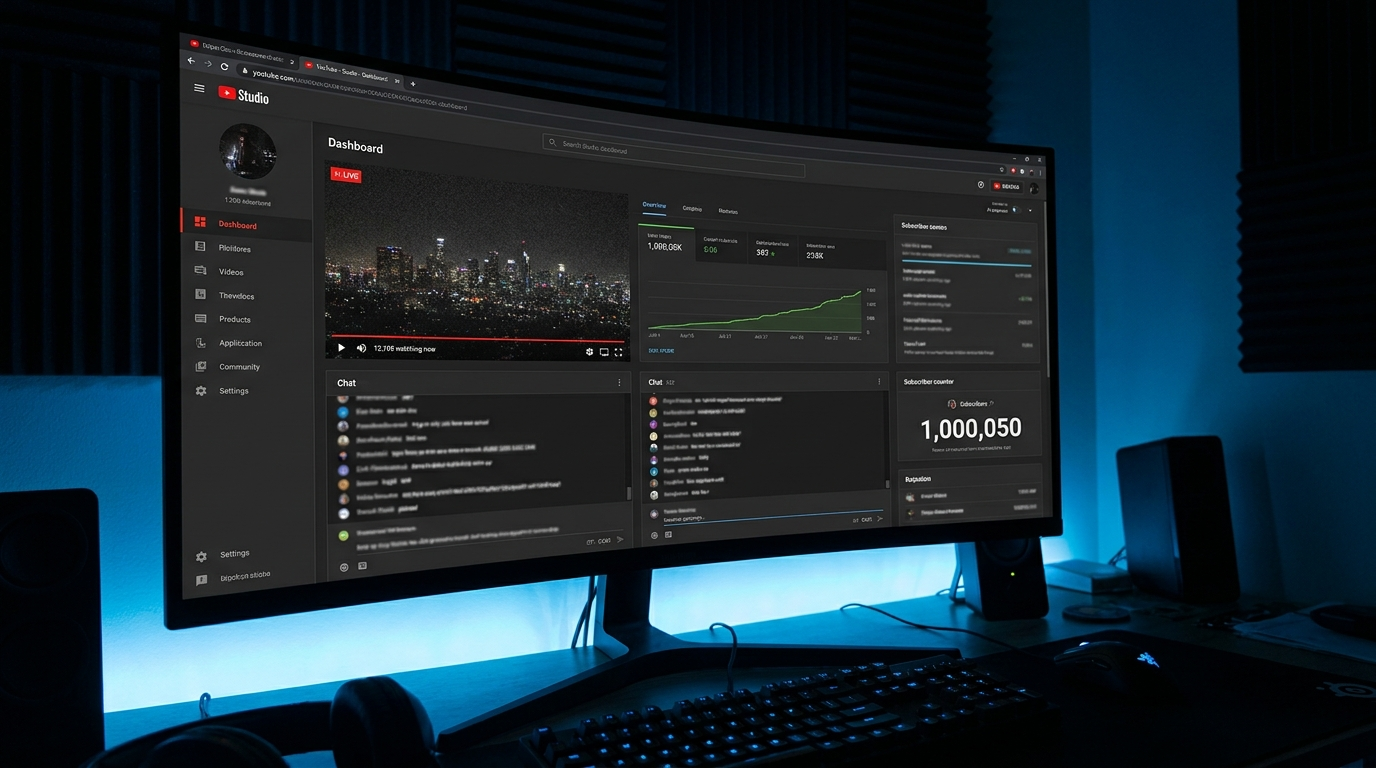
As of 2025, YouTube gives live content a temporary freshness boost in search results. A live stream actively broadcasting will outrank an older video with the same keywords — even if that video has more views.
The 6 Ranking Signals That Actually Move the Needle
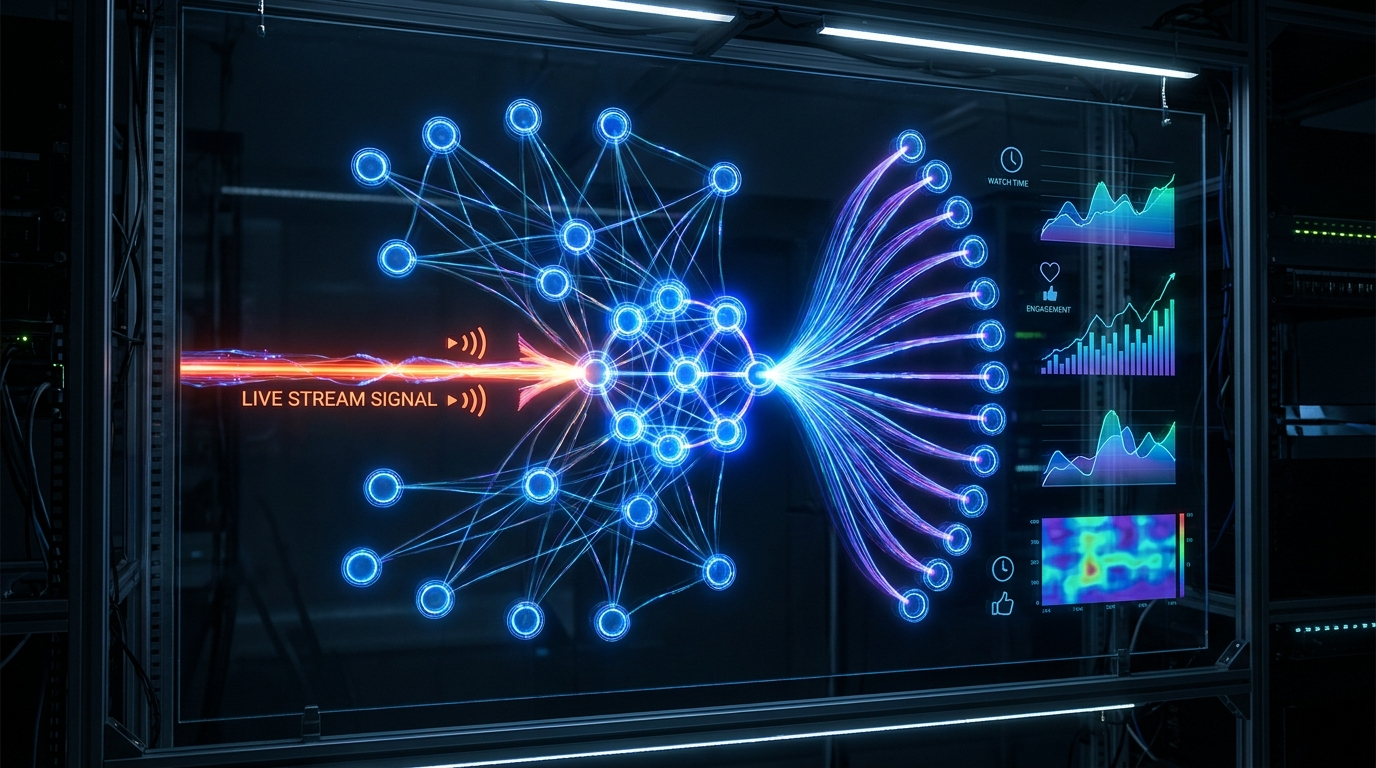
YouTube's ranking system weighs dozens of signals, but for live streams, 6 of them account for the vast majority of algorithmic distribution. Focus on these:
The 24/7 model uniquely stacks all 6 signals simultaneously. Your stream is always live (freshness), always accumulating session watch time, always visible in search, and always available for viewers to return to.
- Concurrent viewer count (CVP) — the single most important signal. Even 5-10 concurrent viewers signals to YouTube that content is worth distributing.
- Watch time per session — how long each viewer stays. Streams with >30 minute average sessions are rewarded.
- Click-through rate (CTR) from impressions — your thumbnail and title determine this.
- Chat engagement rate — comments and Super Chats per viewer.
- New viewer ratio — what percentage of viewers are discovering you for the first time.
- Re-watch rate — how often the same viewer returns. Consistent 24/7 streams build habitual viewing, which YouTube heavily rewards.
Browse Features & Homepage: The Hidden Growth Engine
Most creators focus entirely on YouTube search, ignoring Browse Features — Homepage and Suggested Video recommendations. In 2025, Browse Features drives over 70% of new viewer discovery on YouTube.
For live streams, Browse Features placement is driven by one factor: subscriber watch behavior. When your existing subscribers watch your live stream, YouTube pushes it to non-subscribers with similar viewing histories.
- Notify your subscribers at stream start (a community post helps)
- Build a consistent schedule — predictable 24/7 streams train subscriber behavior
- Cross-promote in stream descriptions: link to your other videos and playlists
Maximizing Watch Time: The Architecture of a High-Retention Stream
Watch time is YouTube's core ranking currency. For 24/7 streams, your content needs to hold attention for hours, not minutes.
The content loops seamlessly — no jarring cuts, consistent audio levels, no abrupt changes. This is why lofi music and ambient sound streams dominate: the content is engineered for infinite, low-friction playback.
- Use a single, high-quality audio loop (minimum 30 minutes before repeating)
- Maintain consistent visual brightness and contrast throughout
- Use YouCast's seamless loop feature — videos restart without any gap or black frame
- Test your loop by watching it yourself for 2+ hours before going live
5 Algorithm Mistakes That Are Killing Your Stream's Reach
After analyzing hundreds of underperforming channels, we see the same algorithmic mistakes repeated constantly:
Never use the same stream key for multiple channels simultaneously — this violates YouTube's ToS and can result in channel termination.
- Stopping and restarting streams frequently — each restart resets your CVP counter and freshness signal.
- Keyword stuffing in titles — YouTube's NLP now penalizes titles that read unnaturally.
- Setting streams to Unlisted prematurely — you lose all search distribution.
- Ignoring video category — wrong category kills niche distribution.
- No description — YouTube cannot rank a stream it cannot read.
Start Your 24/7 Stream Today
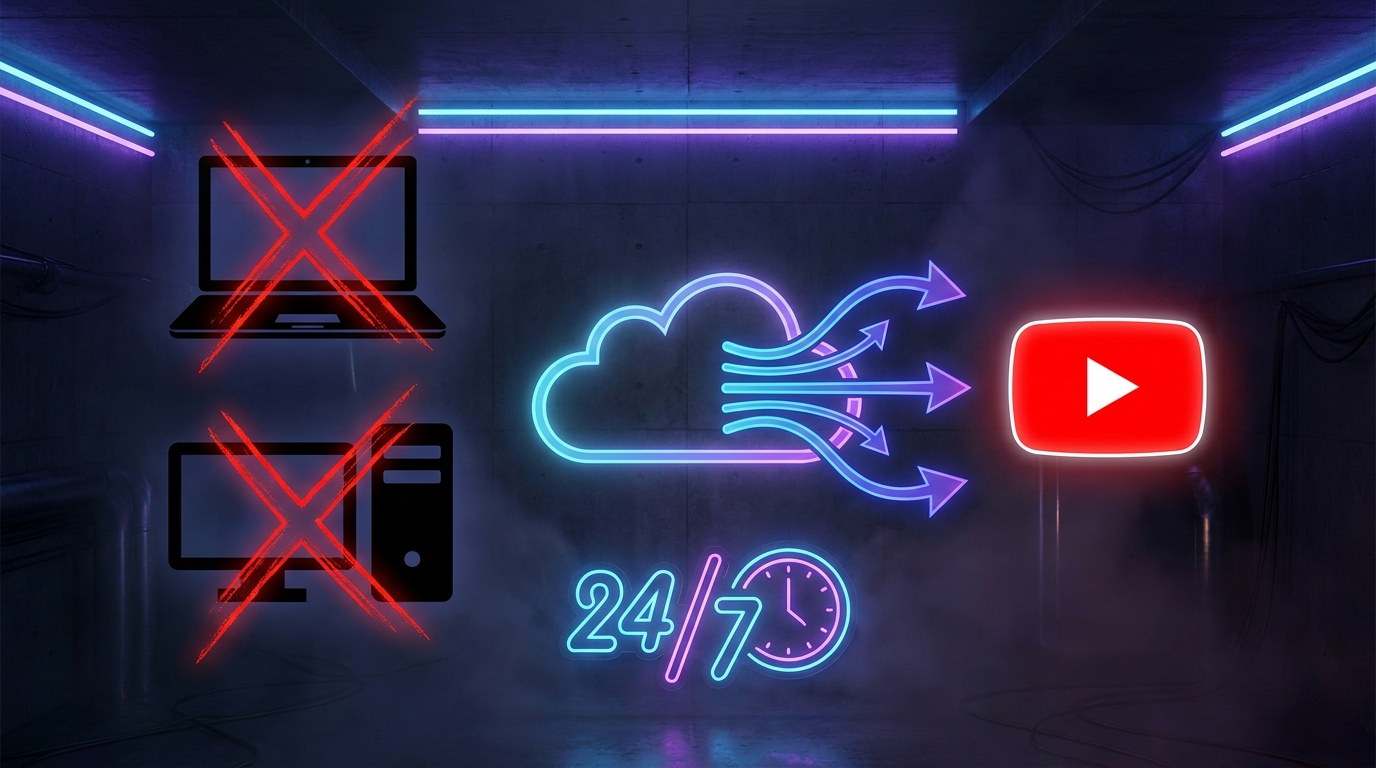
No PC needed. No OBS. Just upload your video and go live on YouTube — 24/7, from the cloud.