What Is a 24/7 YouTube Live Stream?
A 24/7 YouTube live stream is a broadcast that runs continuously — 24 hours a day, 7 days a week — without any intervention from you. Instead of going live manually every time, you upload a pre-recorded video and let a cloud platform loop it indefinitely on your YouTube channel.
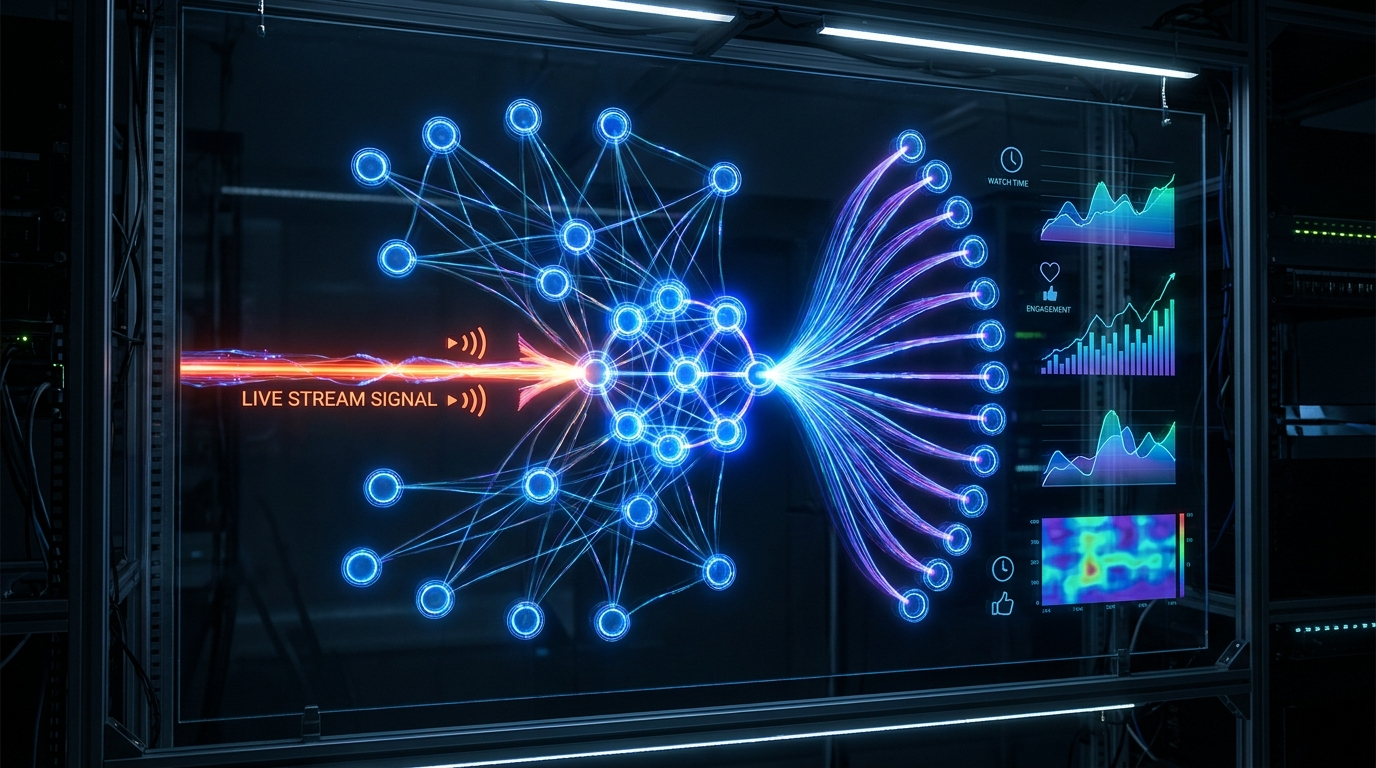
This model has exploded in popularity because YouTube's algorithm rewards live content differently than regular uploads. Live streams appear in search results, get featured in the "Live" tab, and tend to accumulate watch time far faster than static videos. The result: channels that stream 24/7 grow their watch hours at a dramatically accelerated pace.
Channels with active 24/7 streams are eligible for YouTube Partner Program (4,000 watch hours + 1,000 subscribers) significantly faster than upload-only channels.
The Old Way vs. The Cloud Way
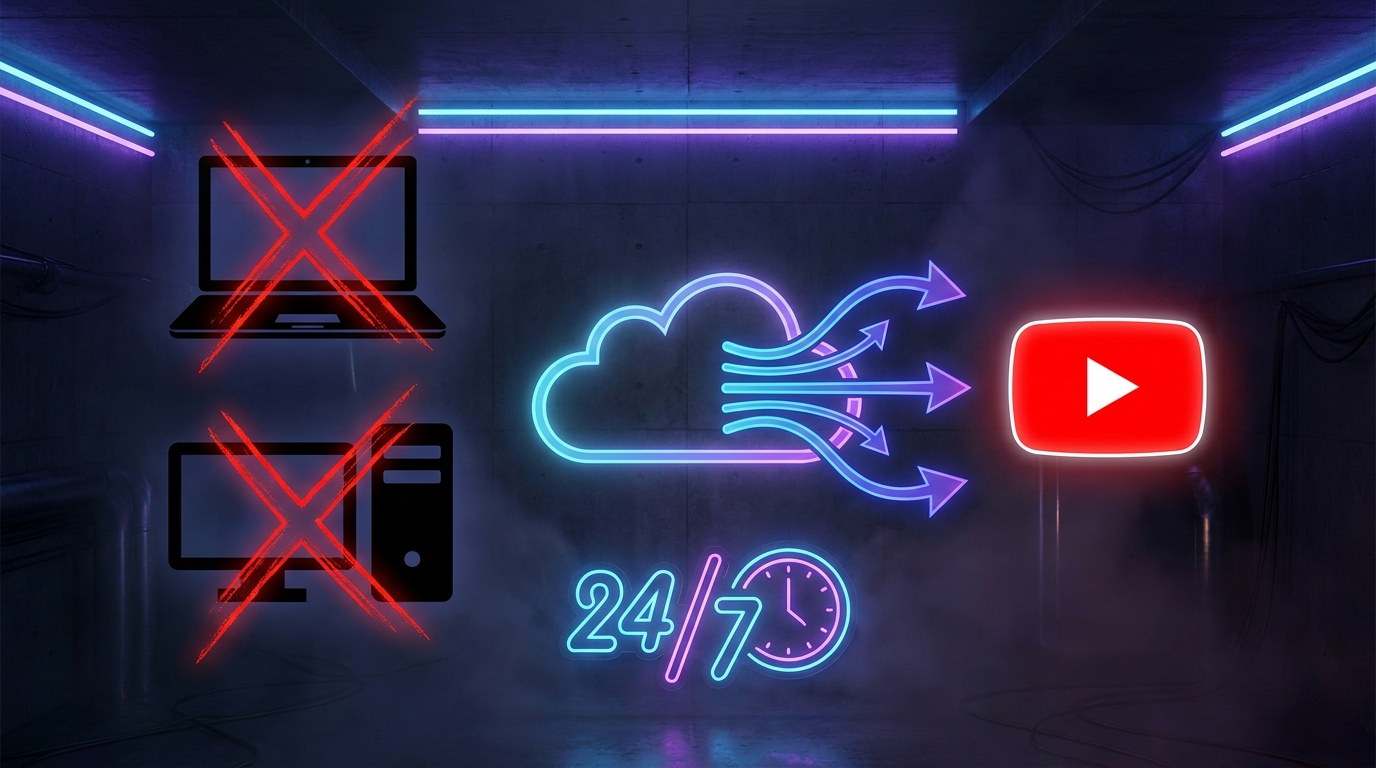
Just a few years ago, running a 24/7 stream required a dedicated PC that never turned off, OBS Studio configured with FFmpeg looping scripts, a stable upload connection, and someone to monitor and restart the stream when it crashed. That setup cost money, consumed electricity, and required constant babysitting.
Cloud-based streaming platforms like YouCast eliminate all of that. You upload your video once, connect your YouTube channel, click Start — and the stream runs entirely from remote servers. Close your laptop. Fly across the world. Your stream keeps going.
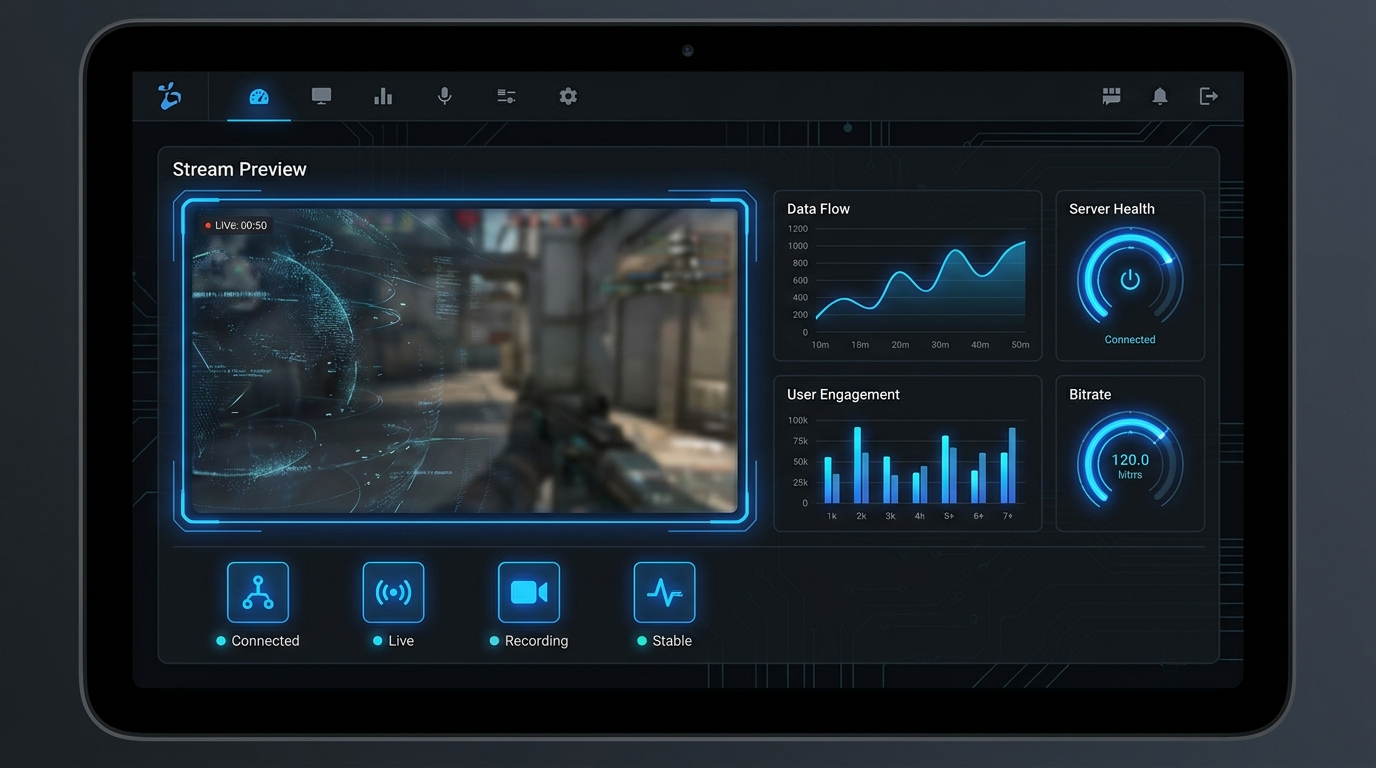
- No PC running 24/7 — zero electricity cost on your end
- No OBS, no FFmpeg, no technical configuration
- Automatic restarts if YouTube disconnects the stream
- Manage everything from a browser on any device
- 4K 60fps output quality available from the cloud
Setting Up Your First 24/7 Stream in 5 Minutes
Getting started with YouCast is designed to be fast. Here's the complete flow from zero to live stream:
YouCast automatically loops your video. When the video ends, it immediately restarts from the beginning — no gaps, no black screens, seamless 24/7 playback.
- 1 Go to youcast.cloud and create a free account — no credit card required for the trial.
- 2 Connect your YouTube channel via Google OAuth. YouCast only requests the minimum permissions needed to go live on your behalf.
- 3 Go to the Videos section and upload your content. Supported formats include MP4, MOV, MKV, AVI and others. YouCast transcodes everything automatically.
- 4 Navigate to Streams → Create New Stream. Select your connected channel and the video you want to loop.
- 5 Set your stream title, description, privacy setting, and category. Add a thumbnail — this is what viewers see before clicking.
- 6 Click Start Stream. Within seconds, your 24/7 broadcast is live on YouTube.
What Type of Video Content Works Best?
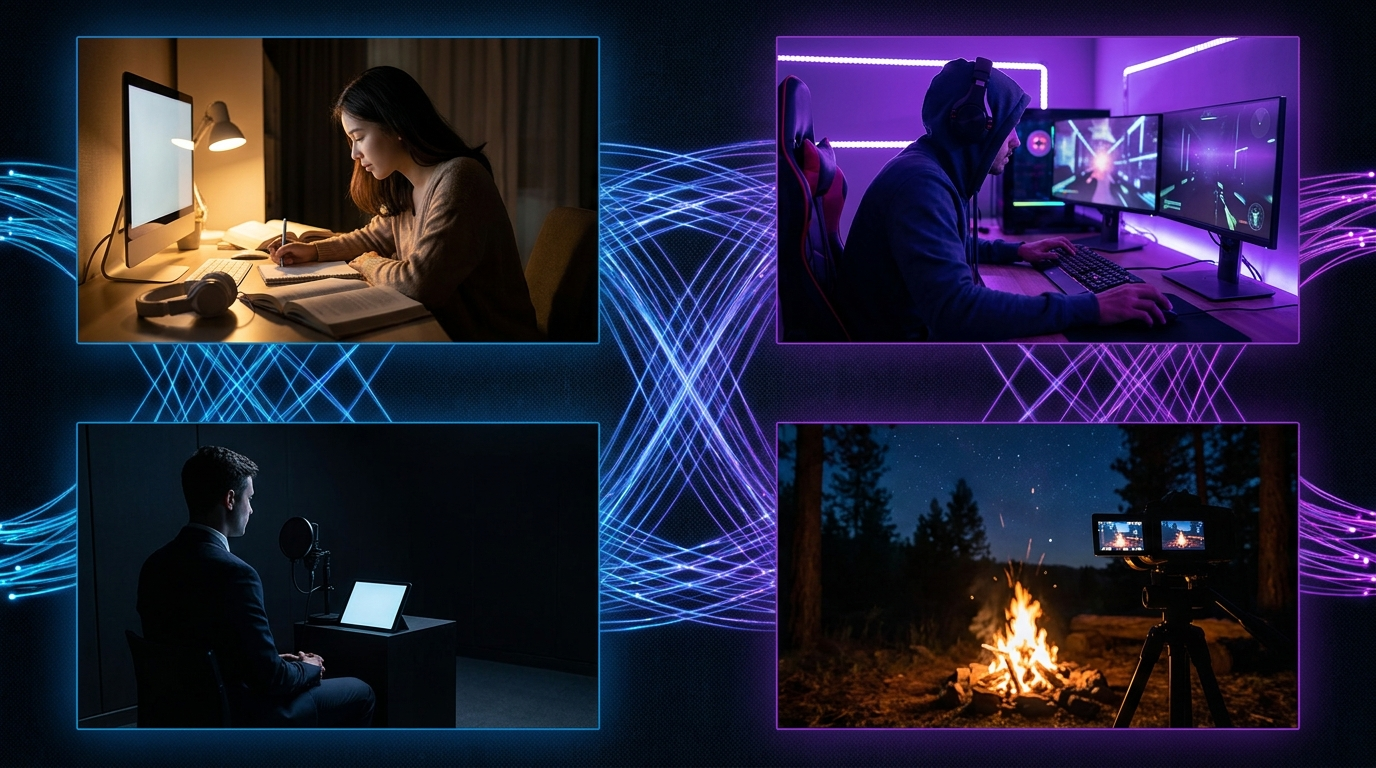
Not every video is equally suited for 24/7 streaming. The best-performing content tends to be ambient, loop-friendly, and niche-specific. Here's what works:
Avoid using copyrighted music without proper licensing. Use royalty-free tracks from Epidemic Sound, Artlist, or create original compositions. Copyright strikes can end your stream and harm your channel.
- Lofi music — the #1 category for 24/7 streams on YouTube. Relaxing, continuous, highly searchable.
- Ambient soundscapes — rain, ocean waves, forest sounds, white noise. Low production cost, high audience retention.
- Study with me streams — popular with students. Long sessions, engaged viewers, great for watch hours.
- Sleep music — targets late-night audience, massive search volume around "sleep music" keywords.
- Meditation & yoga music — growing niche with consistent demand.
- Fireplace / nature visuals — campfire with crackling sound, aquarium streams, seasonal ambience.
Optimizing Your Stream for YouTube's Algorithm
A running stream is only half the battle. To grow, your stream needs to be discoverable. YouTube ranks live content on several signals:
Title & description matter enormously. Include your primary keyword in the first 5 words of your title. Add a comprehensive description (at least 300 words) with naturally placed related keywords. YouTube reads descriptions and uses them for search indexing.
- Use specific, long-tail titles: "Lofi Hip Hop Radio — Study & Chill Beats 24/7" outperforms "Lofi Music Live"
- Set the correct category (Music, Education, Gaming, etc.) — it affects where YouTube surfaces your stream
- Add relevant tags — up to 500 characters, include your main keyword, related terms, and variations
- Upload a custom thumbnail — a branded, high-contrast image dramatically improves click-through rate
- Set privacy to Public from day one — Unlisted streams get no algorithmic distribution
- Enable Super Chat and memberships if eligible — engagement signals boost ranking
Common Mistakes That Kill 24/7 Streams
After helping thousands of creators launch their first 24/7 streams, we've seen the same mistakes appear over and over. Here's what to avoid:
YouCast's auto-restart feature handles YouTube disconnections automatically. If YouTube drops the connection (which happens occasionally), YouCast detects it and restarts your stream within minutes — no manual intervention needed.
- Using copyrighted content without permission — YouTube's Content ID system will claim or mute your stream
- Generic titles like "Live Music" — zero keyword value, gets buried in search
- No thumbnail — YouTube picks a random frame; a custom thumbnail can 3x your CTR
- Starting and stopping the stream — consistency signals matter; keep it running continuously
- Ignoring the description — YouTube can't rank what it can't read; write a real description
- Not connecting YouTube properly — double-check your channel is verified and live streaming is enabled
Start Your 24/7 Stream Today
No PC needed. No OBS. Just upload your video and go live on YouTube — 24/7, from the cloud.