How YouTube's Algorithm Treats Live Streams
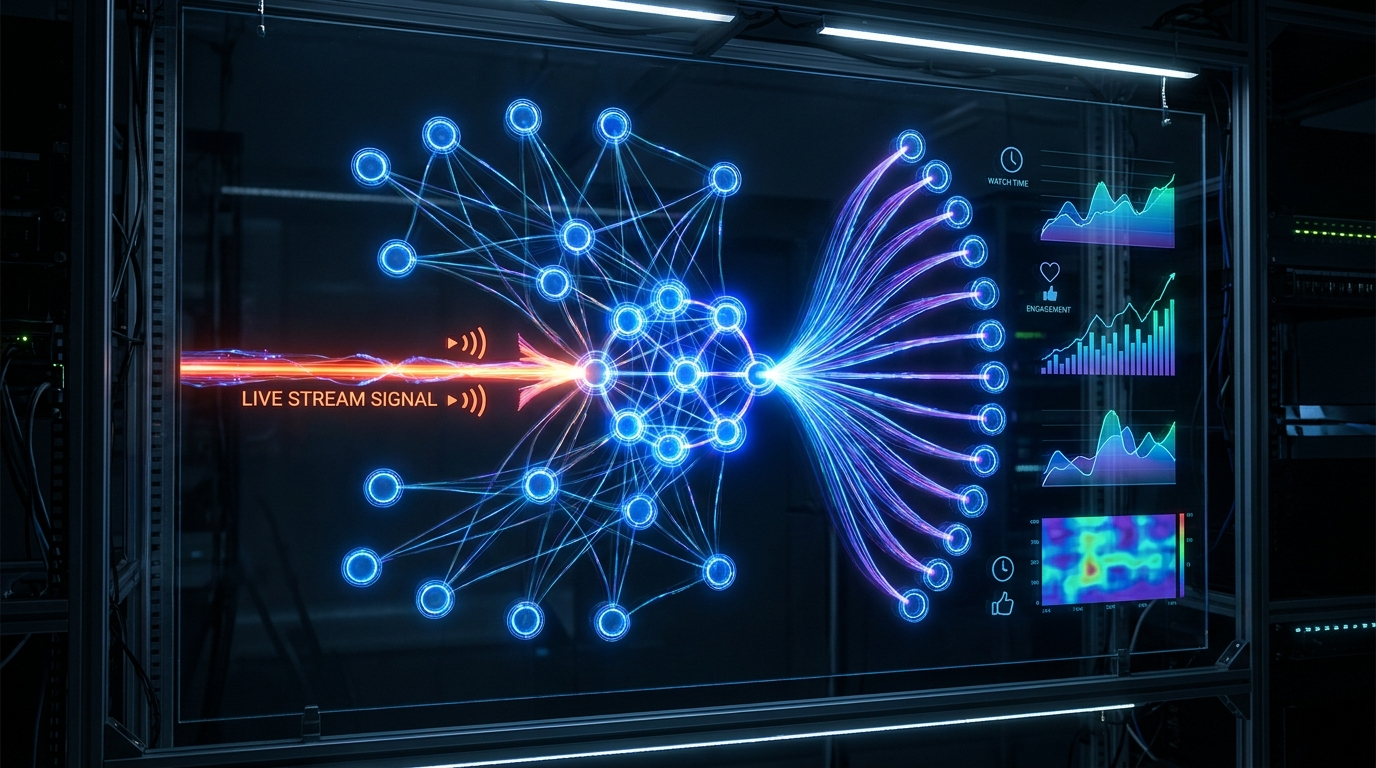
YouTube's algorithm has a built-in bias toward live content. Live streams appear in the Live tab, get priority placement in search results for relevant queries, and are eligible for "Live now" badges in thumbnails — a free attention magnet.
The key metric YouTube uses to distribute live content is Average View Duration. If your average viewer watches for 15+ minutes, YouTube reads that as a strong signal that your content is valuable and surfaces it to more people. This is why content that naturally encourages passive, long-form viewing (lofi music, ambient video, news loops) performs so well — viewers leave it on for hours.
A stream with 20 concurrent viewers watching for 2 hours each generates more algorithmic weight than a VOD video with 200 views at 2 minutes each.
SEO for 24/7 Streams: Titles, Descriptions, and Tags
Your stream title is your primary discovery mechanism. A great 24/7 stream title follows a simple formula: [Content Type] + [Mood/Use Case] + "24/7" + [Live/Radio/Stream].
- Lofi Hip Hop 24/7 — Study & Chill Radio 🎵 Live
- Business News Live — Market Updates 24/7
- Ambient Nature Sounds 24/7 — Sleep & Focus Stream
- Gaming Highlights 24/7 — Best Moments Live
- Christian Worship Music 24/7 — Praise & Prayer Radio
In your description, write 150–300 words in the first fold (before "Show more"). Include your main keyword in the first sentence. Add a timestamp list if your stream has sections. Include links to your other content, social channels, and a call-to-action to subscribe.
Tags still matter for 24/7 streams. Use 8–12 tags mixing broad terms ("24/7 stream," "lofi music") and specific terms ("lofi hip hop radio," "study music 2026").
Custom Thumbnails That Drive Clicks
YouTube automatically uses a frame from your video as the thumbnail for live streams. Upload a custom thumbnail instead — it gets 40–60% more clicks on average.
The best 24/7 stream thumbnails are simple, high-contrast, and communicate the content instantly. Use large, readable text (the title or mood in 3 words). Use a consistent color scheme to build brand recognition across your content.
Add a red "LIVE" badge to your thumbnail image itself (not just relying on YouTube's automatic badge). This increases click-through rates significantly, especially in search results.
Building a Community Around Your Stream
The difference between a channel with 1,000 subscribers and one with 50,000 often comes down to community. Viewers who feel connected to a channel subscribe, return, and evangelize it to others.
Pin a welcome message in your live chat that introduces the stream and tells new viewers what to do: subscribe, set a reminder, follow you on other platforms. Acknowledge new subscribers in the pinned comment periodically — it takes 30 seconds and dramatically increases retention.
Create a Discord server linked from your stream description. Even with 100 members, a Discord community makes your channel feel like a place, not just a feed. Members return to the stream because they're part of something.
Cross-Promotion and Distribution
Your stream's success depends largely on how many people know it exists. YouTube SEO alone is rarely enough in the first 3–6 months. Active distribution is the difference between slow growth and fast growth.
- 1 Post your stream link in niche-specific subreddits (check rules first — many allow self-promotion on specific days or in designated threads)
- 2 Share in relevant Facebook Groups — search for groups around your content type (study music, Christian worship, gaming highlights)
- 3 Embed your live stream on your own website or blog — external traffic sends strong quality signals to YouTube
- 4 Create short clips from your stream for YouTube Shorts, TikTok, or Instagram Reels — cross-platform promotion drives real subscribers
- 5 List your stream on live stream directories and community wikis in your niche
Frequently Asked Questions
Live content gets priority placement in the Live tab, search results, and recommended feeds, and YouTube's algorithm reads long average view duration as a strong quality signal.
Yes — a custom thumbnail typically gets 40–60% more clicks than YouTube's auto-generated frame from your video.
8–12 tags, mixing broad terms (e.g. '24/7 stream') with specific long-tail terms (e.g. 'lofi hip hop radio').
Ready to Apply This?
Start your 24/7 stream today — no PC required, no OBS, no technical setup.