The Real Cost of a Dead Stream: More Than You Think
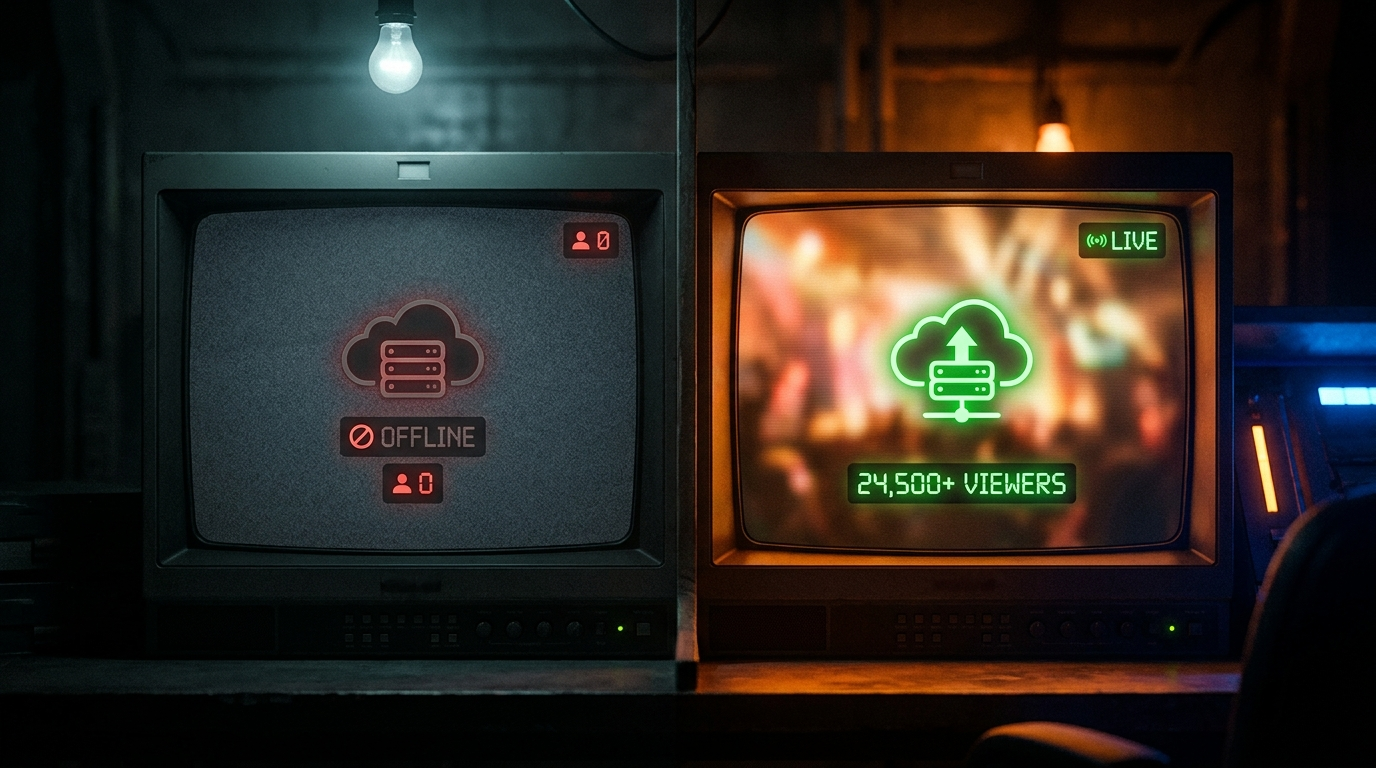
When a 24/7 stream goes offline, the damage is immediate and layered: all concurrent viewers are lost, YouTube removes the stream from live recommendations, the freshness signal resets when you restart.
Quantifying the cost: a stream averaging 200 concurrent viewers that goes offline for 4 hours loses approximately 800 viewer-hours of watch time — equivalent to about 2 weeks of accumulated algorithmic momentum.
YouTube's algorithm penalizes streams that frequently disconnect and restart. Multiple short-duration streams in a 24-hour period signal instability and reduce distribution.
Why 24/7 Streams Go Offline (And What You Can't Control)
Understanding the causes of downtime helps you know which to prevent and which to mitigate. There are two categories: controllable and uncontrollable.
- Controllable: PC crashes, OBS freezes, internet outages on your end, encoder overload
- Controllable: power outages, running out of disk space, antivirus blocking stream processes
- Partially controllable: YouTube server-side disconnections — mitigated with auto-restart
- Uncontrollable: YouTube-side maintenance, policy reviews of content
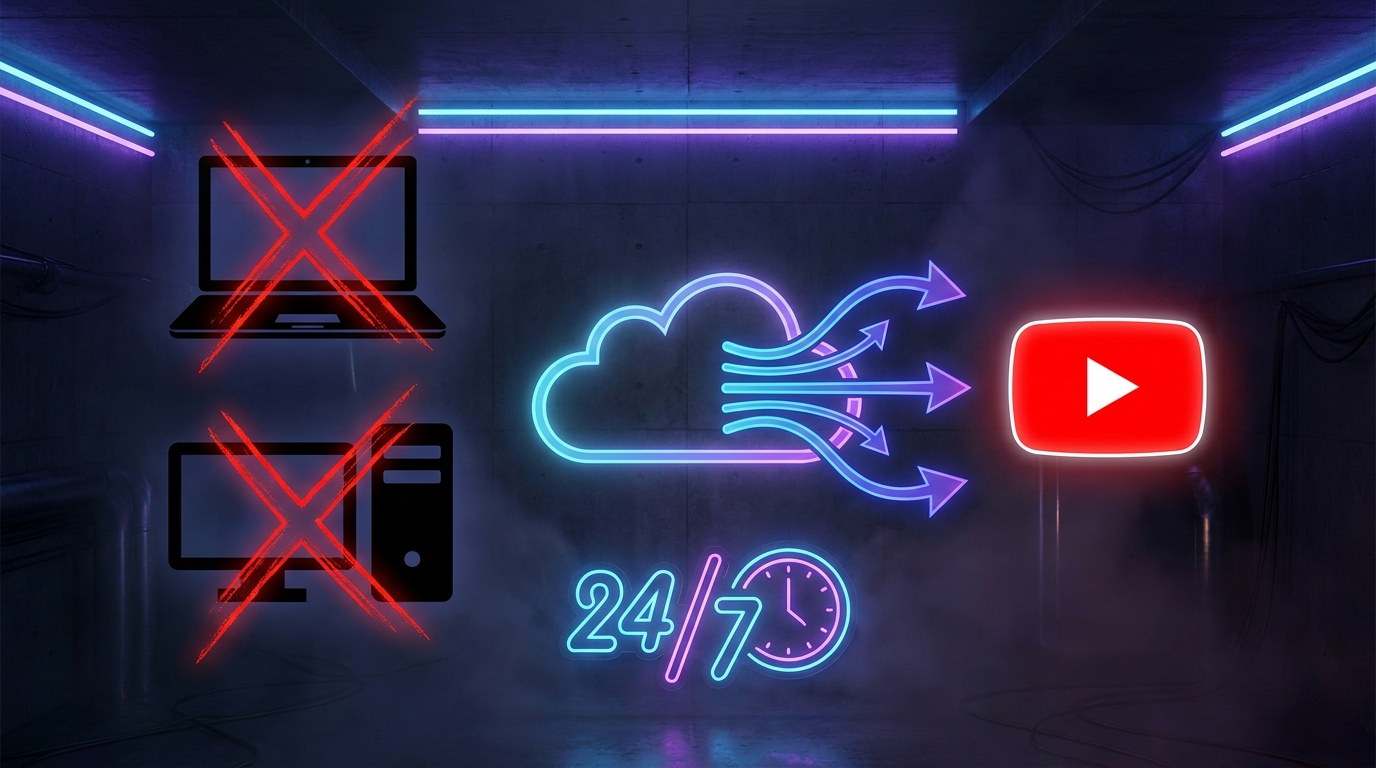
The critical insight: if you're streaming from a local PC, you're exposed to ALL failure points. With YouCast cloud streaming, you eliminate every controllable failure mode entirely.
Auto-Restart Technology: How It Works and Why It Matters
Auto-restart automatically detects when a stream disconnects from YouTube and immediately initiates a new stream with the same settings. When implemented correctly, the gap between stream drop and restart is under 2 minutes.
YouCast's auto-restart monitors the stream connection in real-time. The moment a disconnect is detected, the system automatically queues a restart and relaunches with all original settings intact.
- Detection latency: under 30 seconds from disconnect to detection
- Restart time: typically 60-90 seconds from detection to live
- Settings preserved: title, description, thumbnail, privacy, category
- Concurrent viewer retention: 20-40% of viewers typically rejoin after a short restart
The 99.9% Uptime Strategy for Serious Streamers
Professional 24/7 streaming channels treat uptime with the same seriousness as a business treats server availability:
Channels that maintain 99%+ uptime grow 2-3x faster than those with frequent outages. The algorithmic compounding effect of an always-live stream is one of the most powerful growth mechanisms on YouTube.
- 1 Move to cloud streaming (YouCast) — eliminate all local hardware failure points in a single step.
- 2 Use YouCast's auto-restart feature — handles YouTube-side disconnections automatically.
- 3 Set up YouCast's 7-day auto-restart schedule as a fallback for pre-set restart times.
- 4 Monitor via YouCast dashboard — check stream health metrics weekly.
- 5 Set up uptime alerts with UptimeRobot (free) to notify you via email if the stream goes offline.
Start Your 24/7 Stream Today
No PC needed. No OBS. Just upload your video and go live on YouTube — 24/7, from the cloud.