Why Lofi Is Still the Best Niche for 24/7 Streaming in 2025
The lofi music category on YouTube is often dismissed as "saturated." Monthly search volume for lofi-related terms has grown 40% since 2022. The key is differentiation within the niche.
"Lofi music" as a keyword is competitive. "Lofi hip hop for late night coding" or "dark academia lofi study music" are significantly less competitive and convert better because they match specific search intent.
The top 20 lofi channels on YouTube collectively have over 50 million subscribers. Despite this, new lofi channels with strong SEO regularly reach 10K subscribers within 6 months.
Where to Get Royalty-Free Lofi Music (Legally)
YouTube's Content ID system is aggressive — a single copyright claim can demonetize or terminate your stream. Only use music you have explicit streaming rights to.
Never use music from YouTube's free audio library for live streams — it does not cover live streaming use.
- Epidemic Sound ($15/mo) — massive library, explicit YouTube streaming rights. Recommended for beginners.
- Artlist ($199/year) — premium quality, all-rights licensing including YouTube live.
- Chillhop Music — curated lofi, free for YouTube streaming with attribution.
- Free Music Archive (FMA) — Creative Commons licensed tracks. Filter by CC BY or CC0.
- Produce your own — complete ownership and unique content if you create beats.
Visual Design: The Lofi Aesthetic That Retains Viewers
The visual component creates a space that feels comfortable for extended focus sessions. The most successful lofi visuals share specific characteristics.
Animated loops of 30-60 seconds that repeat seamlessly. The animation is subtle — weather changes, flickering lights, gentle movement.
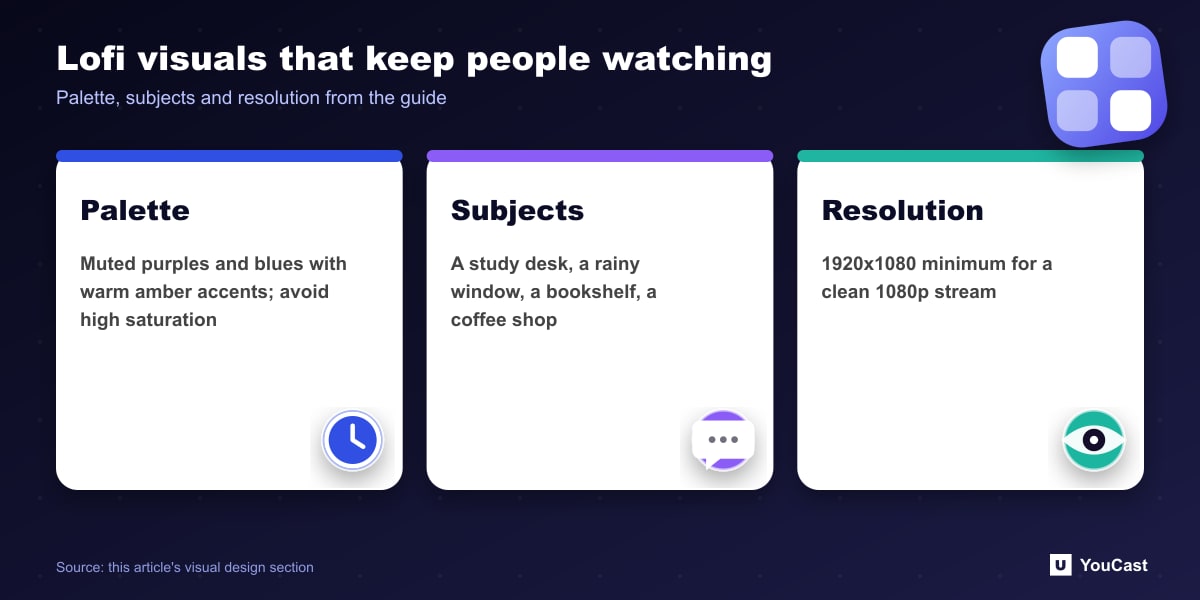
- Color palette: muted purples, blues, warm ambers. Avoid high-saturation colors.
- Subjects: study desk, window with rain, bookshelf, coffee shop — environments associated with focus.
- Sources: Fiverr animators ($50-200), Etsy lofi visual packages ($10-30), PixelCreature animations (free with attribution).
- Resolution: 1920×1080 minimum. YouCast upscales automatically if needed.
Title Strategy: The Formula That Drives Search Traffic
Your stream title is your most important SEO asset. The formula that consistently outperforms for lofi streams:
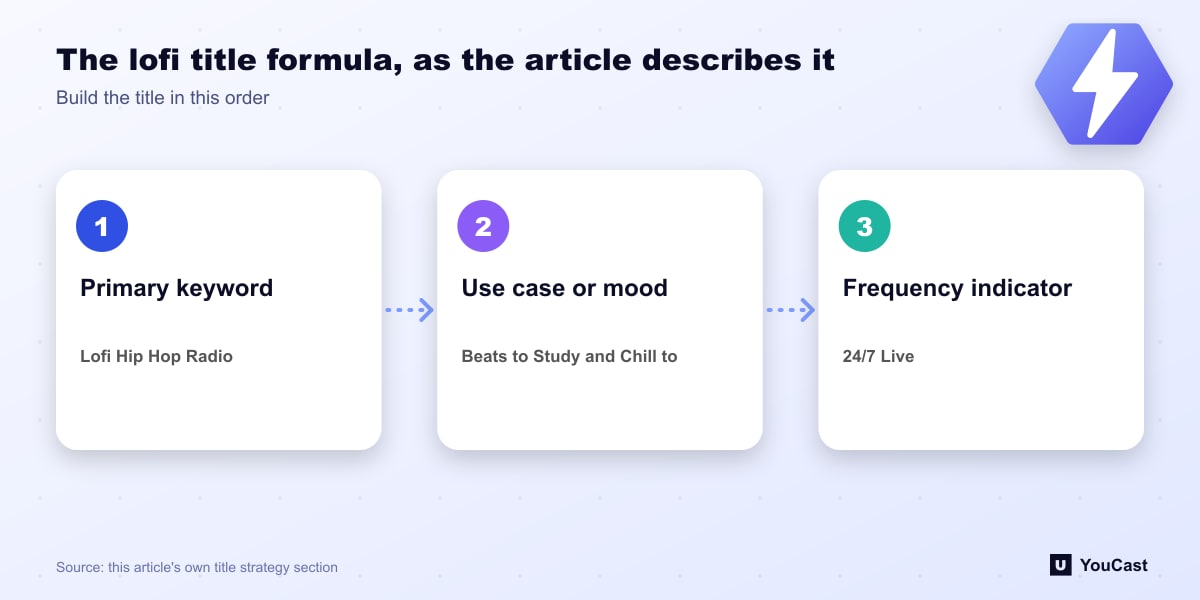
- 1Primary keyword first: "Lofi Hip Hop Radio" — what you want to rank for.
- 2Use case / mood: "— Beats to Study / Relax to" — matches viewer intent.
- 3Frequency indicator: "24/7 Live" — signals always-on availability.
- 4Optional emoji: 🎵 — increases visual scan-ability in search results.
- 5Full example: "Lofi Hip Hop Radio 🎵 — Beats to Study & Chill to • 24/7 Live"
Launch Day: The First 48 Hours That Set Your Trajectory
The first 48 hours are critical. YouTube is gathering initial data. Give it the best possible signals from day one.
YouCast handles the technical side completely — stream reliability, auto-restart, seamless looping. You focus entirely on marketing while YouCast keeps your stream live 24/7.
- Post in r/LofiHipHop, r/StudyWithMe, r/CHILL on Reddit on launch day
- Share in Discord servers: lofi music, study, productivity communities
- Ask friends and family to watch for 30+ minutes each
- Monitor chat actively for the first 4 hours — respond to every message
- Check YouTube Studio hourly on day 1 to track traffic sources
Build It in YouCast
YouCast turns the videos you upload into a 24/7 live stream that runs from the cloud, to YouTube and, with a stream key, to Twitch, Kick and Instagram, so there is no encoder to configure, no computer to keep awake and no home upload line to saturate.
For a lofi radio, upload your tracks and visuals as a playlist in YouCast and let it loop in the cloud, so the stream keeps playing when your computer is off. Only use music you own or have licensed.
You can try one stream on the free trial and add more streams as the channel grows.
Further reading
- YouTube Help: Get started with live streaming — Official overview of live streaming on YouTube
- YouTube Help: Choose live encoder settings, bitrates, and resolutions — The ingestion settings table
- YouTube Help: YouTube Partner Program overview & eligibility — Thresholds and benefits
- YouTube Help: YouTube channel monetization policies — What reviewers check
Start Your 24/7 Stream Today
No PC needed. No OBS. Just upload your video and go live on YouTube — 24/7, from the cloud.