How a Claim Happens
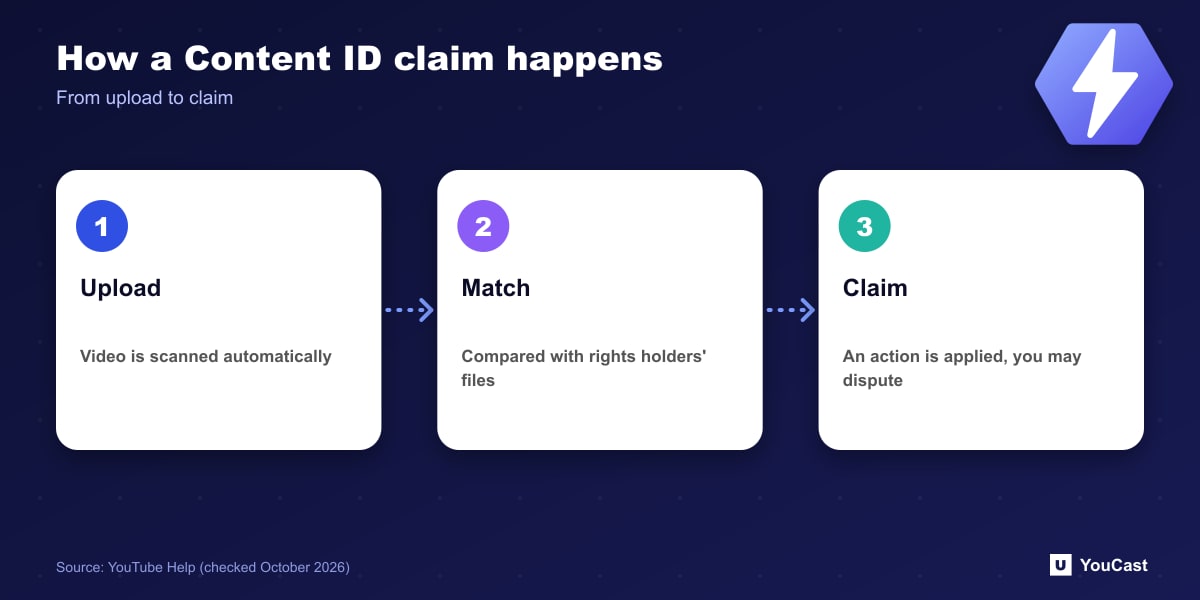
YouTube describes Content ID as a system that automatically scans videos uploaded to YouTube. If it finds a match with material a rights holder has submitted, the matching video receives a Content ID claim.
What a Claim Can Do
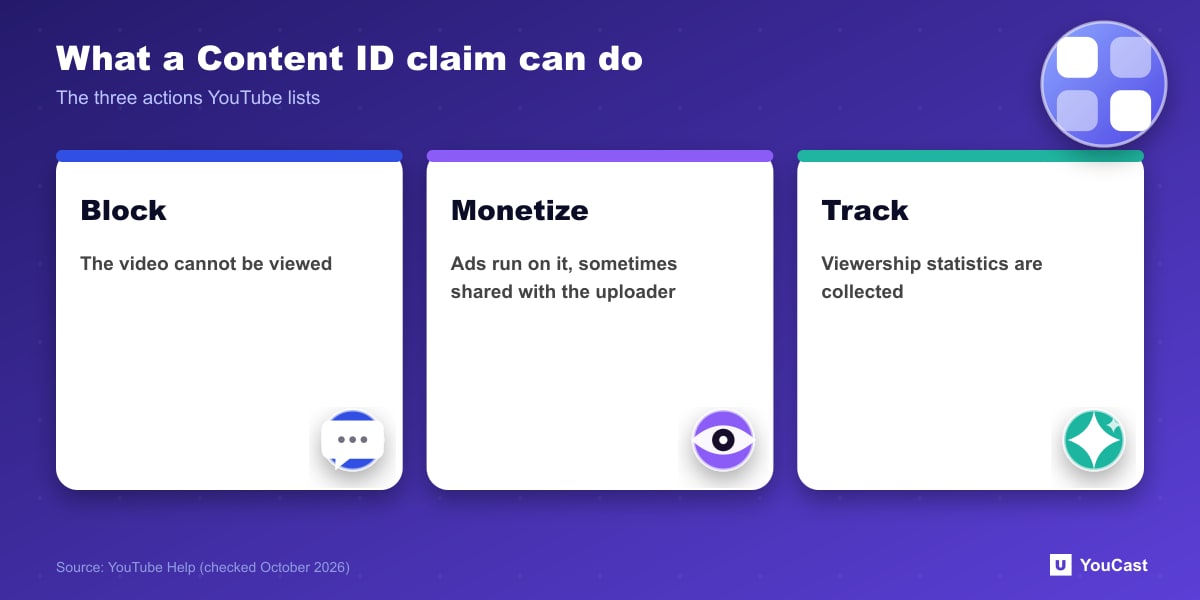
Depending on the copyright owner's Content ID settings, a claim results in one of three actions:
YouTube notes that any of these actions can be geography-specific. A video can be monetized in one country or region and blocked in another.
- Blocks the video from being viewed.
- Monetizes the video by running ads against it, and sometimes shares revenue with the uploader.
- Tracks the video's viewership statistics.
Disputes and Erroneous Claims
YouTube has a dispute process for claims, and says that claimants who repeatedly make erroneous Content ID claims can have their Content ID access disabled and their partnership with YouTube terminated. Claims and disputes are monitored on an ongoing basis.
Live Streams
YouTube has a separate help page titled "Copyright issues with live streams". We have not summarized it here, because the page we checked did not show the live-specific rules. Read that page directly before streaming music or video you did not create.
The practical point for a 24/7 channel is that every video in the stream can carry its own rights risk. Use music and footage you own or have licensed.
Keeping a YouCast Stream Compliant
YouCast turns the videos you upload into a 24/7 live stream that runs from the cloud, to YouTube and, with a stream key, to Twitch, Kick and Instagram, so there is no encoder to configure, no computer to keep awake and no home upload line to saturate.
Every video in a YouCast playlist can carry its own rights risk. Upload music and footage you own or have licensed, and keep your licences with the files.
You can try one stream on the free trial and add more streams as the channel grows.
Sources
- YouTube Help: How Content ID works — checked October 2026; YouTube also has a separate page on copyright issues with live streams
Further reading
- YouTube Help: Get started with live streaming — Official overview of live streaming on YouTube
- YouTube Help: Choose live encoder settings, bitrates, and resolutions — The ingestion settings table
- YouTube Help: YouTube Partner Program overview & eligibility — Thresholds and benefits
- YouTube Help: YouTube channel monetization policies — What reviewers check
Start Your 24/7 Stream Today
No PC needed. No OBS. Just upload your video and go live on YouTube — 24/7, from the cloud.