How Partners Earn
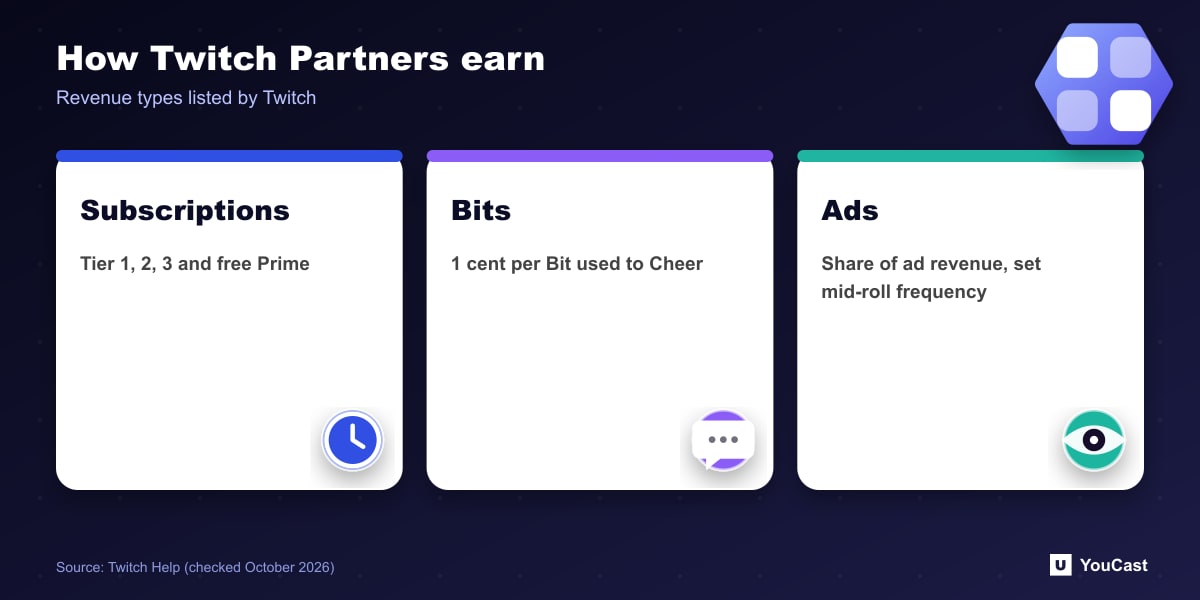
- Channel subscriptions: Tier 1, Tier 2, Tier 3 and the Prime free subscription. Revenue per subscription may vary depending on the subscriber's country.
- Bits: viewers buy Bits to Cheer. Twitch says it shares revenue with participating Partners equal to 1 cent per Bit used to Cheer for them.
- Ads: Partners earn a share of ad revenue on their channel and can set the length and frequency of mid-roll ads in their dashboard.
Special Features
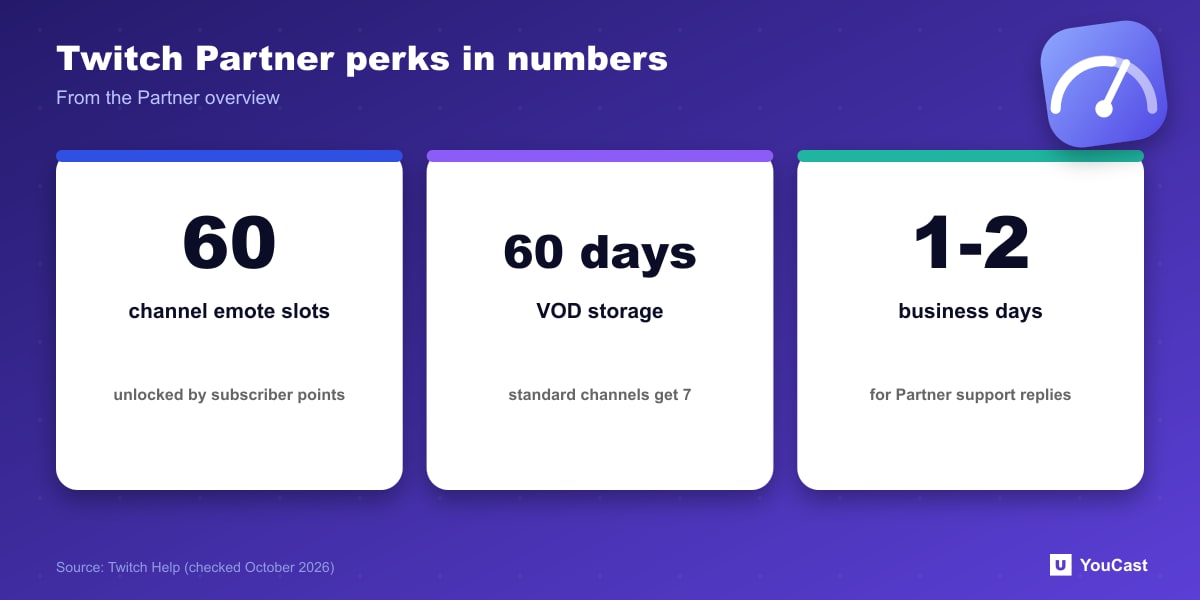
- Up to 60 channel emotes, unlocked based on subscriber points, plus a custom emote prefix and custom chat and Bit badges.
- Two lifetime channel subscriptions for a chatbot, and up to 3 more for friends and family unlocked by subscriber totals.
- Subscriber Streams for subscribers, VIPs and moderators.
- A dedicated Partner support team; Twitch says to expect a reply within 1 to 2 business days.
VODs, Reruns and Premieres
Partners have VODs stored for 60 days compared with the standard 7 days. Twitch notes that 7-day storage (formerly 14 days) applies from September 1, 2022 to channels that are not a Partner, Affiliate, Amazon Prime or Twitch Turbo user.
Partners can also use Reruns and Premieres, which Twitch describes as a way to rebroadcast past content and show new videos to the audience. For creators who work with pre-recorded material, that is the Twitch feature closest to a scheduled replay.
The overview page lists who qualifies in a separate section. This article covers the benefits, so check the Twitch page for the current qualification criteria.
Where YouCast Fits in a Revenue Plan
YouCast turns the videos you upload into a 24/7 live stream that runs from the cloud, to YouTube and, with a stream key, to Twitch, Kick and Instagram, so there is no encoder to configure, no computer to keep awake and no home upload line to saturate.
Reruns and Premieres are a Partner perk on Twitch, but any channel can run an always-on stream of pre-recorded video through YouCast with a Twitch stream key. Check Twitch's rules for rebroadcast content and label it as the platform asks.
You can try one stream on the free trial and add more streams as the channel grows.
Sources
- Twitch Help: Twitch Partner Program Overview — checked October 2026
Further reading
- Twitch Help: Broadcasting Guidelines — Official broadcast rules
- Twitch Help: Joining the Affiliate Program — Affiliate requirements
- Twitch Help: Simulcasting Guidelines FAQ — Multistream rules
Start Your 24/7 Stream Today
No PC needed. No OBS. Just upload your video and go live on YouTube — 24/7, from the cloud.