Where the Key Is
Twitch calls it your authorization key: it uniquely identifies your stream as it enters Twitch's ingest system. Get it from the Creator Dashboard: Settings, then Stream. Unless it is reset, you should not need to re-enter it each time you go live. Never share it or show it on stream.
Streaming from the Twitch app on iOS or Android does not require a stream key.
Resetting the Key
You can reset the key at any time from the same Stream settings page. Twitch says refreshing it changes the key for yourself only and does not invalidate Authorized Streamers' guest keys. The key is also reset each time you change your password, and in cases of account takeover Twitch may reset your password and key.
Guest Stream Keys
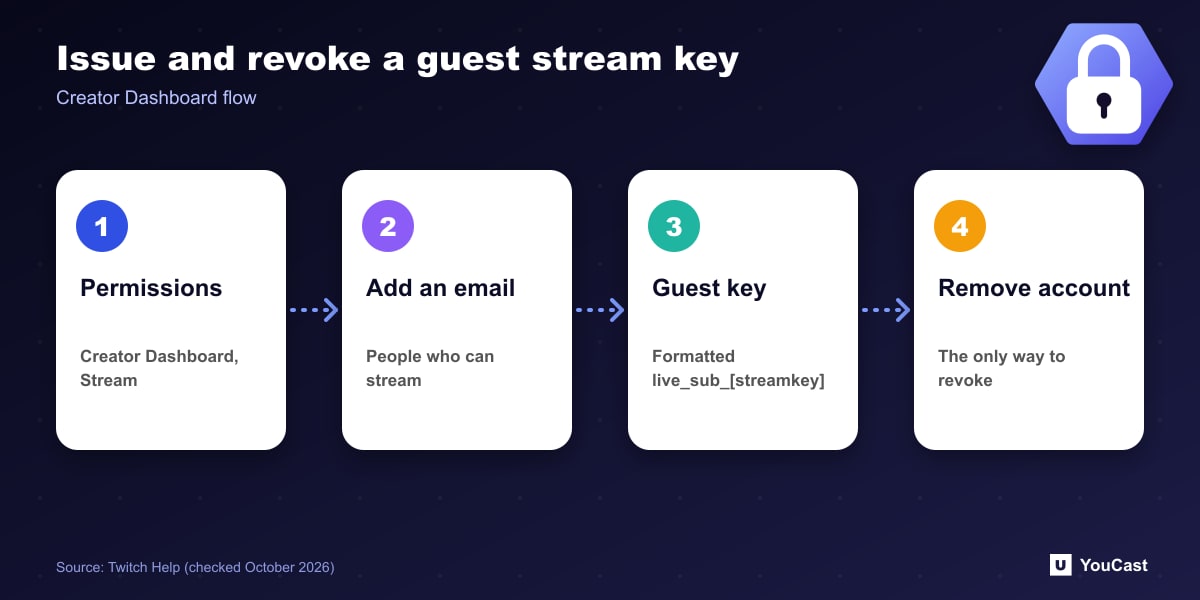
Twitch does not recommend sharing your stream key with anyone, even though some channels need to be run jointly. Use guest keys instead.
- 1In the Creator Dashboard stream settings, open Permissions.
- 2Choose People who can stream to your channel and enter their email (check the address).
- 3The recipient gets a guest key formatted like live_sub_[streamkey].
- 4To invalidate a guest key, remove that authorized account. That is the only way.
The RTMP URL Format
Each broadcast uses an RTMP URL of the form rtmp://TWITCH-INGEST-SERVER/app/STREAM-KEY. The ingest server identifies the Twitch server receiving the stream, for example live.twitch.tv, and most broadcasters do not need to set it manually. The valid values are listed on Twitch's ingest recommendation page.
Skip the Setup With YouCast
YouCast turns the videos you upload into a 24/7 live stream that runs from the cloud, to YouTube and, with a stream key, to Twitch, Kick and Instagram, so there is no encoder to configure, no computer to keep awake and no home upload line to saturate.
In YouCast you paste your Twitch server URL and stream key into the stream, and the cloud does the rest. Keep any key private, as Twitch advises, and reset it from the Creator Dashboard if it leaks.
You can try one stream on the free trial and add more streams as the channel grows.
Sources
- Twitch Help: Twitch Stream Key FAQ — checked October 2026
Further reading
- Twitch Help: Broadcasting Guidelines — Official broadcast rules
- Twitch Help: Twitch Partner Program Overview — Partner requirements and benefits
- Twitch Help: Joining the Affiliate Program — Affiliate requirements
- Twitch Help: Simulcasting Guidelines FAQ — Multistream rules
Start Your 24/7 Stream Today
No PC needed. No OBS. Just upload your video and go live on YouTube — 24/7, from the cloud.