Help Google Find the Video
Google says it can find videos referenced by a video, embed, iframe or object element. Do not use fragment identifiers to load the video, check that JavaScript-injected videos appear in the rendered HTML in the URL inspection tool, and do not rely on swiping, clicking or typing to load it.
- Use a standard HTML element for the video.
- Make sure it appears in rendered HTML.
- Give Google metadata through structured data, a video sitemap or the Open Graph protocol.
Indexing Requirements
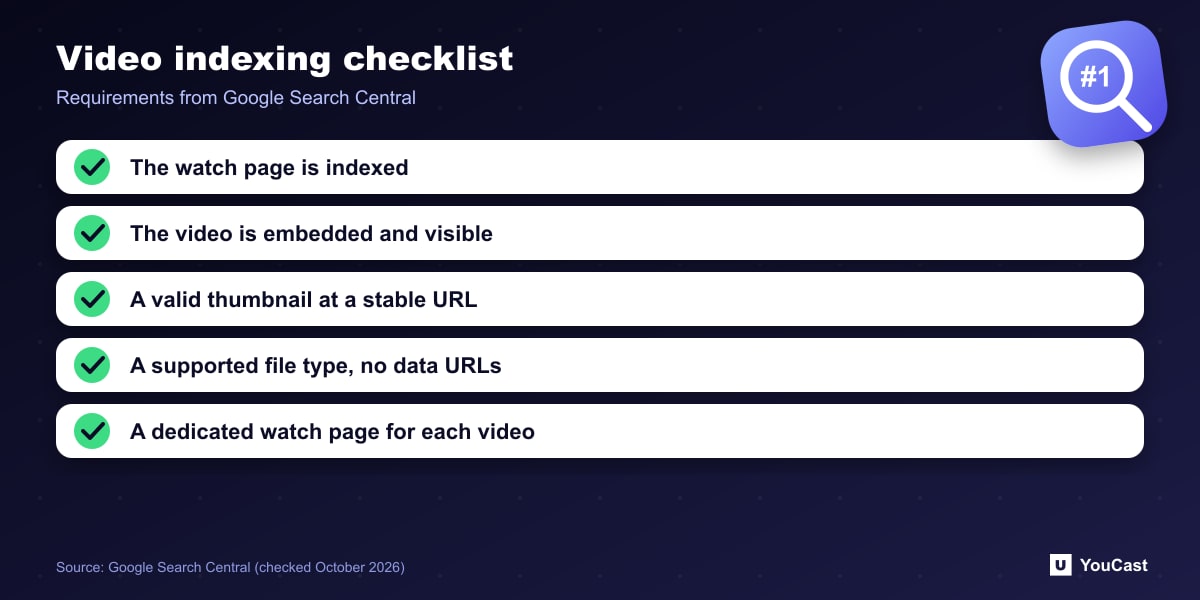
- The watch page must be indexed and performing well in Search before its video can be considered; an indexed page does not guarantee the video is indexed.
- The video must be embedded on the page and not hidden behind other elements.
- It needs a valid thumbnail at a stable URL, because quickly expiring CDN URLs can prevent indexing.
- Use a supported file type such as MP4, WebM, MOV, M3U8 or MKV. Data URLs are not supported.
A Dedicated Watch Page
To be eligible for video results, Key Moments, the Live Badge and other rich formats, Google recommends a dedicated watch page for each video where it makes sense. A watch page exists mainly to show a single video, such as a landing page or a sports highlight page.
A blog post that reviews an embedded video, or a category page listing many videos of equal prominence, is not a watch page. Those can still appear as a text result and as a Google Image result with a video badge.
Embedding YouTube on Your Own Site
Google says it may index the video both on your page and on the third-party platform's page, and both can appear in video features if they meet the criteria. For your own watch page, it still recommends structured data, and optionally a video sitemap. Our reading: embed a stream on a dedicated page with a unique title and description, not as an add-on in a long post.
Put This Into Practice With YouCast
YouCast turns the videos you upload into a 24/7 live stream that runs from the cloud, to YouTube and, with a stream key, to Twitch, Kick and Instagram, so there is no encoder to configure, no computer to keep awake and no home upload line to saturate.
A YouTube stream started from YouCast has its own watch page. Embed it on a dedicated page of your site with a unique title and description, as described above.
You can try one stream on the free trial and add more streams as the channel grows.
Sources
- Google Search Central: Video SEO best practices — checked October 2026
Further reading
- Google Search Central: How to write meta descriptions — Snippets and descriptions
- Google Search Central: Influencing title links in Google Search — Titles that get shown
- Google Search Central: Creating helpful, reliable, people-first content — What Google rewards
- Google Search Central: Image SEO best practices — Alt text, file names and formats
Start Your 24/7 Stream Today
No PC needed. No OBS. Just upload your video and go live on YouTube — 24/7, from the cloud.