In short
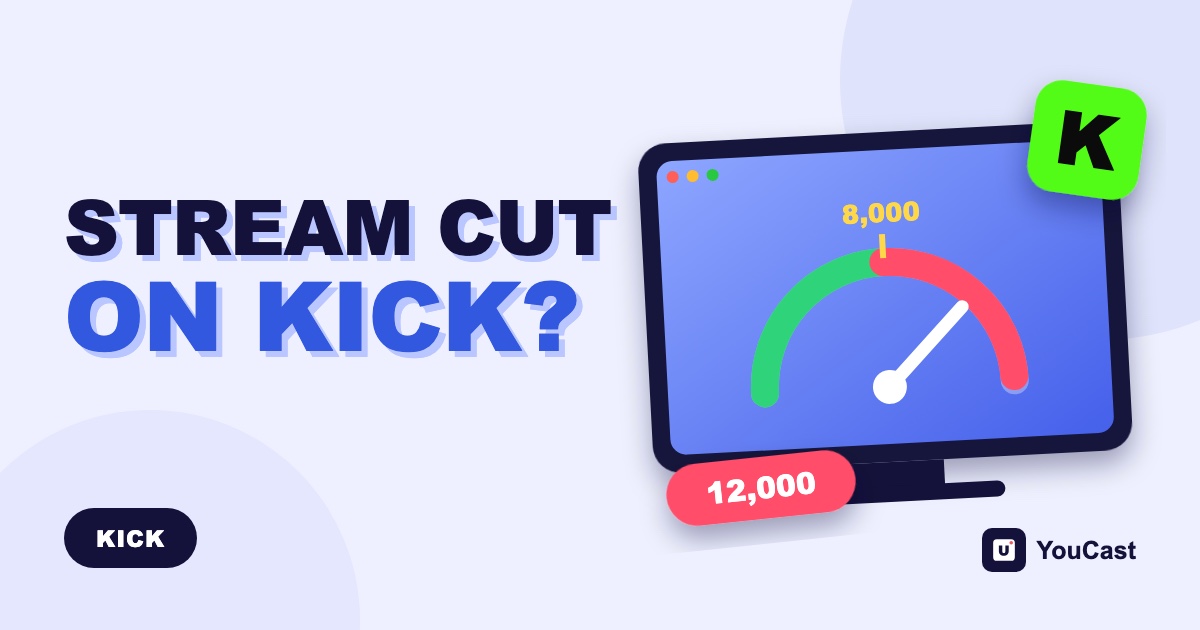
A correct stream key is not enough if the video bitrate is above KICK’s 8,000 kbps limit. In the case we saw, Kick closed the connection about 10 seconds after it started and marked the channel Misconfigured; the timing and the label are our observation, not a KICK statement. Re-export the video under the limit.
What We Saw
A creator started a 24/7 stream to Kick with YouCast. The Kick server URL and the stream key were correct, and the connection to Kick succeeded. About 10 seconds later Kick closed the connection and marked the channel as "Misconfigured", so the stream would not stay live.
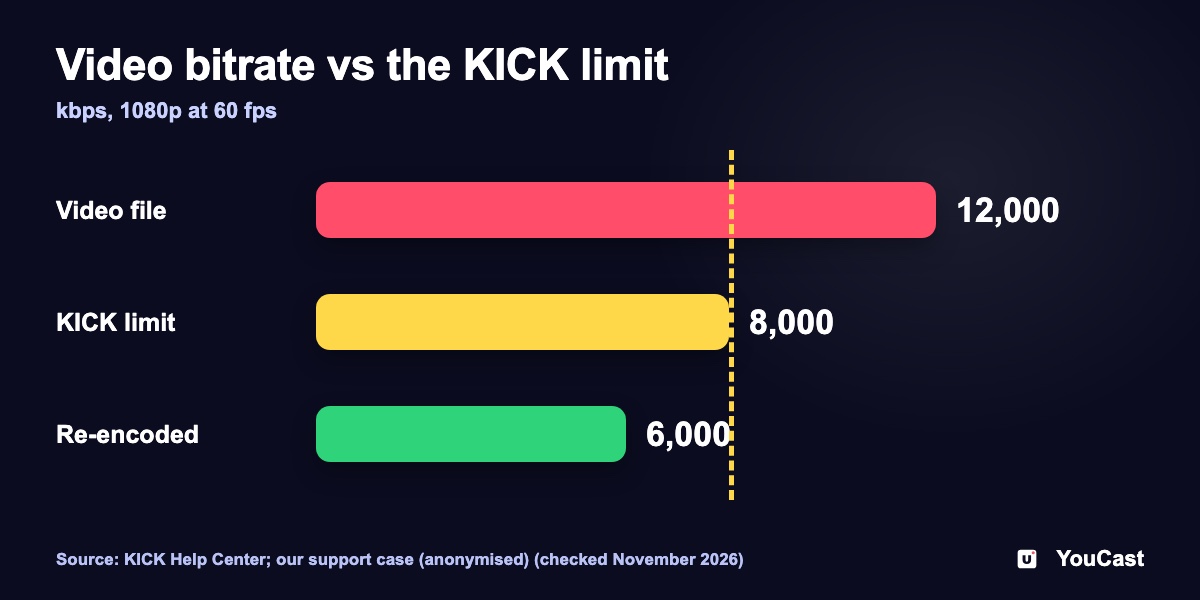
We checked the logs and then the video. It was a 1080p, 60 fps file with a bitrate of about 12 Mbps, which is about 12,000 kbps. That is above the 8,000 kbps limit that KICK documents.
We re-encoded the same video to about 6 Mbps at the same 1080p and 60 fps. The stream then stayed live on Kick without interruptions. We also tested the new file on our own Kick channel, and it streamed without interruptions.
The case is anonymised. KICK documents the bitrate limit, but not the 10 second timing or the "Misconfigured" label, so those are what we observed, not a KICK statement.
What KICK Documents
KICK's help center lists the limits a stream must stay inside. For video and audio they are:
- Encoder: x264 or H.264 only. H.265 is not supported.
- Rate control: CBR only. Variable bitrate is not supported.
- Maximum bitrate: 8,000 kbps.
- Maximum resolution 1920x1080 and maximum 60 fps.
- Audio: stereo, 48 kHz at most.
KICK says that if a requirement is wrong, the stream will fail to connect or be rejected after starting. It does not say what exactly happens above 8,000 kbps. The link between our case and the limit is therefore our interpretation: the bitrate was the only value outside KICK's limits, and the stream stayed live once we lowered it.
Why a Video File Can Cause It
When you stream a pre-recorded video, the bitrate of the file matters, not the settings of an encoder on your computer. A video exported with a "high quality" preset, or one that came straight from a camera or phone, can be well above 8,000 kbps even at 1080p.
Watch the units. Video tools often show Mbps, while KICK states kbps: 8 Mbps is 8,000 kbps, so a 12 Mbps file is 12,000 kbps.
KICK's guidance for its Go Live app lists 6,000 to 8,000 kbps for 1080p at 60 fps, and warns that a high bitrate causes more problems than it solves if the connection cannot sustain it. In the case above we used about 6,000 kbps.
How to Fix It
- 1Check the bitrate of your video file. Our guide shows how, with free tools.
- 2If it is above 8,000 kbps, re-export the video at about 6,000 kbps. Keep 1080p and 60 fps or lower, H.264 video and AAC stereo audio.
- 3Upload the new file, stop the stream, choose the new video in the stream settings and start it again.
- 4Watch the first minutes on Kick. If the channel still drops, contact support with your username, the time of the failure and the video's resolution, frame rate and bitrate.
How to Check a Video's Bitrate and Re-Export It for Kick
Step by step with free tools.
KICK OBS Settings: CBR and 8,000 kbps
The limits and presets in detail.
KICK Stream Not Connecting or Lagging
KICK's own checklist.
Start Streaming with YouCast
Upload your videos once and stream them 24/7 from the cloud.
Frequently asked questions
Why did Kick close my stream after about 10 seconds even though the stream key was correct?
A correct stream key is not enough if the video bitrate is above KICK’s 8,000 kbps limit. In the case we saw, Kick closed the connection about 10 seconds after it started and marked the channel Misconfigured.
Does KICK document the 10 seconds and the Misconfigured label?
No. KICK documents the bitrate limit but not the timing or the label, so those are what we observed, not a KICK statement.
How do I fix it?
Check the bitrate of the video file and re-export it under 8,000 kbps. The article explains the steps, and our how-to covers checking and re-exporting.
Skip the Setup With YouCast
YouCast turns the videos you upload into a 24/7 live stream that runs from the cloud, to YouTube and, with a stream key, to Twitch, Kick and Instagram, so there is no encoder to configure, no computer to keep awake and no home upload line to saturate.
Check the bitrate of every video you plan to send to Kick before you upload it. YouCast streams the uploaded video from the cloud, so a file that is inside KICK's limits is the safest start.
You can try one stream on the free trial and add more streams as the channel grows.
Sources
- KICK Help Center: How to stream on KICK.com — checked November 2026
- KICK Help Center: OBS or Streamlabs not connecting to KICK — checked November 2026
- KICK Help Center: Settings and stream quality on the KICK Go Live app — checked November 2026
Further reading
- KICK Help Center: Understanding KICK's revenue split — The 95/5 split
- KICK Help Center: KICK payout schedule, thresholds, and methods — How payouts work
- OBS Studio: Quick start guide — Free streaming software documentation
Start Your 24/7 Stream Today
No PC needed. No OBS. Just upload your video and go live on YouTube — 24/7, from the cloud.