In short
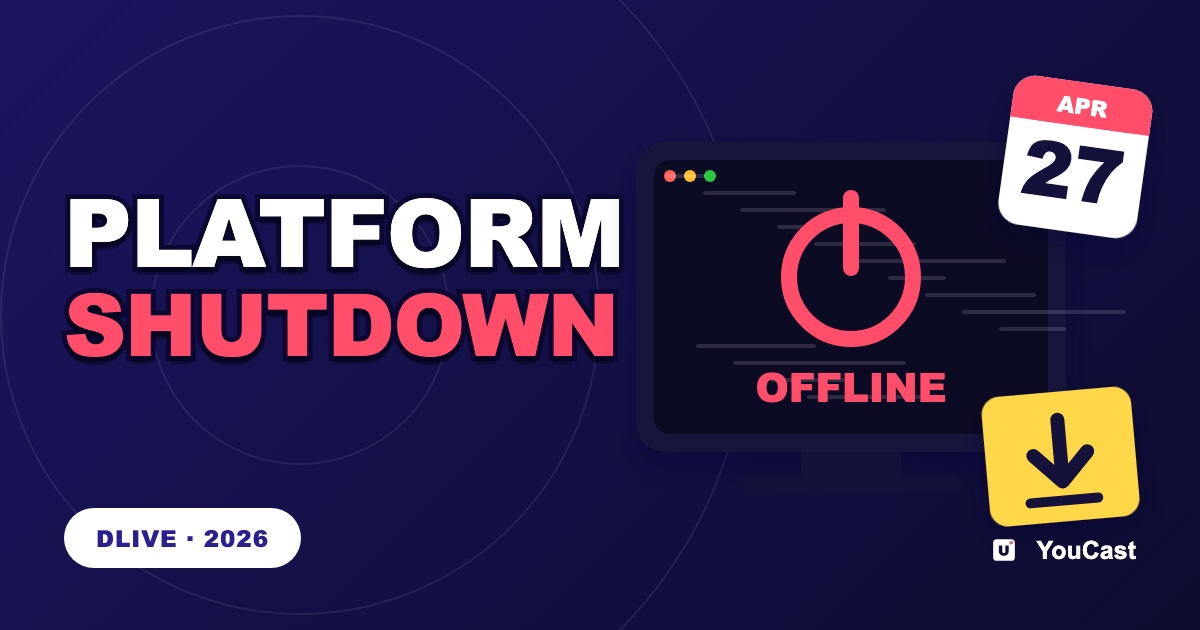
DLive announced on 7 April 2026 that it would close by the end of the month and asked users to withdraw funds and download their content. The lesson for a 24/7 channel is not to depend on a single platform and to keep your own copies of your content; the article explains how.
What Happened
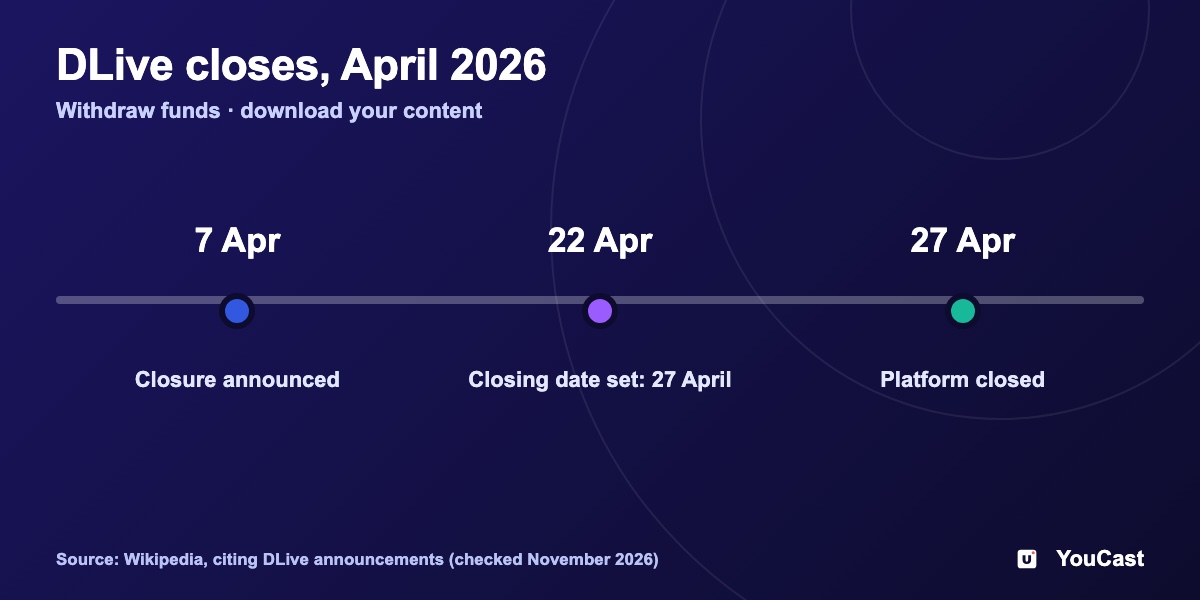
- On 7 April 2026 DLive announced that it would close its platform by the end of the month.
- On 22 April it gave 27 April as the closing date.
- Users were asked to withdraw any cryptocurrency held on the platform and to download content stored there before the deadline.
- The sources we read give no reason for the closure. The site now shows a short farewell page.
What It Teaches a 24/7 Channel
The lessons below are our reading of the case, not statements from DLive.
- 1Keep original copies of every video you stream. A platform's archive is not a backup.
- 2Do not leave money or tokens on a platform. Withdraw on a schedule.
- 3Do not depend on one platform for a channel that earns. Keep an account on a second destination.
- 4Keep your titles, descriptions and thumbnails as files, so you can set up a channel elsewhere quickly.
Frequently asked questions
When did DLive announce its closure?
On 7 April 2026, DLive announced that it would close by the end of the month.
What did DLive ask its users to do?
To withdraw their funds and download their content.
How can a 24/7 channel protect itself from a platform shutdown?
The article has a section on this. The core idea is not to depend on a single platform and to keep your own copies of your content.
What It Means for a YouCast Channel
YouCast turns the videos you upload into a 24/7 live stream that runs from the cloud, to YouTube and, with a stream key, to Twitch, Kick and Instagram, so there is no encoder to configure, no computer to keep awake and no home upload line to saturate.
YouCast keeps your source videos in your own storage plan, separate from any platform, so a stream can go to another destination with a stream key. Moving an audience is harder than moving files.
You can try one stream on the free trial and add more streams as the channel grows.
Sources
- Wikipedia: DLive (citing the platform's own closure announcements) — checked November 2026
Further reading
- YouTube Help: Get started with live streaming — Official overview of live streaming on YouTube
- YouTube Help: Choose live encoder settings, bitrates, and resolutions — The ingestion settings table
- YouTube Help: YouTube Partner Program overview & eligibility — Thresholds and benefits
- YouTube Help: YouTube channel monetization policies — What reviewers check
Start Your 24/7 Stream Today
No PC needed. No OBS. Just upload your video and go live on YouTube — 24/7, from the cloud.