If the Encoder Will Not Connect
KICK says the cause is usually an incorrect stream key, settings that do not match its requirements, or something on your computer blocking the connection. In order of likelihood:
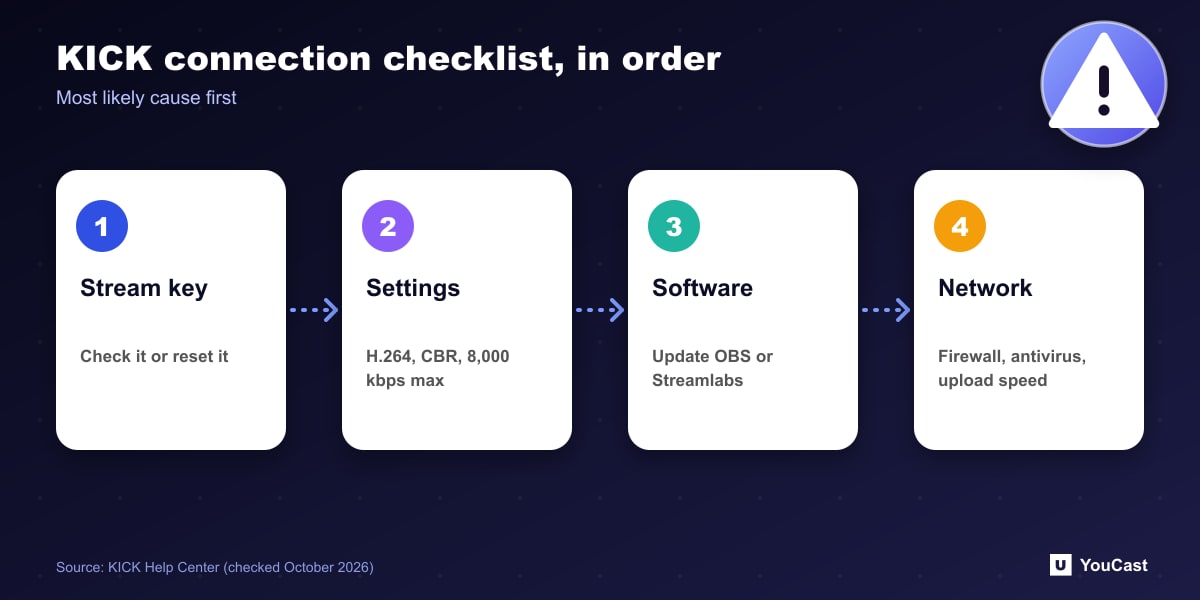
- Stream key: copy it from Channel, then Stream URL and Key, or reset it. KICK does not save the old key.
- Settings: x264 or H.264, CBR, 8,000 kbps maximum, 1920x1080 and 60 fps maximum, stereo audio at 48 kHz at most.
- Software: update OBS or Streamlabs, since older versions can break as KICK updates its infrastructure.
- Network: temporarily disable antivirus to test, check the firewall, and note that school or corporate networks may block streaming ports.
If the Stream Lags
First check KICK's System Status page. If it is running normally, check your upload speed: KICK says it should be at least twice your stream's bitrate, so a 6,000 kbps stream needs at least 12 Mbps. A wired connection is almost always more stable than Wi-Fi.
In OBS, watch the dropped frame count at the bottom right. If it keeps rising, your bitrate is too high for the connection or the network is unstable.
What to Adjust
Streamlabs Desktop has a built-in KICK integration, which KICK suggests if OBS keeps failing. You still set the stream title manually on KICK after going live.
- 1Lower the bitrate by 1,000 kbps and test again.
- 2Lower the resolution or frame rate. KICK says a clean 720p 30 fps stream looks better than a stuttering 1080p 60 fps one.
- 3If CPU use is regularly above 90%, close other apps or use a lighter preset: Superfast for x264, or P3 Fast for NVENC and AMD.
- 4Restart the stream, the encoder and the router.
When to Contact Support
KICK asks you to include your streamer username, the encoder and its version, the exact error message, your operating system, and for lag the date and time, your bitrate and resolution and a speed test result. For YouTube and Twitch equivalents, see the guides below.
Skip the Setup With YouCast
YouCast turns the videos you upload into a 24/7 live stream that runs from the cloud, to YouTube and, with a stream key, to Twitch, Kick and Instagram, so there is no encoder to configure, no computer to keep awake and no home upload line to saturate.
Lag and connection problems usually come from your own line and encoder. In YouCast you paste the Kick server URL and stream key into a stream and the cloud does the sending, so neither is involved.
You can try one stream on the free trial and add more streams as the channel grows.
Sources
- KICK Help Center: OBS or Streamlabs not connecting to KICK — checked October 2026
- KICK Help Center: Why is my stream lagging or buffering on KICK? — checked October 2026
Further reading
- KICK Help Center: How to stream on KICK.com — Setup and encoder settings
- KICK Help Center: Understanding KICK's revenue split — The 95/5 split
- KICK Help Center: KICK payout schedule, thresholds, and methods — How payouts work
- OBS Studio: Quick start guide — Free streaming software documentation
Start Your 24/7 Stream Today
No PC needed. No OBS. Just upload your video and go live on YouTube — 24/7, from the cloud.