What Super Chat and Super Stickers Are
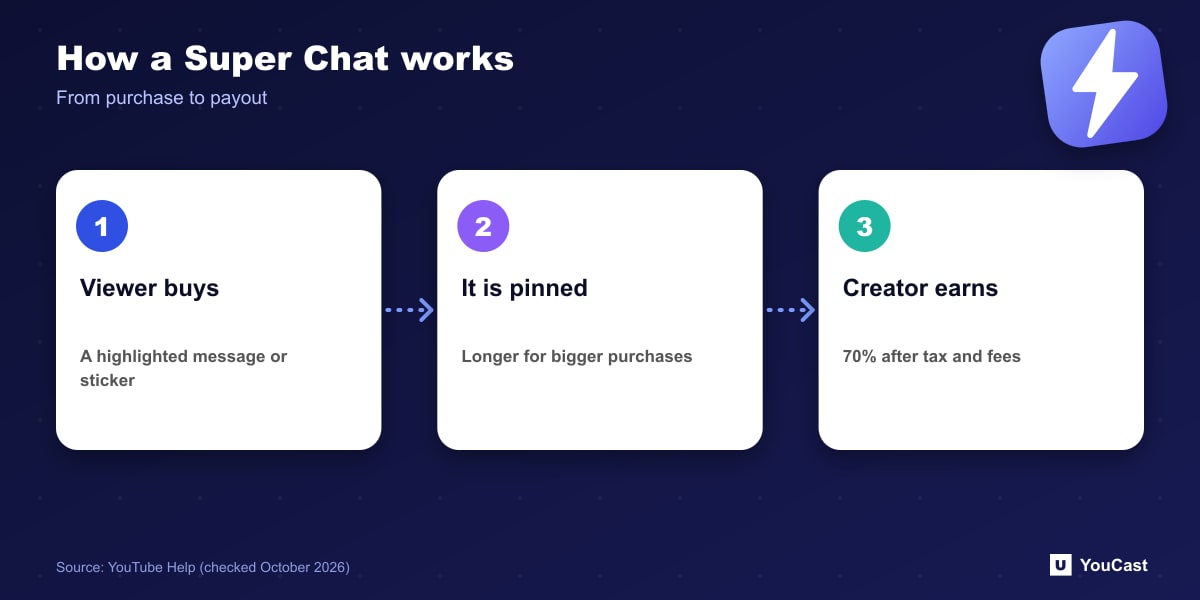
YouTube describes Super Chat and Super Stickers as ways to monetize a channel through the Partner Program. Viewers buy live chat messages that stand out, and sometimes pin them to the top of the chat feed. They show as colored messages and animated images.
The longer a viewer's profile picture stays at the top of the chat feed depends on the purchase amount: the more a viewer spends, the longer the message stays there.
The Revenue Share
YouTube states that creators receive 70% of Supers revenue that is confirmed by Google. The 70% is calculated after local sales tax and App Store fees on iOS are deducted. Transaction costs, including credit card fees, are currently covered by YouTube.
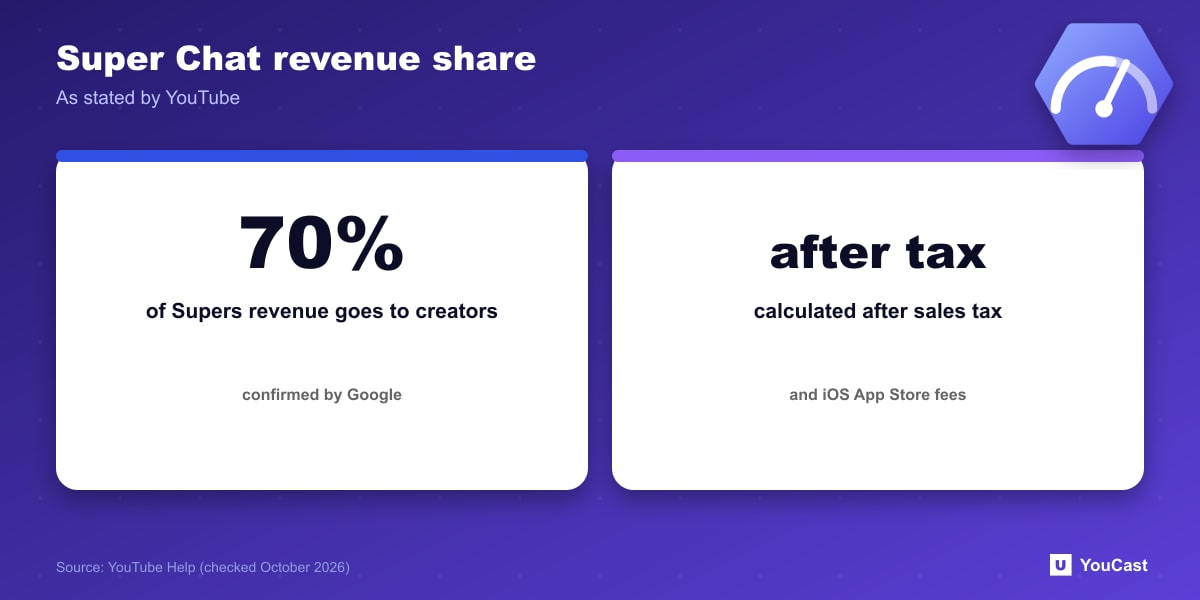
Because the 70% is calculated after tax and fees, the amount you see in your reports is not simply 70% of the sticker price a viewer paid.
Where They Appear and Moderation
- They are automatically available on eligible live streams and Premieres where live chat is turned on, which is the default.
- You can filter your own chat view to fan funding only; this affects only your view as the creator.
- You moderate Supers the same way as other live chat messages. If one is removed for violating policies, YouTube says it will donate its portion of the revenue to charity.
- You can see revenue in YouTube Studio under Earn, including the past 30 days of purchases.
Is It Realistic for a 24/7 Pre-Recorded Channel?
Supers come from live chat interaction. A stream with no host and little chat activity may see few purchases. That is our expectation, not a figure from YouTube, so treat Supers as a possible addition to ad revenue rather than a plan.
Where YouCast Fits in a Revenue Plan
YouCast turns the videos you upload into a 24/7 live stream that runs from the cloud, to YouTube and, with a stream key, to Twitch, Kick and Instagram, so there is no encoder to configure, no computer to keep awake and no home upload line to saturate.
Supers need live chat, which an unattended stream rarely has. Keep chat on in YouTube if you want the option, and treat Super Chat as a bonus on top of the stream YouCast keeps running.
You can try one stream on the free trial and add more streams as the channel grows.
Sources
- YouTube Help: Manage Super Chat & Super Stickers for Live Chat — checked October 2026
Further reading
- YouTube Help: Get started with live streaming — Official overview of live streaming on YouTube
- YouTube Help: Choose live encoder settings, bitrates, and resolutions — The ingestion settings table
- YouTube Help: YouTube Partner Program overview & eligibility — Thresholds and benefits
- YouTube Help: YouTube channel monetization policies — What reviewers check
Start Your 24/7 Stream Today
No PC needed. No OBS. Just upload your video and go live on YouTube — 24/7, from the cloud.