What Memberships Are
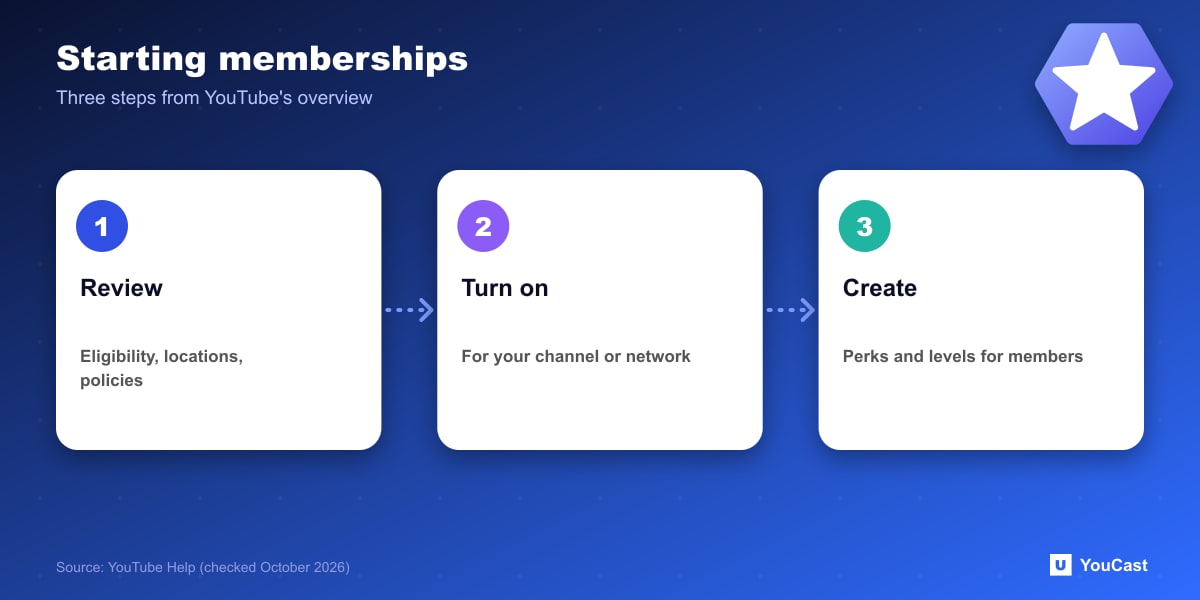
YouTube describes channel memberships as letting viewers join your channel through monthly payments in return for exclusive members-only perks such as badges, emoji and other goods. Setup has three steps: review the eligibility requirements, location availability and policies; turn memberships on; then create perks and levels.
The Eligibility Criteria
Beyond meeting the minimum requirements for fan funding features, YouTube lists these conditions:
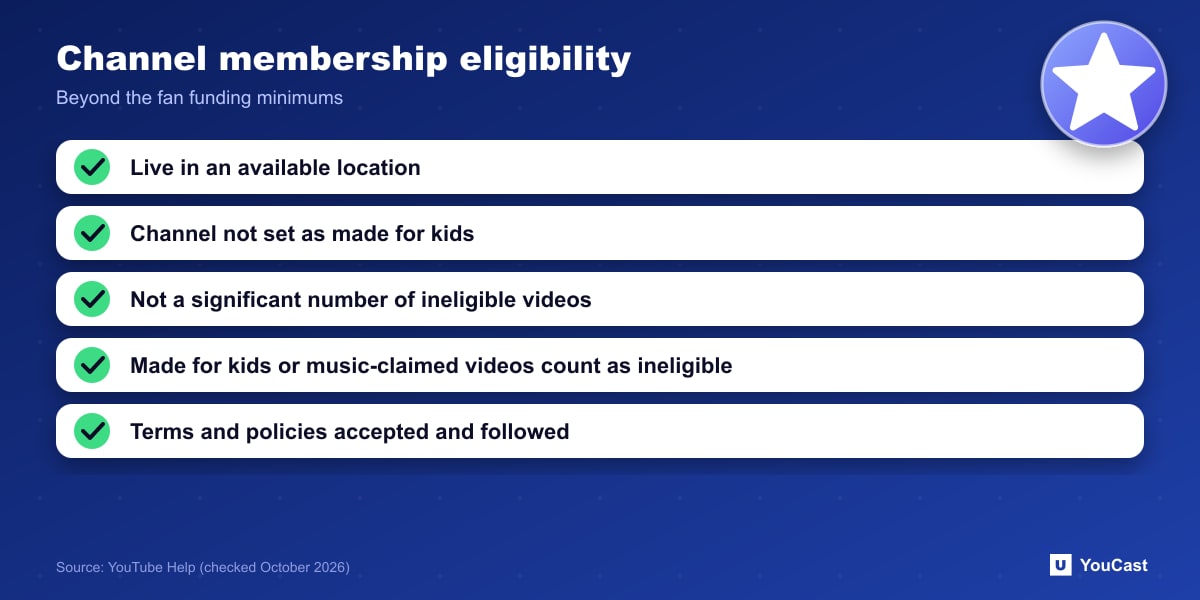
YouTube counts videos set as made for kids, and videos with music claims, as ineligible. For a music or lofi channel, music claims are the condition to watch. YouTube also notes that some music channels, for example those under an SRAV contract, are not eligible right now.
- You live in one of the available locations.
- Your channel is not set as made for kids and does not have a significant number of videos set as made for kids.
- Your channel does not have a significant number of ineligible videos.
- You, and your MCN if you have one, have accepted and are complying with the terms and policies, including the relevant Commerce Product Module.
Memberships and Live Streams
YouTube's live chat tools include members-only live chat, and its live streaming page describes members-only live streams as a way to offer special content to loyal viewers. Members-only chat and subscribers-only chat cannot be turned on at the same time.
Where YouCast Fits in a Revenue Plan
YouCast turns the videos you upload into a 24/7 live stream that runs from the cloud, to YouTube and, with a stream key, to Twitch, Kick and Instagram, so there is no encoder to configure, no computer to keep awake and no home upload line to saturate.
Memberships need an audience first. A stream that is always on, with a clear niche, gives viewers a place to return to, and YouCast keeps that place open.
You can try one stream on the free trial and add more streams as the channel grows.
Sources
- YouTube Help: Channel memberships overview — checked October 2026
Further reading
- YouTube Help: Get started with live streaming — Official overview of live streaming on YouTube
- YouTube Help: Choose live encoder settings, bitrates, and resolutions — The ingestion settings table
- YouTube Help: YouTube Partner Program overview & eligibility — Thresholds and benefits
- YouTube Help: YouTube channel monetization policies — What reviewers check
Start Your 24/7 Stream Today
No PC needed. No OBS. Just upload your video and go live on YouTube — 24/7, from the cloud.