What YouTube Says
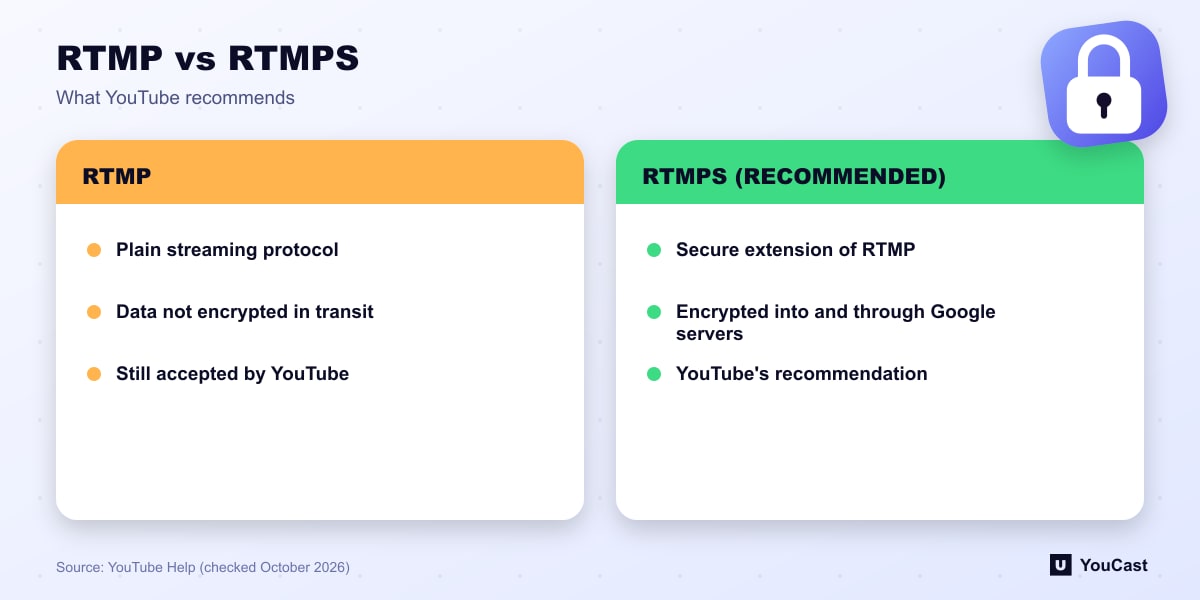
YouTube's encoder guidance lists the protocol as RTMP or RTMPS, and states that it recommends streaming to YouTube Live with RTMPS, a secure extension to the popular RTMP protocol. In YouTube's words, your data will be encrypted all the way into and through Google's servers, so nobody can intercept your communication with the service.
Why It Matters
A stream key is effectively a password for sending video to your channel. Plain RTMP sends data without that encryption, so using RTMPS is a cheap precaution, particularly on shared or public networks.
That is a general security point rather than a YouTube claim, but it follows from the encryption YouTube describes.
Stream Key Hygiene
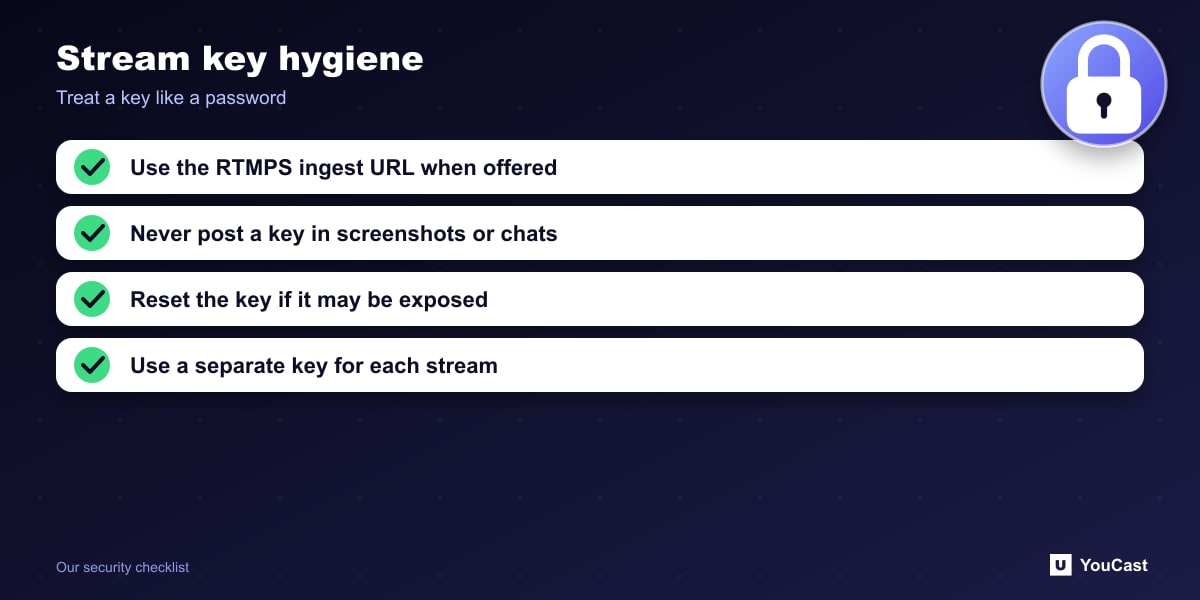
- Choose the RTMPS ingest URL when your encoder or service offers it.
- Never post a stream key in screenshots, chats or support tickets.
- Reset the key in YouTube Studio if you think it has been exposed.
- Use a separate key for each stream, which also helps with the per-key limit of 3 active streams.
Let the Cloud Handle the Encoding
YouCast turns the videos you upload into a 24/7 live stream that runs from the cloud, to YouTube and, with a stream key, to Twitch, Kick and Instagram, so there is no encoder to configure, no computer to keep awake and no home upload line to saturate.
YouCast can connect through your YouTube channel, so you do not have to paste a key at all. If you use a stream key instead, keep it private and reset it in YouTube Studio if it leaks.
You can try one stream on the free trial and add more streams as the channel grows.
Sources
- YouTube Help: Choose live encoder settings, bitrates, and resolutions — checked October 2026
Further reading
- YouTube Help: Get started with live streaming — Official overview of live streaming on YouTube
- YouTube Help: YouTube Partner Program overview & eligibility — Thresholds and benefits
- YouTube Help: YouTube channel monetization policies — What reviewers check
- YouTube Help: Advertiser-friendly content guidelines — What can earn ad revenue
Start Your 24/7 Stream Today
No PC needed. No OBS. Just upload your video and go live on YouTube — 24/7, from the cloud.