What the Help Center Says
Instagram's Help Center describes Live as a way to start a broadcast and talk to followers in real time. After the broadcast ends you can share the recording or view it in your archive.
It carries a note that only Instagram users with a public account and at least 1,000 followers can start broadcasts.
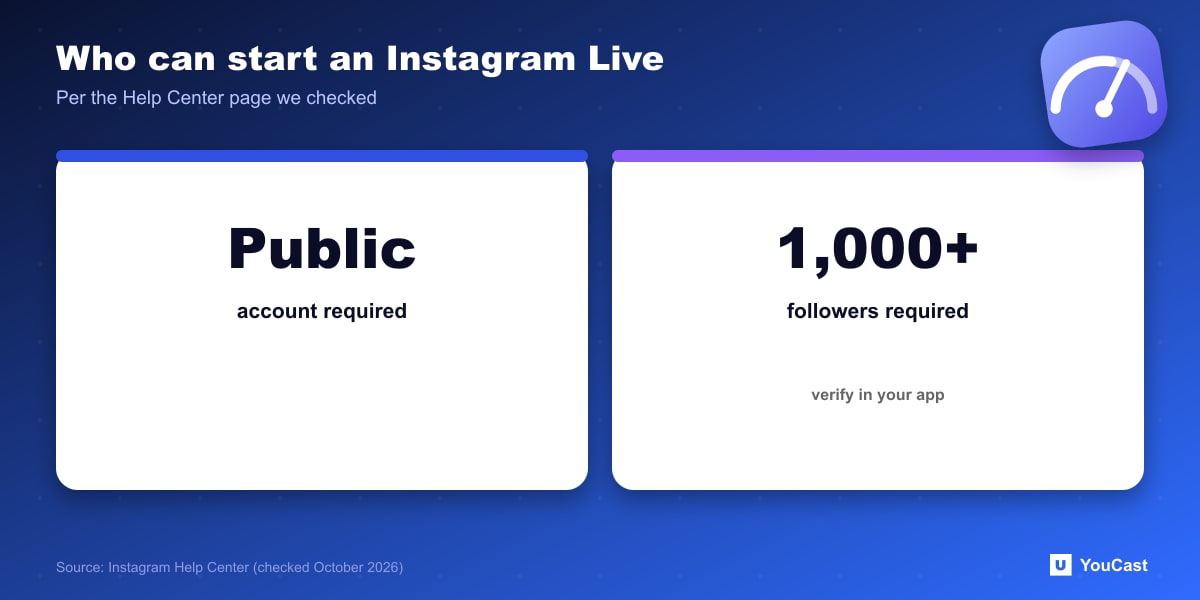
Platform requirements change. The page we checked states 1,000 followers and a public account, but verify the current rule in your own app before planning around it.
What the Help Center Covers
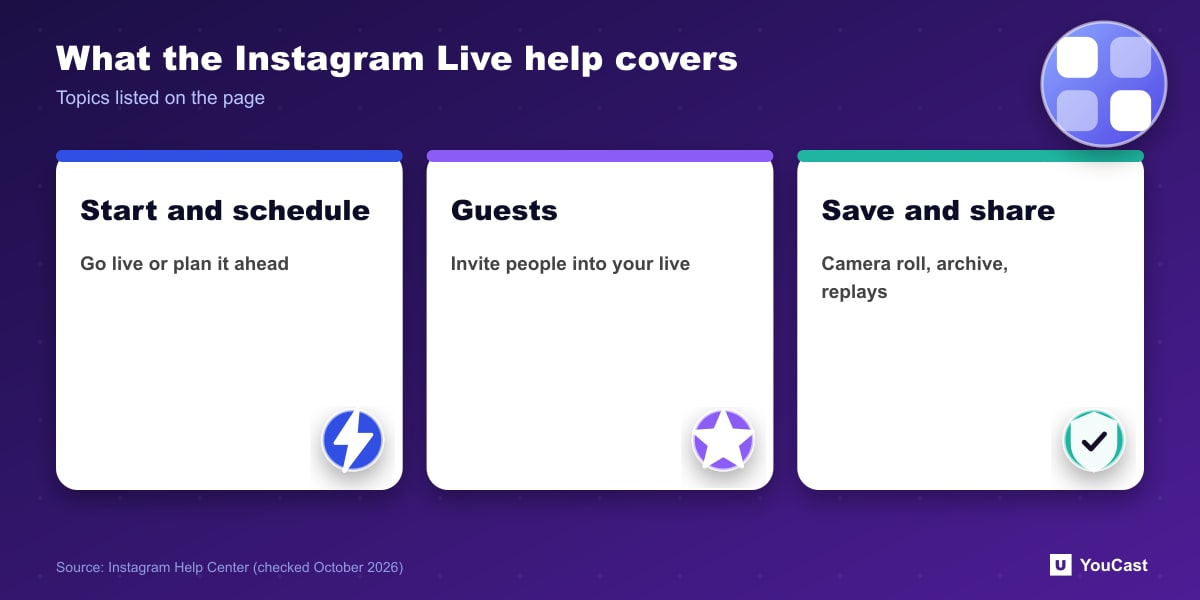
- How to start a live video and how to schedule one.
- Inviting guests into a live video.
- Watching other people's live videos and reporting a live video.
- Saving a live video to your phone's camera roll and sharing it from the archive.
- Deleting a live video from the archive and viewing a replay of your own live video.
For Pre-Recorded 24/7 Streaming
The page we read describes Live as a real-time interaction with followers, and it does not mention continuous or pre-recorded streams. We therefore do not claim anything about running a 24/7 broadcast there. If you want to reach an Instagram audience, check Instagram's own rules for the format you plan to use before you build a workflow around it.
Skip the Setup With YouCast
YouCast turns the videos you upload into a 24/7 live stream that runs from the cloud, to YouTube and, with a stream key, to Twitch, Kick and Instagram, so there is no encoder to configure, no computer to keep awake and no home upload line to saturate.
YouCast can send a pre-recorded video to Instagram through a stream key, as long as your account meets Instagram's live requirements, a public account and at least 1,000 followers on the page we checked.
You can try one stream on the free trial and add more streams as the channel grows.
Sources
- Instagram Help Center: Live video — checked October 2026; the page we read was displayed in Russian
Further reading
- Instagram Help Center: Live — Official Instagram Live help
- OBS Studio: Quick start guide — Free streaming software documentation
Start Your 24/7 Stream Today
No PC needed. No OBS. Just upload your video and go live on YouTube — 24/7, from the cloud.