Getting In
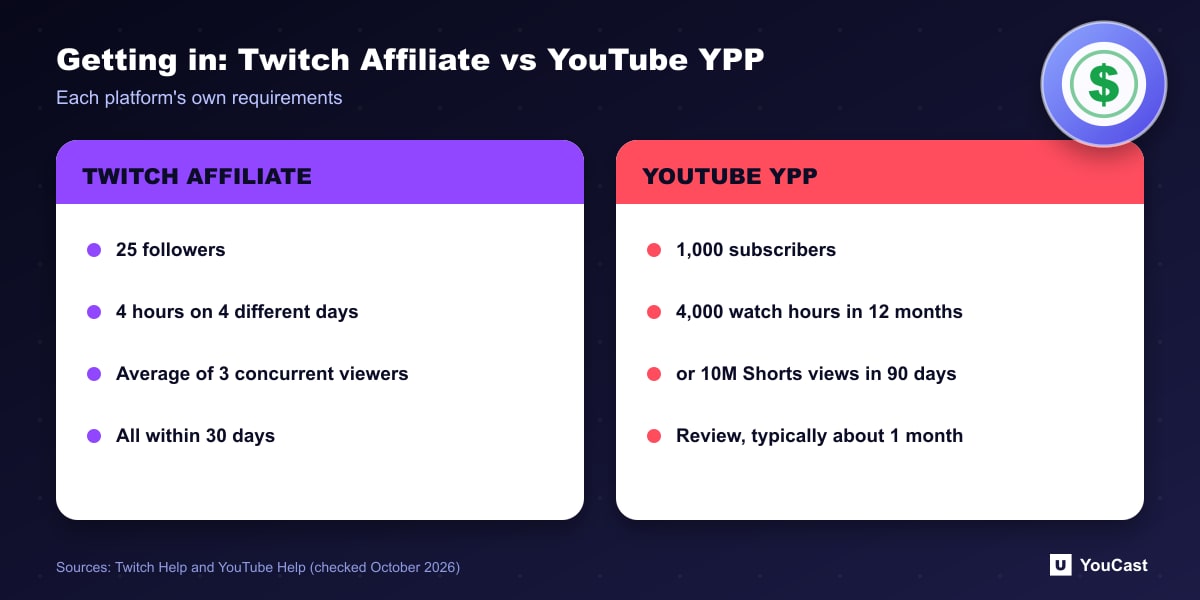
These entry points are not equivalent. YouTube's counts subscribers and viewing hours over a year and adds a review. Twitch's counts followers and concurrent viewers over 30 days.
- YouTube Partner Program: 1,000 subscribers plus 4,000 qualified watch hours in the last 12 months, or 1,000 subscribers plus 10 million qualified Shorts views in the last 90 days, followed by a review that typically takes about one month.
- Twitch Affiliate: 25 followers, 4 hours streamed, 4 different days and an average of 3 concurrent viewers, all within 30 days, then an invitation typically within 24 to 48 hours.
How Revenue Is Described
We do not convert these into a single comparison number, because they measure different things. A percentage of a purchase and a cent per virtual unit cannot be compared without assumptions about what viewers actually buy.
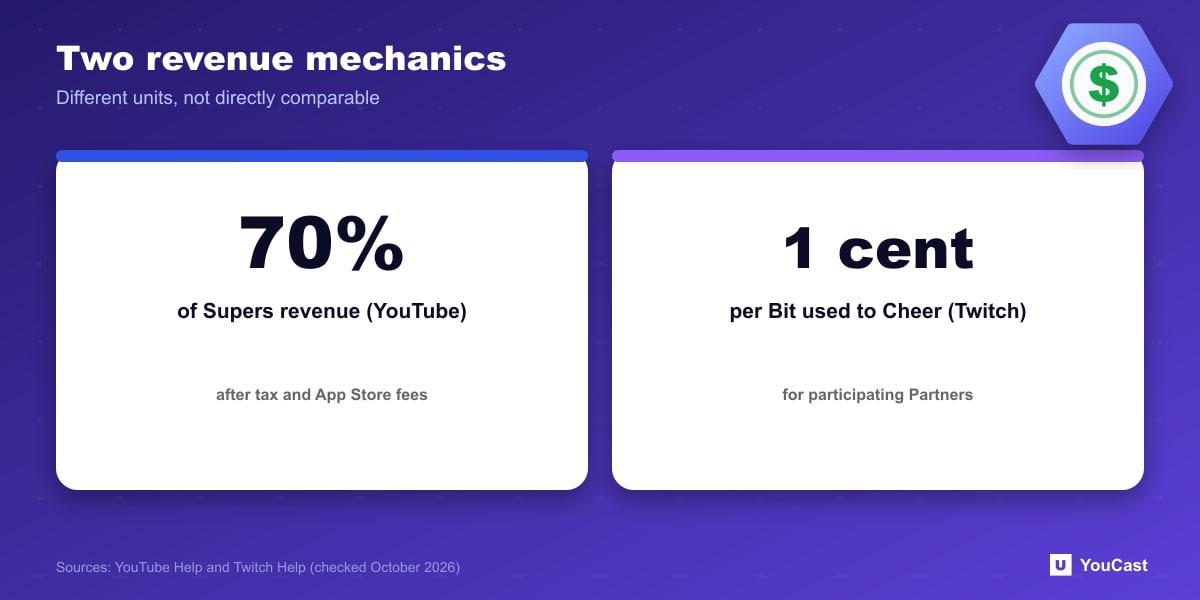
- YouTube Supers: creators receive 70% of Supers revenue confirmed by Google, calculated after local sales tax and iOS App Store fees.
- Twitch Bits: for participating Partners, a share equal to 1 cent per Bit used to Cheer.
- Twitch subscriptions come in Tier 1, Tier 2, Tier 3 and a free Prime subscription, and revenue per subscription may vary by the subscriber's country.
- Both platforms pay a share of advertising revenue to eligible channels.
What It Means for Pre-Recorded 24/7 Channels
Twitch's low entry bar and concurrent-viewer rule suit streams with an audience that is present at the time. YouTube's watch hours accumulate from VOD-converted public streams and videos, and a continuous stream can accumulate them if viewers are watching. The monetization routes that depend on chat interaction, such as Supers and Bits, tend to need an engaged live audience; that is our observation, not a platform statement.
Where YouCast Fits
YouCast turns the videos you upload into a 24/7 live stream that runs from the cloud, to YouTube and, with a stream key, to Twitch, Kick and Instagram, so there is no encoder to configure, no computer to keep awake and no home upload line to saturate.
YouCast can run the same 24/7 format on both platforms, through a YouTube channel connection and a Twitch stream key. Check each platform's thresholds and rules, because they are very different.
You can try one stream on the free trial and add more streams as the channel grows.
Sources
- Twitch Help: Joining the Affiliate Program — checked October 2026
- Twitch Help: Twitch Partner Program Overview — checked October 2026
- YouTube Help: YouTube Partner Program overview & eligibility — checked October 2026
- YouTube Help: Manage Super Chat & Super Stickers for Live Chat — checked October 2026
Further reading
- YouTube Help: Get started with live streaming — Official overview of live streaming on YouTube
- YouTube Help: Choose live encoder settings, bitrates, and resolutions — The ingestion settings table
- YouTube Help: YouTube channel monetization policies — What reviewers check
- YouTube Help: Advertiser-friendly content guidelines — What can earn ad revenue
Start Your 24/7 Stream Today
No PC needed. No OBS. Just upload your video and go live on YouTube — 24/7, from the cloud.