The Exclusion List
YouTube lists the kinds of video whose watch hours do not count toward Partner Program thresholds: private videos, unlisted videos, deleted videos, ad campaigns, YouTube Shorts, and live streams that are unlisted, deleted, or not converted to video on demand (VOD).
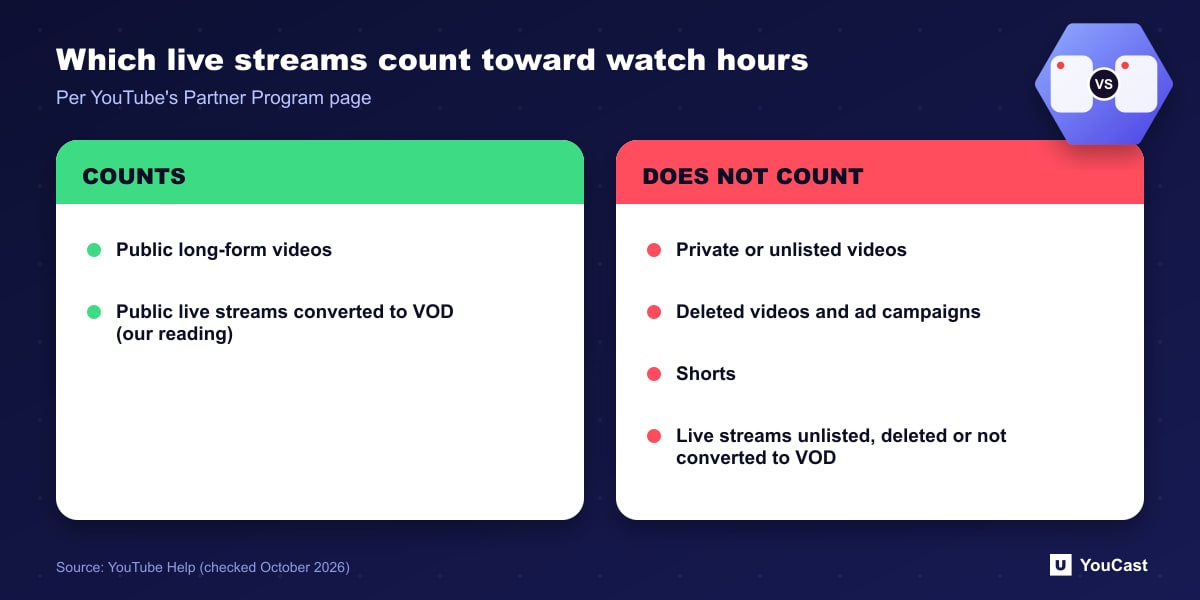
- An unlisted live stream does not count while it is unlisted.
- A deleted live stream does not count.
- A live stream that is not converted to VOD does not count.
What to Check on Your Own Channel
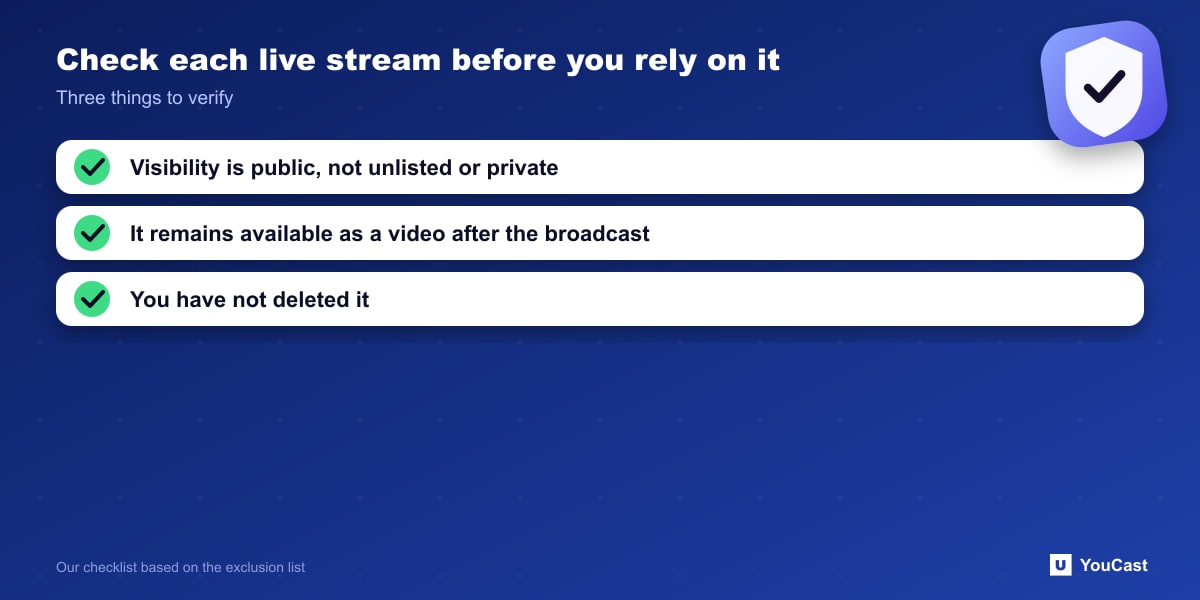
Because the exclusions turn on visibility and on conversion to VOD, it is worth checking each live stream that you expect to contribute: its visibility, whether it remains available as a video after the broadcast ends, and whether you have deleted any.
We have not described the exact setting that controls conversion, because the label can differ by interface. Look for the stream's visibility and archive settings in YouTube Studio.
Deleting an old stream to tidy a channel can remove watch hours you were counting on. Check the Earn area before you delete.
Where YouCast Fits in a Revenue Plan
YouCast turns the videos you upload into a 24/7 live stream that runs from the cloud, to YouTube and, with a stream key, to Twitch, Kick and Instagram, so there is no encoder to configure, no computer to keep awake and no home upload line to saturate.
When you create a stream in YouCast you choose its privacy. For a channel aiming at the Partner Program, public is the setting that fits the rules above.
You can try one stream on the free trial and add more streams as the channel grows.
Sources
- YouTube Help: YouTube Partner Program overview & eligibility — checked October 2026
Further reading
- YouTube Help: Get started with live streaming — Official overview of live streaming on YouTube
- YouTube Help: Choose live encoder settings, bitrates, and resolutions — The ingestion settings table
- YouTube Help: YouTube channel monetization policies — What reviewers check
- YouTube Help: Advertiser-friendly content guidelines — What can earn ad revenue
Start Your 24/7 Stream Today
No PC needed. No OBS. Just upload your video and go live on YouTube — 24/7, from the cloud.