The Rule in YouTube's Words
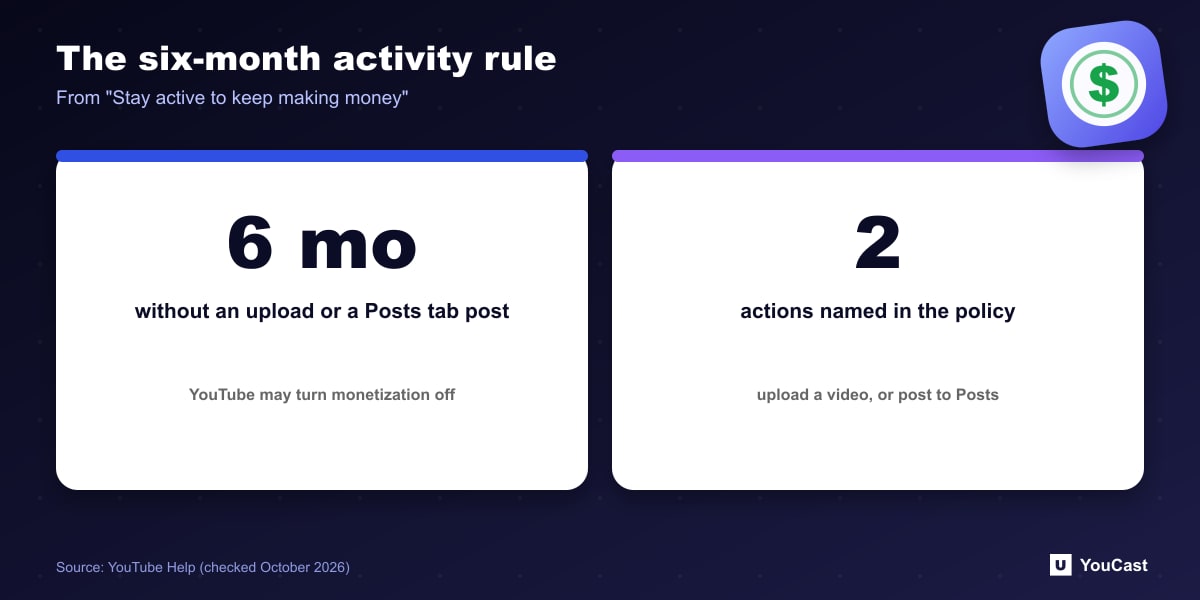
Under the heading "Stay active to keep making money", YouTube writes that to focus its support on creators who are active and engaged with the community, it may turn off monetization on channels that have not uploaded a video or posted to the Posts tab for 6 months or more.
The wording is "may", so it is a possibility YouTube reserves, not an automatic switch.
The Question for 24/7 Channels
A 24/7 channel that runs one long-lived stream can go months without a new upload. The help page does not say whether an ongoing live stream counts as activity. We have not found a statement either way, so we cannot tell you that streams do or do not count.
What is clear from the text is the two actions it names: uploading a video and posting to the Posts tab.
Do not assume a running stream protects a channel from this rule. If monetization matters to you, make sure there is a regular upload or Post, which the policy names explicitly.
A Low-Effort Safeguard
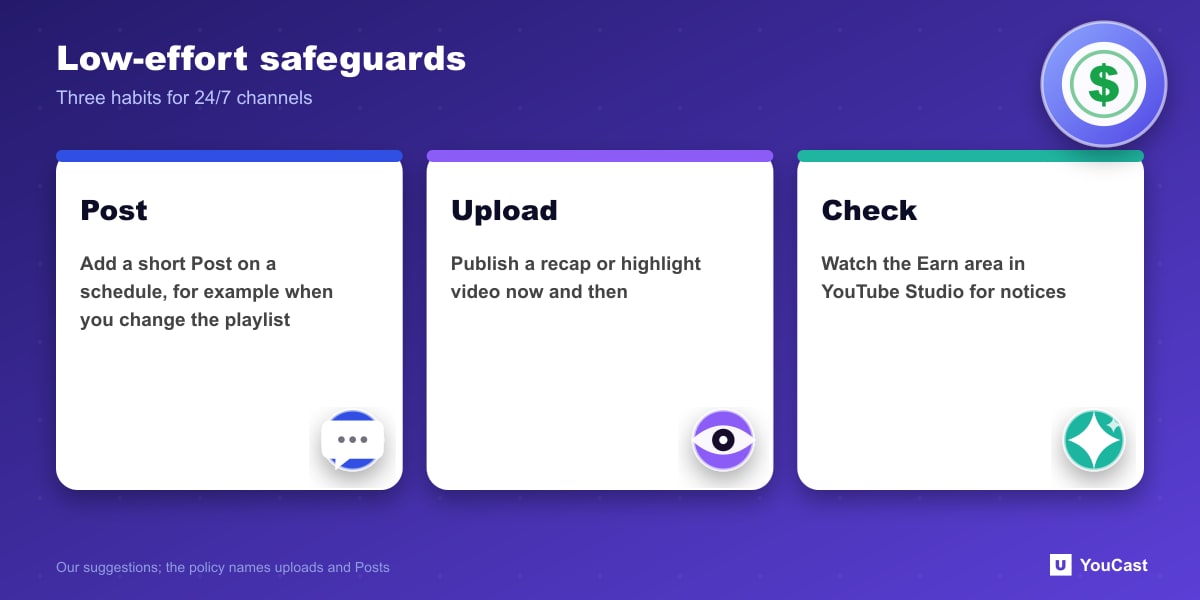
- Add a short Post to the Posts tab on a regular schedule, for example when you change the stream playlist.
- Upload a new video now and then, such as a recap or a highlight from the stream.
- Check the Earn area in YouTube Studio for any monetization notices.
What It Means for a YouCast Channel
YouCast turns the videos you upload into a 24/7 live stream that runs from the cloud, to YouTube and, with a stream key, to Twitch, Kick and Instagram, so there is no encoder to configure, no computer to keep awake and no home upload line to saturate.
A running stream may not count as activity under this rule, so do not rely on it. Use the time YouCast saves you to upload a new video or add a Post on a regular schedule.
You can try one stream on the free trial and add more streams as the channel grows.
Sources
- YouTube Help: YouTube Partner Program overview & eligibility — checked October 2026
Further reading
- YouTube Help: Get started with live streaming — Official overview of live streaming on YouTube
- YouTube Help: Choose live encoder settings, bitrates, and resolutions — The ingestion settings table
- YouTube Help: YouTube channel monetization policies — What reviewers check
- YouTube Help: Advertiser-friendly content guidelines — What can earn ad revenue
Start Your 24/7 Stream Today
No PC needed. No OBS. Just upload your video and go live on YouTube — 24/7, from the cloud.