The Basic Requirements
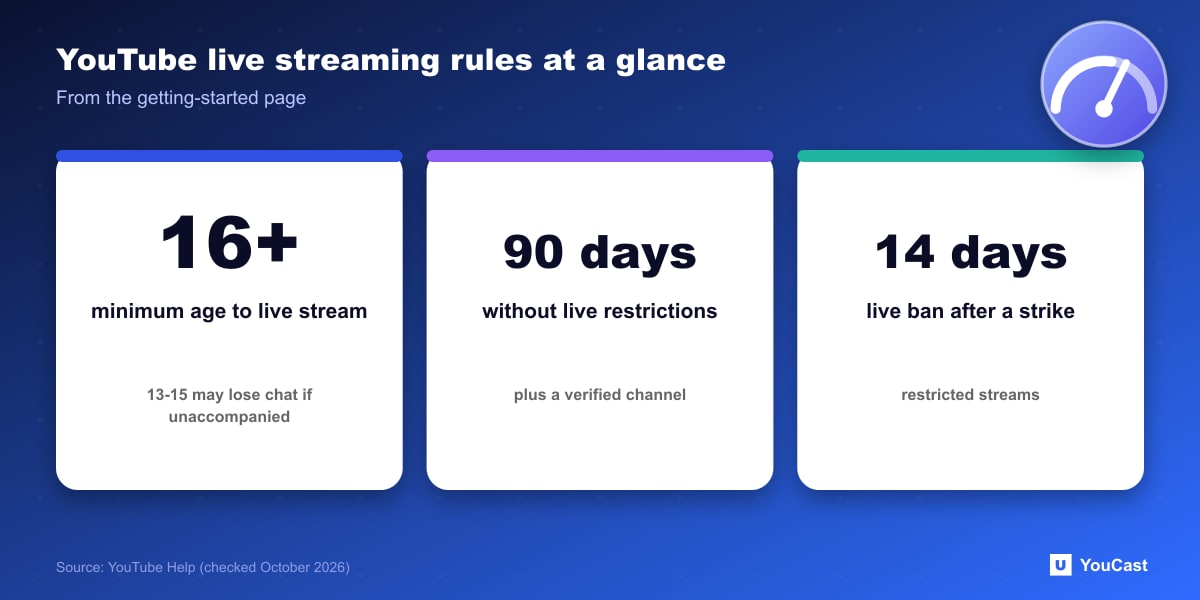
YouTube's getting-started page for live streaming sets two conditions: you need to have no live streaming restrictions in the past 90 days, and you need to verify your channel. It also says you must be at least 16 years old to live stream.
Streams that do not follow the minimum age requirement will be taken down, and the account may temporarily lose its ability to live stream. Streams featuring 13 to 15 year olds who are not visibly accompanied by an adult may have live chat disabled.
Four Ways to Stream
Cloud services that send a video to YouTube use the encoder route, because they connect with a stream key over RTMP.
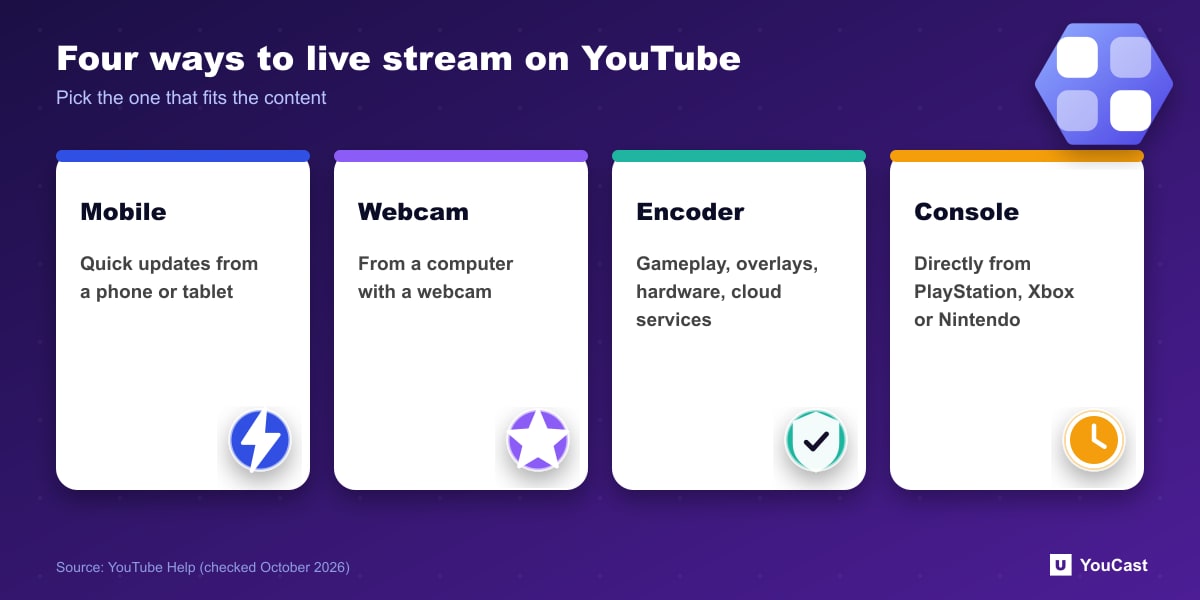
- Mobile, for quick updates from a phone or tablet (it has its own requirements).
- Webcam, from a computer with a webcam.
- Encoder, for gameplay, overlays and hardware like cameras and microphones.
- Console, directly from PlayStation, Xbox or Nintendo devices.
Restrictions and Strikes
Live content must follow the Community Guidelines and Terms of Service. If you suggest that you will stream content that breaks them, YouTube may age-restrict or remove the stream, and it reserves the right to restrict a creator's ability to live stream.
If a live stream is restricted, you may get a strike, and a strike prevents you from live streaming for 14 days. Using another channel to stream during a restriction is prohibited and may be treated as circumvention, which can lead to account termination.
A restriction on one channel follows you. YouTube states that you may not use another channel to live stream while the restriction is active.
Skip the Setup With YouCast
YouCast turns the videos you upload into a 24/7 live stream that runs from the cloud, to YouTube and, with a stream key, to Twitch, Kick and Instagram, so there is no encoder to configure, no computer to keep awake and no home upload line to saturate.
Meeting the requirements, verification and the 24-hour activation wait, comes first. After that YouCast connects to your channel, so you can go from verified channel to running stream in one sitting.
You can try one stream on the free trial and add more streams as the channel grows.
Sources
- YouTube Help: Get started with live streaming — checked October 2026
Further reading
- YouTube Help: Choose live encoder settings, bitrates, and resolutions — The ingestion settings table
- YouTube Help: YouTube Partner Program overview & eligibility — Thresholds and benefits
- YouTube Help: YouTube channel monetization policies — What reviewers check
- YouTube Help: Advertiser-friendly content guidelines — What can earn ad revenue
Start Your 24/7 Stream Today
No PC needed. No OBS. Just upload your video and go live on YouTube — 24/7, from the cloud.