Two Ways to Become Eligible
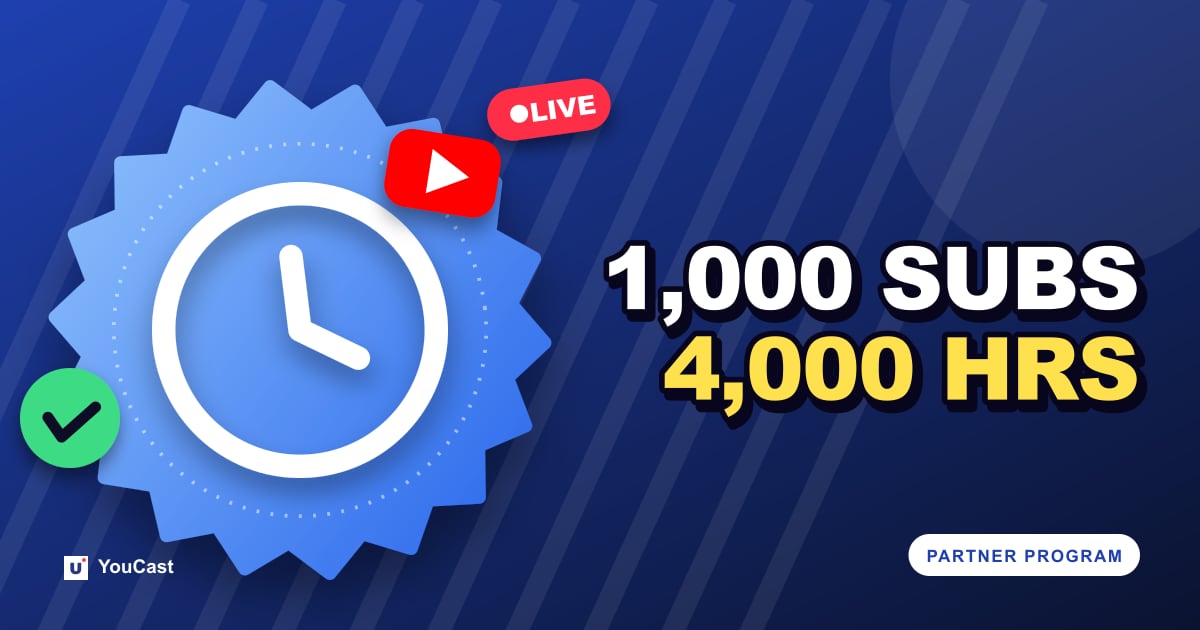
YouTube's help page for the Partner Program (YPP) lists two eligibility thresholds. A channel needs 1,000 subscribers plus either 4,000 qualified watch hours in the last 12 months, or 10 million qualified Shorts views in the last 90 days.
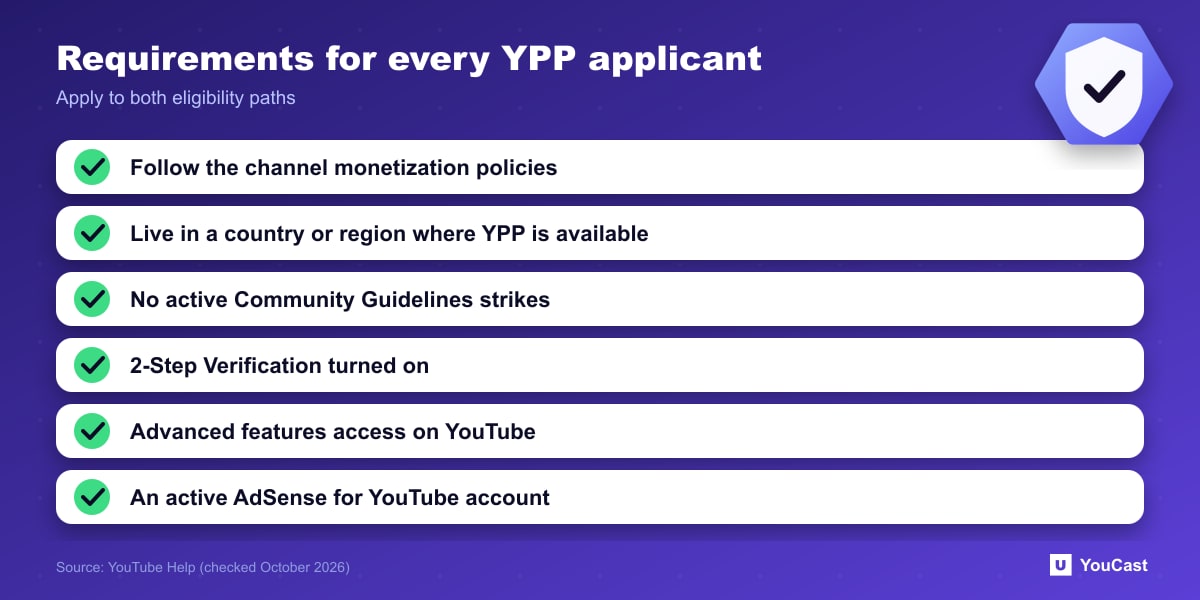
The same page lists requirements that apply to every applicant regardless of the path: follow the channel monetization policies, live in a country or region where the program is available, have no active Community Guidelines strikes, turn on 2-Step Verification, have advanced features access, and link an active AdSense for YouTube account (or set one up in YouTube Studio).
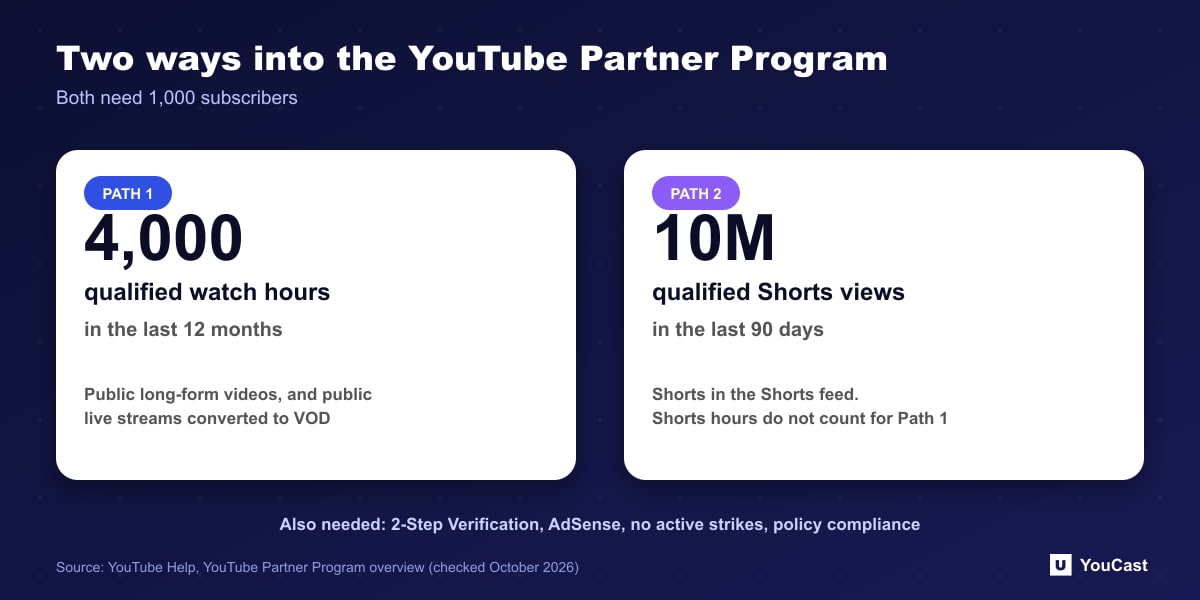
YouTube also notes that watch hours earned from Shorts views in the Shorts feed do not count toward the 4,000 watch hour threshold. The two paths are separate.
What Counts as a Qualified Watch Hour
Qualified watch hours come from long-form videos you have set to public. YouTube lists what does not count: private videos, unlisted videos, deleted videos, ad campaigns, YouTube Shorts, and live streams that are unlisted, deleted, or not converted to video on demand (VOD).
The help page states the exclusions. The statement that public, VOD-converted live streams count is our reading of that list, so confirm it in your own YouTube Studio analytics before planning around it.
- Counts: public long-form videos, including public live streams that are converted to VOD (our reading of the exclusion list above).
- Does not count: unlisted or private videos, deleted videos, ad campaigns, Shorts.
- Does not count: live streams that are unlisted, deleted, or not converted to VOD.
What This Means for a 24/7 Channel
A 24/7 stream is public by design, which is the condition the policy sets. The part that is easy to miss is that watch hours measure viewer time, not stream time. Our companion article on watch hours explains why running a stream around the clock does not by itself produce 4,000 hours.
The monetization policies also apply. YouTube's inauthentic content rules decide whether a channel is accepted, whatever its numbers, so a channel that meets the thresholds can still be declined.
Before You Apply: A Short Checklist
- Confirm subscribers and qualified watch hours in YouTube Studio, under the Earn area.
- Turn on 2-Step Verification and check that you have no active strikes.
- Review the channel monetization policies against your whole channel, not just the newest videos.
- Select "Get notified" in the Earn area if you want an email when you meet a threshold, as the help page suggests.
Where YouCast Fits in a Revenue Plan
YouCast turns the videos you upload into a 24/7 live stream that runs from the cloud, to YouTube and, with a stream key, to Twitch, Kick and Instagram, so there is no encoder to configure, no computer to keep awake and no home upload line to saturate.
YouCast cannot create viewers, but it removes one obstacle: a public stream that is always online is available whenever a viewer arrives. Titles and thumbnails then decide whether they stay.
You can try one stream on the free trial and add more streams as the channel grows.
Sources
- YouTube Help: YouTube Partner Program overview & eligibility — checked October 2026
Further reading
- YouTube Help: Get started with live streaming — Official overview of live streaming on YouTube
- YouTube Help: Choose live encoder settings, bitrates, and resolutions — The ingestion settings table
- YouTube Help: YouTube channel monetization policies — What reviewers check
- YouTube Help: Advertiser-friendly content guidelines — What can earn ad revenue
Start Your 24/7 Stream Today
No PC needed. No OBS. Just upload your video and go live on YouTube — 24/7, from the cloud.