Three Different Things
Twitch distinguishes three terms that streamers often mix up:
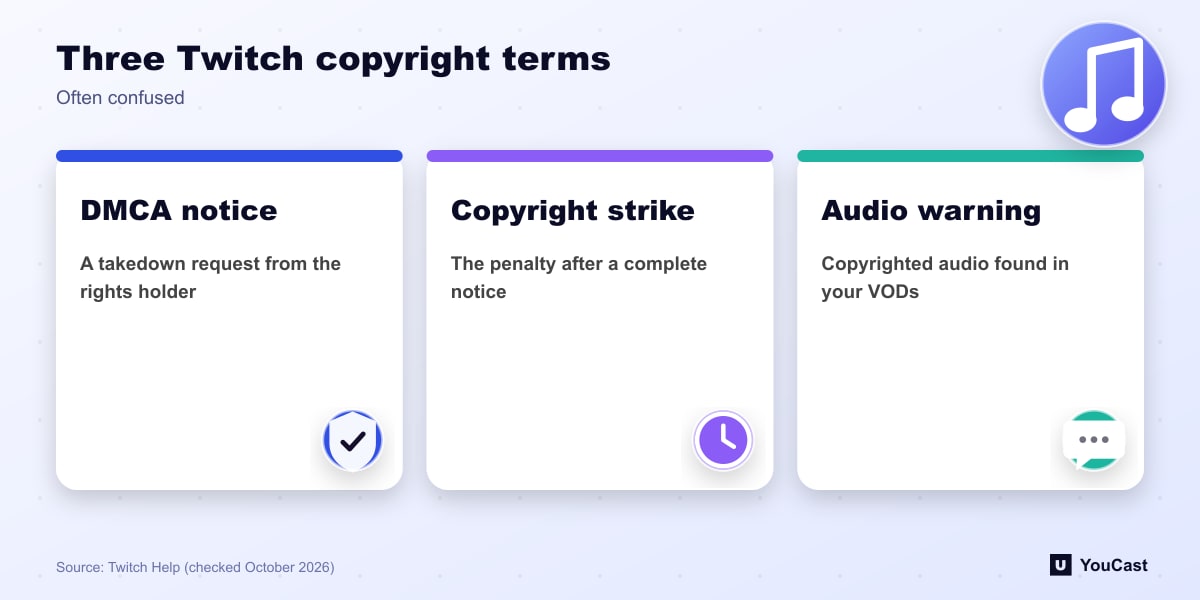
- A DMCA notification is a takedown request from a copyright owner or their authorized agent.
- A copyright strike is the penalty applied when Twitch receives a complete DMCA notification against content on your channel.
- A Copyright Audio Warning notifies you when multiple instances of copyrighted audio are detected in your VODs.
A Muted VOD Is Not a Strike
Twitch works with a third-party service to scan VODs and automatically mutes any portion where copyrighted audio is detected. It says a muted VOD does not mean you received a DMCA notification. A rights holder may still send one whether or not the VOD portion is muted.
If you think the mute was a mistake, for example you own or license the track, Twitch points to its guide on appealing muted audio.
Strikes and the Repeat Infringer Policy
Twitch says it is its policy to terminate the accounts of repeat infringers, and that a user is generally considered a repeat infringer after three copyright strikes. Only copyright owners or their authorized agents can send a DMCA notification that Twitch acts on.
The guidelines apply to all accounts, wherever you live. Twitch also notes that fair use is a defense raised in court, and it does not prevent a takedown notice.
Counter-Notification and Restoring Content
If you believe you were licensed or the notification was a mistake, you can submit a counter-notification or seek a retraction. Twitch must share your counter-notification information with the claimant, and it does not judge who is right. An accepted counter-notification does not prevent a later notice for the same work.
Removed content may be restored after a complete counter-notification or a retraction, though Twitch says it may not always be able to reinstate it because of the passage of time or the storage format.
Keeping a YouCast Stream Compliant
YouCast turns the videos you upload into a 24/7 live stream that runs from the cloud, to YouTube and, with a stream key, to Twitch, Kick and Instagram, so there is no encoder to configure, no computer to keep awake and no home upload line to saturate.
Rights matter on every platform. Whatever you stream through YouCast to YouTube, upload only music and footage you own or have licensed.
You can try one stream on the free trial and add more streams as the channel grows.
Sources
- Twitch Help: DMCA & Copyright FAQs — checked October 2026
Further reading
- Twitch Help: Broadcasting Guidelines — Official broadcast rules
- Twitch Help: Twitch Partner Program Overview — Partner requirements and benefits
- Twitch Help: Joining the Affiliate Program — Affiliate requirements
- Twitch Help: Simulcasting Guidelines FAQ — Multistream rules
Start Your 24/7 Stream Today
No PC needed. No OBS. Just upload your video and go live on YouTube — 24/7, from the cloud.