In short
YouTube’s spam policy bans malicious clickbait: maliciously misleading titles, thumbnails and descriptions that trick users into clicking. Describe a 24/7 stream as what it is and do not promise anything the stream does not deliver; the article explains what can happen to a channel.
What the Policy Says
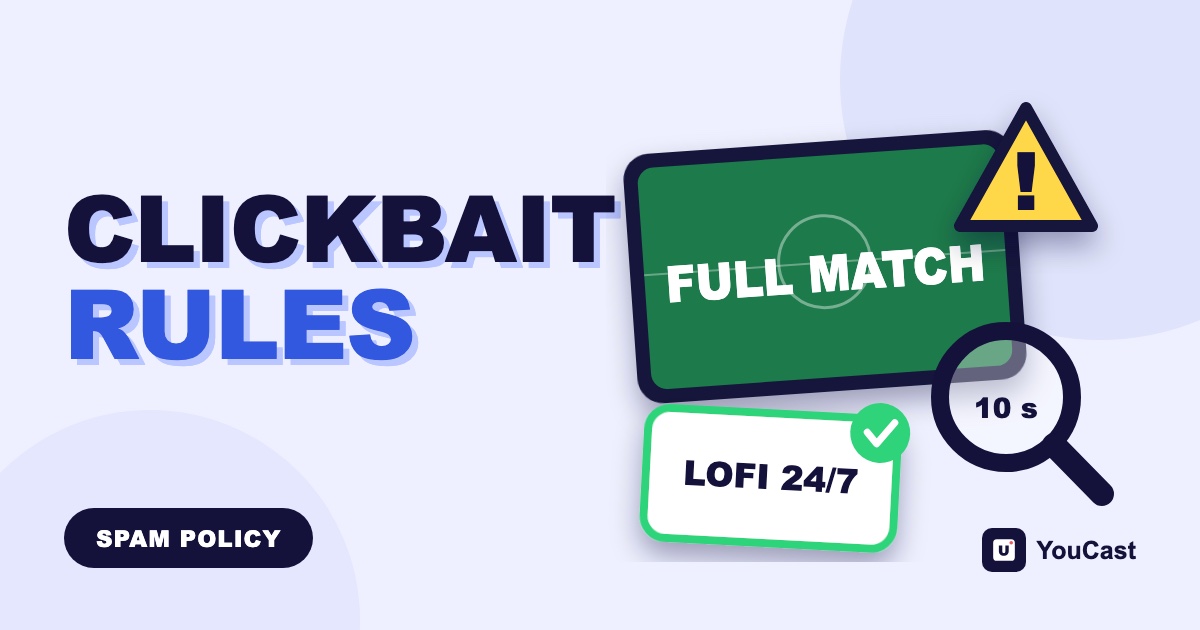
YouTube's spam policy lists malicious clickbait. It means using maliciously misleading titles, thumbnails, descriptions or imagery to trick users into clicking on a video that does not deliver what was promised. YouTube's own example is a video titled as a full sports match that shows only a short clip.
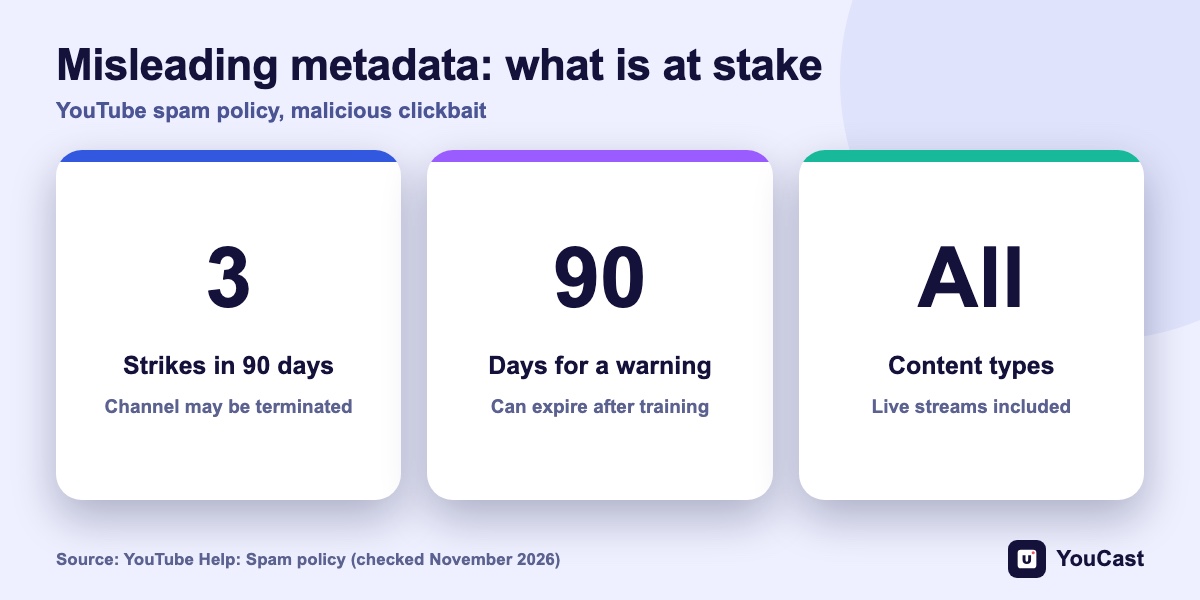
The policy applies to all types of content on YouTube, so it covers live streams as well as uploads.
What Can Happen
- For some violations YouTube may remove the content and issue a warning or a strike against the channel, and it sends an email when it does.
- It may suspend monetization or terminate the channel or account.
- Three strikes within 90 days can lead to the channel being terminated.
- An optional policy training can let a warning expire after 90 days. A repeat violation of the same policy in that window may stop the warning from expiring and may lead to a strike.
How to Describe a 24/7 Stream Honestly
The policy text does not mention tags, so we do not claim a rule about them. The tips below are our reading of the policy, not YouTube statements.
- Name what the stream really plays: lofi, rain, jazz or a looped film.
- Do not use the name of a famous channel, artist or show that you are not.
- Use a real frame or a faithful design of the stream in the thumbnail, not an unrelated image.
- Do not promise live events, giveaways or news that the stream does not deliver.
- Update the title and description when you change the playlist, so they stay true.
Strikes, Warnings and Live Stream Restrictions: How YouTube Escalates
What happens after a violation.
YouTube Thumbnail Requirements: Size, Format, Limits and Policies
Size, format and limits.
Is Your 24/7 Stream Safe? YouTube's Inauthentic Content Rules, Explained
The other policy 24/7 channels should know.
Start Streaming with YouCast
Upload your videos once and stream them 24/7 from the cloud.
Frequently asked questions
What does YouTube’s spam policy say about clickbait?
It bans malicious clickbait: maliciously misleading titles, thumbnails, descriptions or imagery meant to trick users into clicking on a video that does not deliver what was promised.
How should I describe a 24/7 stream honestly?
Describe it as what it is and do not promise anything the stream does not deliver. The article has a section with concrete advice.
Keeping a YouCast Stream Compliant
YouCast turns the videos you upload into a 24/7 live stream that runs from the cloud, to YouTube and, with a stream key, to Twitch, Kick and Instagram, so there is no encoder to configure, no computer to keep awake and no home upload line to saturate.
In YouCast you write the stream title, description and thumbnail yourself. Keep them true to what the playlist plays, and update them whenever you change the videos.
You can try one stream on the free trial and add more streams as the channel grows.
Sources
- YouTube Help: Spam policy — checked November 2026
Further reading
- YouTube Help: Get started with live streaming — Official overview of live streaming on YouTube
- YouTube Help: Choose live encoder settings, bitrates, and resolutions — The ingestion settings table
- YouTube Help: YouTube Partner Program overview & eligibility — Thresholds and benefits
- YouTube Help: YouTube channel monetization policies — What reviewers check
Start Your 24/7 Stream Today
No PC needed. No OBS. Just upload your video and go live on YouTube — 24/7, from the cloud.