The Two Limits
YouTube states that there is a limit of 10 active streams allowed per channel and 3 active streams per stream key. These limits are applied at the same time, and once either one is reached you cannot start additional streams.
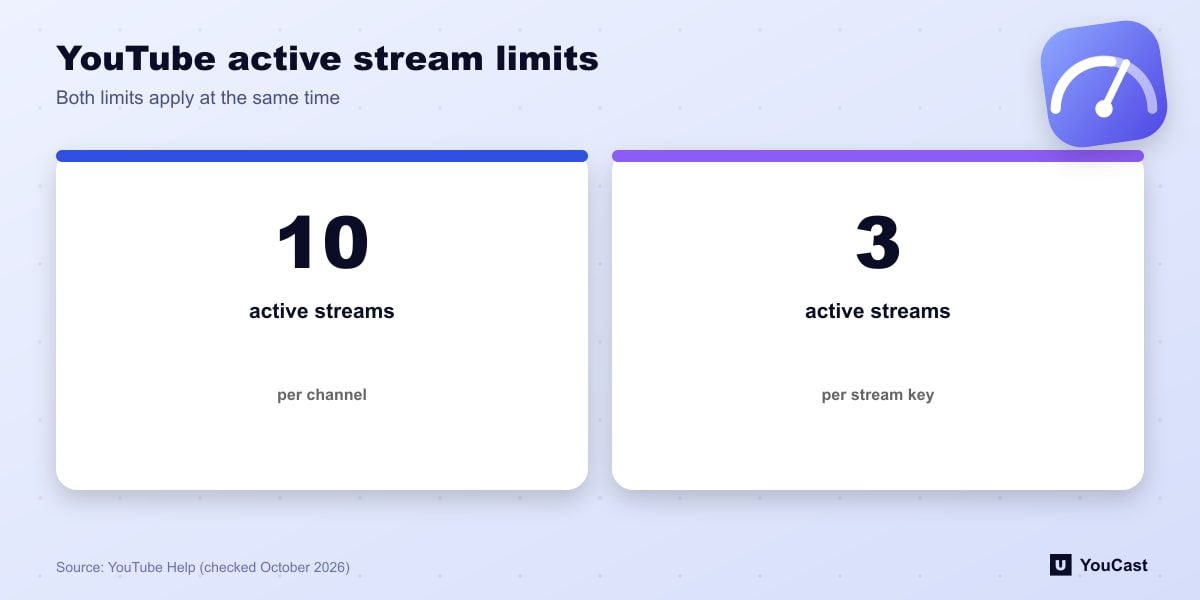
- 10 active streams per channel.
- 3 active streams per stream key.
- Both limits apply simultaneously.
What It Means for 24/7 Channels
Most channels run a single 24/7 stream and never get near either limit. The numbers matter when a channel runs several themed streams at once, or when scheduled streams pile up as active.
The per-key limit is the one that tends to bite first. If you reuse one stream key for several broadcasts, you can reach 3 even though the channel is far below 10. Using separate keys for separate streams avoids that.
The help page does not define exactly when a scheduled or ended stream stops counting as active. If you hit the limit unexpectedly, review your Live Control Room for streams that are still open.
Good Practice
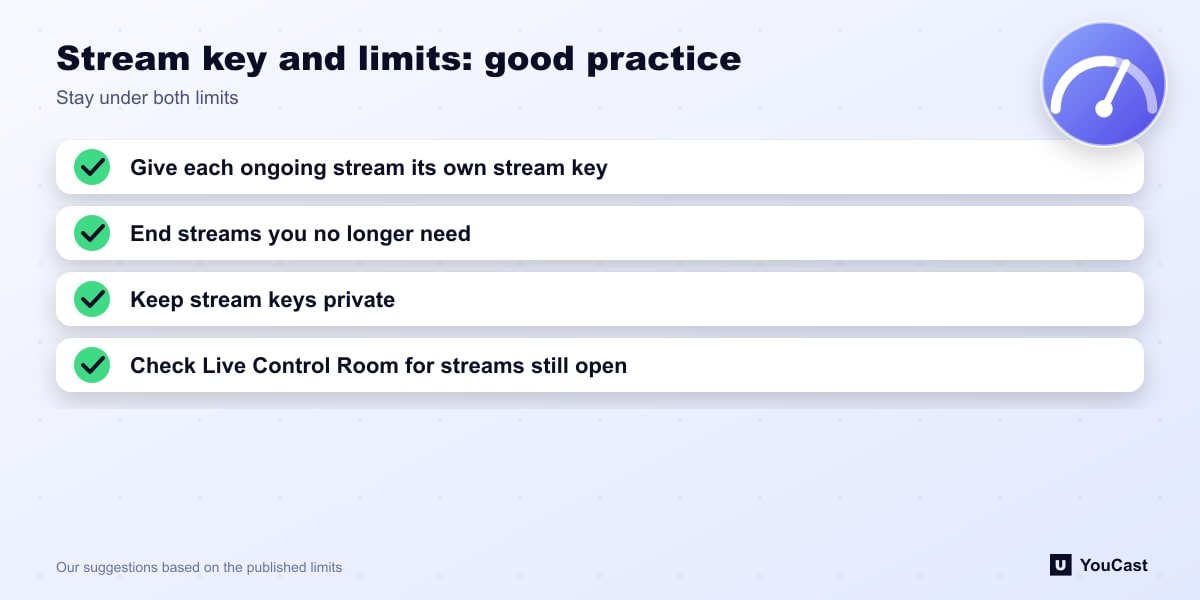
- Give each ongoing stream its own stream key.
- End streams you no longer need so they stop counting.
- Keep stream keys private; anyone with a key can send video to that stream.
Skip the Setup With YouCast
YouCast turns the videos you upload into a 24/7 live stream that runs from the cloud, to YouTube and, with a stream key, to Twitch, Kick and Instagram, so there is no encoder to configure, no computer to keep awake and no home upload line to saturate.
YouCast lets you run several streams under different plans. Give each stream its own key or channel connection and keep the number of active streams under the limits above.
You can try one stream on the free trial and add more streams as the channel grows.
Sources
- YouTube Help: Get started with live streaming — checked October 2026
Further reading
- YouTube Help: Choose live encoder settings, bitrates, and resolutions — The ingestion settings table
- YouTube Help: YouTube Partner Program overview & eligibility — Thresholds and benefits
- YouTube Help: YouTube channel monetization policies — What reviewers check
- YouTube Help: Advertiser-friendly content guidelines — What can earn ad revenue
Start Your 24/7 Stream Today
No PC needed. No OBS. Just upload your video and go live on YouTube — 24/7, from the cloud.