In short
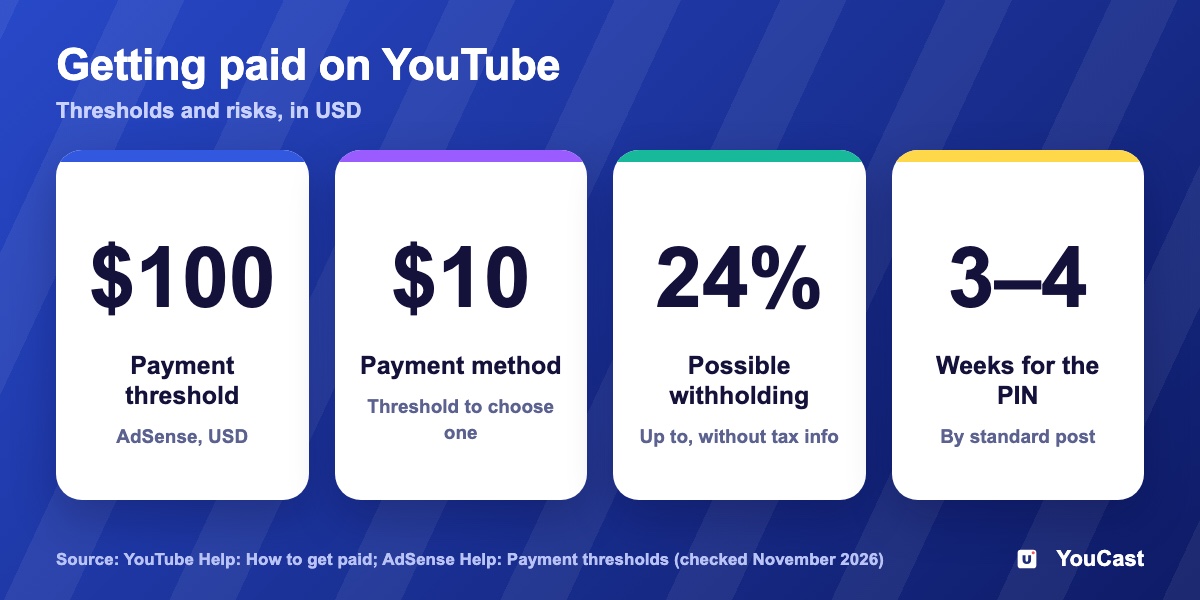
To get paid you complete four steps and reach YouTube’s payment thresholds, which the article lists in USD. The PIN letter alone can take weeks, so do the verification and tax steps as soon as YouTube asks; missing tax information carries a 24% withholding risk, and the article also explains when the money arrives.
The Four Steps to Get Paid
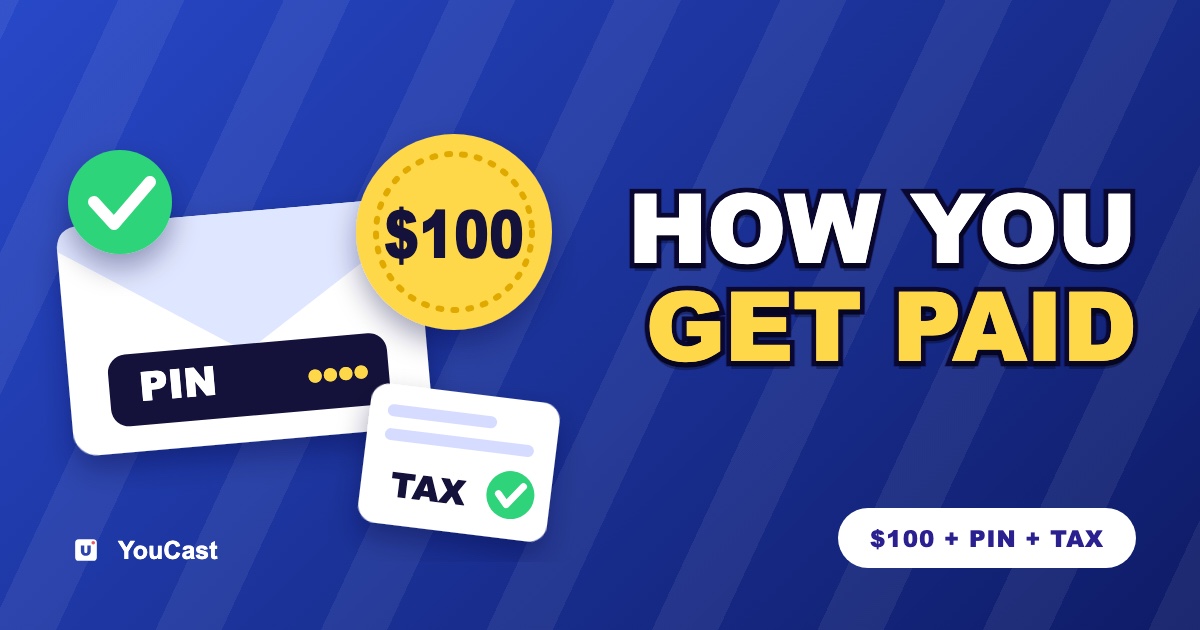
- 1Verify your identity and address. When your earnings reach the verification threshold, Google mails a PIN to your payment address and you enter it in your AdSense for YouTube account. YouTube says standard post can take 3 to 4 weeks.
- 2Submit tax information. All creators have to. Without it, YouTube says Google may be required to deduct up to 24% of your total earnings worldwide.
- 3Choose a form of payment. The options depend on your payments address and can include EFT, Hyperwallet, wire transfer or check.
- 4Reach the payment threshold. If your earnings reach it by the end of the month, a processing period begins, and the earnings are then posted to your account.
The Thresholds in USD
AdSense lists these amounts in US dollars:
- Tax information: $0.
- Verification: the table lists $0 for identity and $10 for address.
- Choosing a payment method: $10.
- Payment: $100.
- Cancelation: $10. If you cancel above that balance, AdSense says you get a final payment within about 90 days of the end of the month.
These figures are for USD. Check your own AdSense for YouTube account for the amounts in your currency.
When the Money Arrives
Payments follow a monthly schedule. YouTube gives this example: a balance that reached $100 in January, with every step done and no holds on the account, is paid at the end of February. Earnings below the threshold roll over and keep accruing. A payment cannot be issued early.
Do the verification and tax steps as soon as YouTube asks for them. The PIN letter alone can take weeks to arrive.
What It Means for a 24/7 Channel
Payments only start after the channel is in the YouTube Partner Program and earns ad revenue. Our monetization guide explains how a 24/7 stream earns, and the Partner Program article lists the entry rules. We do not give income figures, because they depend on the channel.
How to Monetize Your 24/7 YouTube Live Stream: Full Guide
The ways a live stream can earn.
YouTube Partner Program: The 1,000 / 4,000 Rule for Live Streamers
The entry rules.
YouTube Ad Formats: Skippable, Non-Skippable, Bumper and Live Ads
Which ads can run on a live stream.
Start Streaming with YouCast
Upload your videos once and stream them 24/7 from the cloud.
Frequently asked questions
How much do I need to earn before YouTube pays me?
The article lists the payment thresholds in USD as documented by YouTube and AdSense, including the $100 threshold in its title. Check YouTube’s current page for your case.
Why is the PIN letter important?
The PIN letter alone can take weeks to arrive, so do the verification and tax steps as soon as YouTube asks for them.
What happens if I do not provide tax information?
The article describes a 24% withholding risk when tax information is missing, and explains when the money arrives once the steps are done.
Where YouCast Fits in a Revenue Plan
YouCast turns the videos you upload into a 24/7 live stream that runs from the cloud, to YouTube and, with a stream key, to Twitch, Kick and Instagram, so there is no encoder to configure, no computer to keep awake and no home upload line to saturate.
YouCast does not change how YouTube pays you. It keeps the stream running, while payments follow your channel's Partner Program status and your AdSense account.
You can try one stream on the free trial and add more streams as the channel grows.
Sources
- YouTube Help: How to get paid on YouTube — checked November 2026
- AdSense Help: Payment thresholds — checked November 2026
Further reading
- YouTube Help: Get started with live streaming — Official overview of live streaming on YouTube
- YouTube Help: Choose live encoder settings, bitrates, and resolutions — The ingestion settings table
- YouTube Help: YouTube Partner Program overview & eligibility — Thresholds and benefits
- YouTube Help: YouTube channel monetization policies — What reviewers check
Start Your 24/7 Stream Today
No PC needed. No OBS. Just upload your video and go live on YouTube — 24/7, from the cloud.