In short
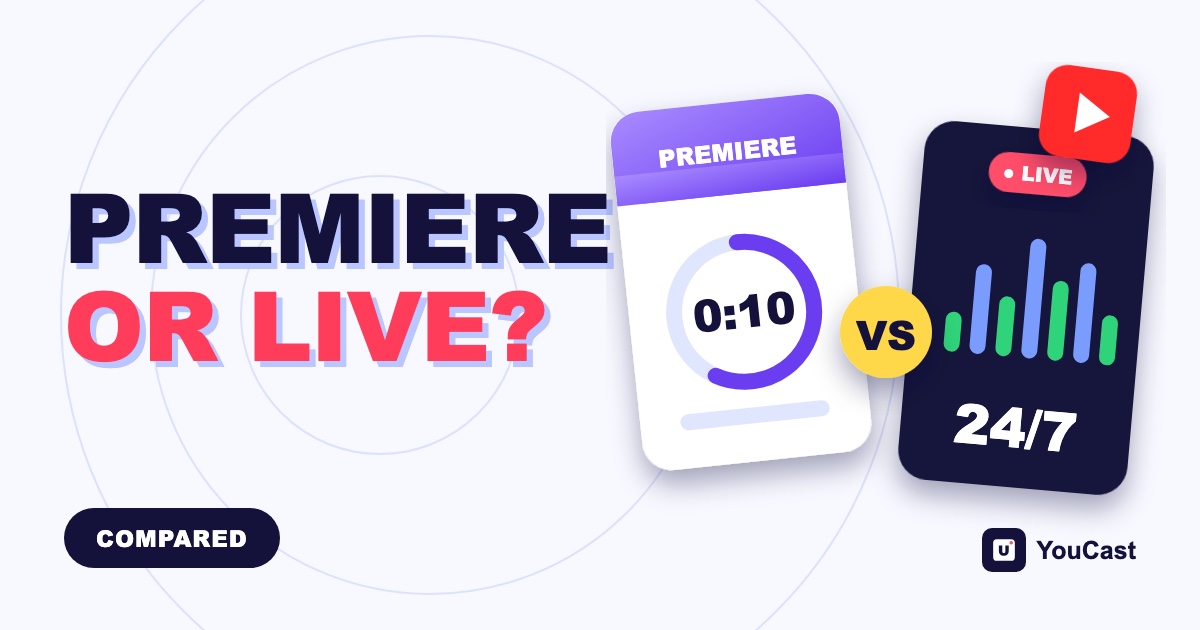
A Premiere shows an already uploaded video with a countdown and live chat, while a live stream sends video as it plays. YouCast runs live streams; a Premiere is something you schedule yourself in YouTube Studio. The article explains which one fits a 24/7 channel.
What a Premiere Is
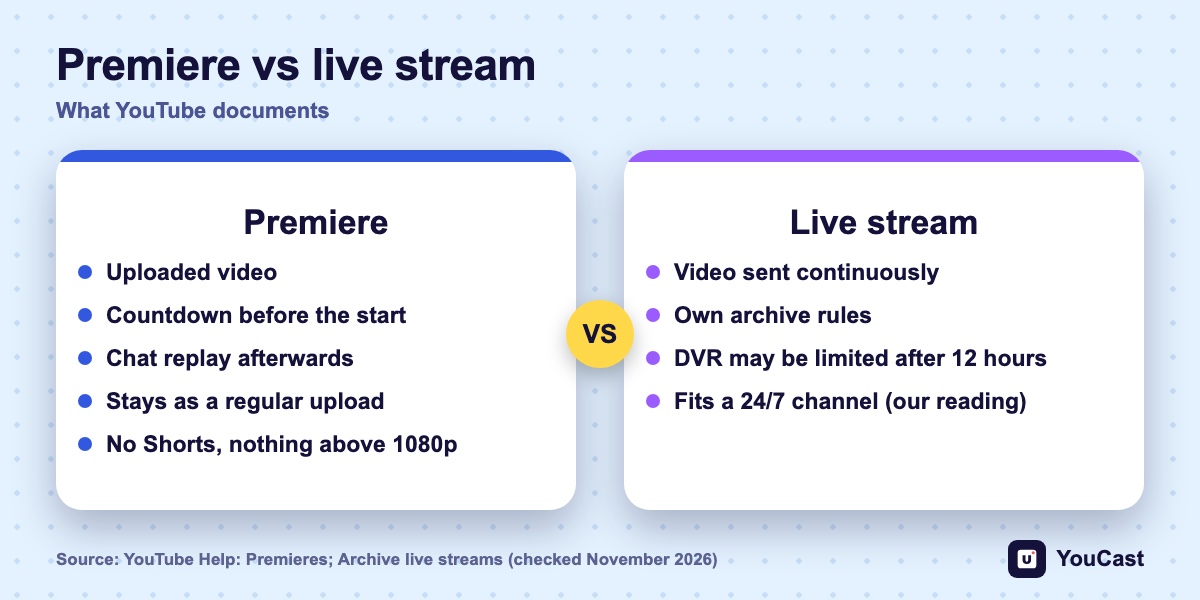
YouTube describes a Premiere as a way to watch a new video together with your viewers in real time. It works with a video you have already uploaded, not with a camera feed. YouTube lists these behaviors:
- A countdown theme runs before the start. It is not included in the final video.
- Viewers can set a reminder, comment and chat before it begins, and keep chatting during it.
- Viewers who missed it can use the chat replay afterwards.
- Viewers can rewind, but they cannot skip ahead of what has been shown live.
- After it ends, the video stays on your channel as a regular upload, and the view count from the Premiere transfers to it.
What a Premiere Does Not Support
- Shorts.
- Output above 1080p, and 360 or VR180 video.
- A channel under a Community Guidelines penalty: the Premiere is set to private and has to be rescheduled after the restriction ends.
YouTube's Premiere page does not state a maximum length, so we do not give one.
Premiere or Live Stream?
A Premiere plays one video that you uploaded, at a time you choose, and that video stays on the channel as an upload. A live stream sends video continuously and follows its own archive rules. In our reading, which is not a YouTube statement, a Premiere suits one release and a live stream suits a channel that runs around the clock.
YouCast runs live streams. A Premiere is something you schedule yourself in YouTube Studio.
- 1Choose a Premiere for a single release: a new film, a music mix or an episode, with a countdown and a shared first viewing.
- 2Choose a live stream for a channel that runs all day, such as lofi, jazz or ambience.
- 3Use both: you can send the viewers of your live stream to a Premiere with Live Redirect.
YouTube Live Redirect: Send Viewers to a Premiere or Another Channel
How to send your audience to a Premiere.
YouTube 24/7 Stream Past 12 Hours: Archive and DVR Limits
The archive rules for long streams.
How to Start a 24/7 YouTube Live Stream Without a PC
The beginner guide.
Start Streaming with YouCast
Upload your videos once and stream them 24/7 from the cloud.
Frequently asked questions
What is the difference between a Premiere and a live stream?
A Premiere shows an already uploaded video with a countdown and live chat, while a live stream sends video as it plays.
Can a Premiere use a camera feed?
No. A Premiere works with a video you have already uploaded, not with a camera feed.
Does YouCast schedule Premieres?
No. YouCast runs live streams; a Premiere is something you schedule yourself in YouTube Studio.
Where YouCast Fits
YouCast turns the videos you upload into a 24/7 live stream that runs from the cloud, to YouTube and, with a stream key, to Twitch, Kick and Instagram, so there is no encoder to configure, no computer to keep awake and no home upload line to saturate.
YouCast runs the live stream side: upload a video, start the stream and it keeps going from the cloud. Schedule a Premiere in YouTube Studio when you want a launch moment.
You can try one stream on the free trial and add more streams as the channel grows.
Sources
- YouTube Help: Premieres on YouTube — checked November 2026
- YouTube Help: How to use YouTube Live Redirect — checked November 2026
Further reading
- YouTube Help: Get started with live streaming — Official overview of live streaming on YouTube
- YouTube Help: Choose live encoder settings, bitrates, and resolutions — The ingestion settings table
- YouTube Help: YouTube Partner Program overview & eligibility — Thresholds and benefits
- YouTube Help: YouTube channel monetization policies — What reviewers check
Start Your 24/7 Stream Today
No PC needed. No OBS. Just upload your video and go live on YouTube — 24/7, from the cloud.