What YouTube Supports
HDR Is HEVC Only
Streaming HDR only makes sense if your source material is HDR. Converting SDR video to HDR adds nothing.
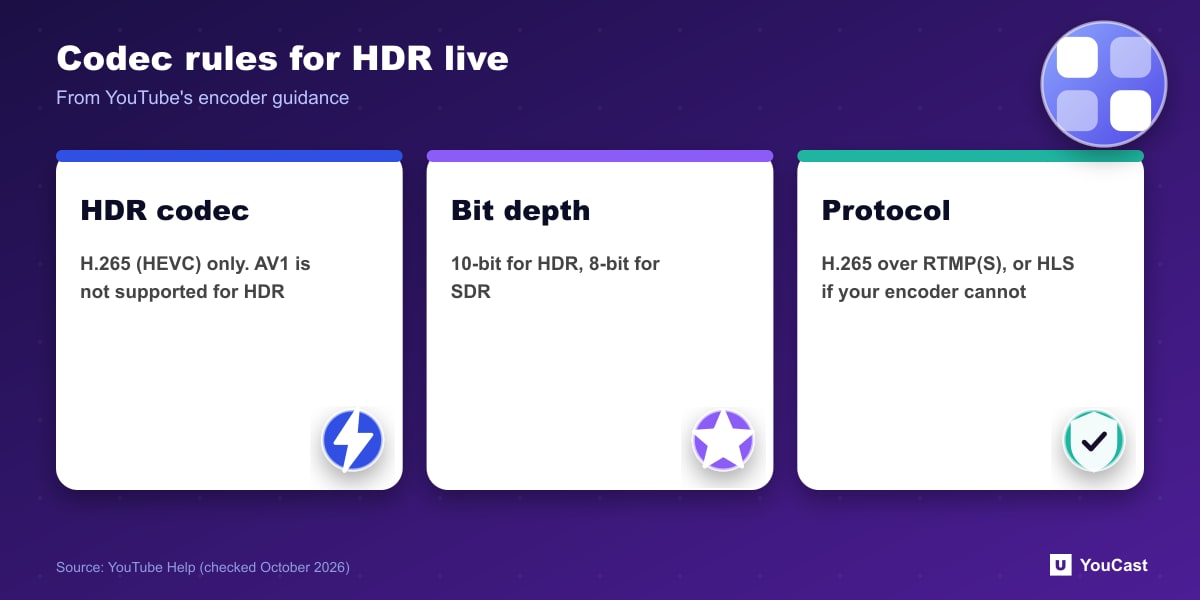
- HDR video codec: H.265 (HEVC). AV1 is not supported for HDR.
- Bit depth: 8-bit for SDR and 10-bit for HDR.
- Color space: Rec. 709 for SDR.
- YouTube recommends H.265 over RTMP(S) for HDR, and suggests HLS if your encoder cannot do that over RTMP.
AV1 and 4K
For AV1-encoded streams at resolutions of 3840x2160 and above, YouTube recommends a minimum of two tile columns. In the bitrate table, AV1 and H.265 need lower bitrates than H.264 at every resolution, which is the main practical reason to choose them.
A Simple Way to Choose
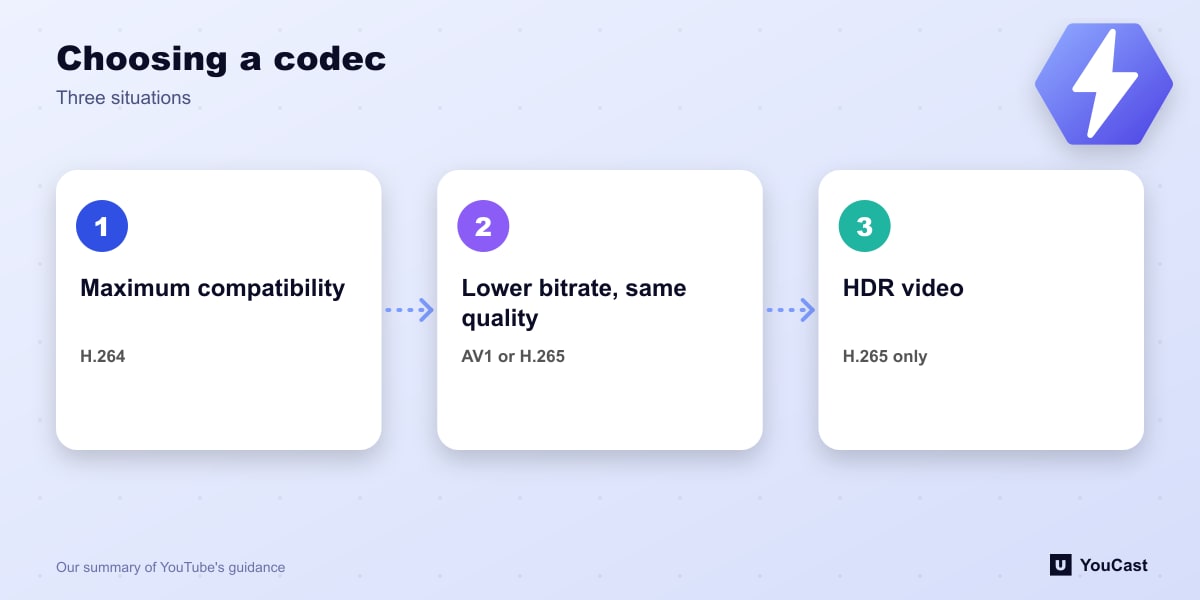
- Broadest compatibility with the least thinking: H.264.
- Lower bitrate for the same quality: AV1 or HEVC, if your encoder supports them.
- HDR: HEVC only.
Let the Cloud Handle the Encoding
YouCast turns the videos you upload into a 24/7 live stream that runs from the cloud, to YouTube and, with a stream key, to Twitch, Kick and Instagram, so there is no encoder to configure, no computer to keep awake and no home upload line to saturate.
Codec choices only matter if you run your own encoder. With YouCast you upload a ready video and the cloud takes care of how it is delivered to YouTube.
You can try one stream on the free trial and add more streams as the channel grows.
Sources
- YouTube Help: Choose live encoder settings, bitrates, and resolutions — checked October 2026
Further reading
- YouTube Help: Get started with live streaming — Official overview of live streaming on YouTube
- YouTube Help: YouTube Partner Program overview & eligibility — Thresholds and benefits
- YouTube Help: YouTube channel monetization policies — What reviewers check
- YouTube Help: Advertiser-friendly content guidelines — What can earn ad revenue
Start Your 24/7 Stream Today
No PC needed. No OBS. Just upload your video and go live on YouTube — 24/7, from the cloud.