The Windows
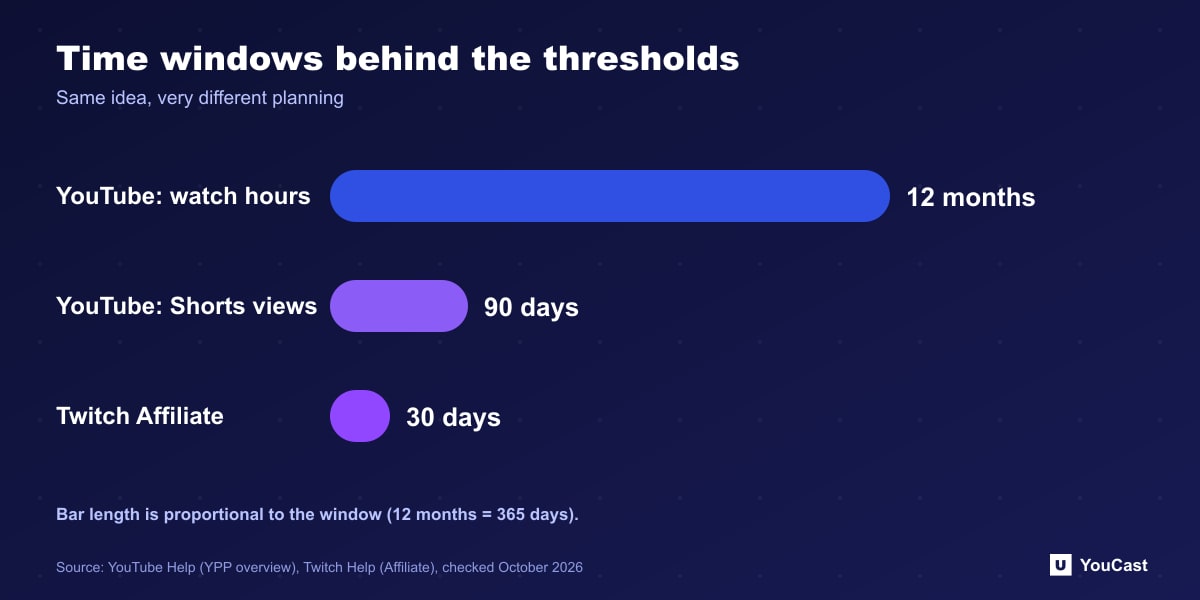
- YouTube, watch hours path: 4,000 qualified watch hours in the last 12 months, with 1,000 subscribers.
- YouTube, Shorts path: 10 million qualified Shorts views in the last 90 days, with 1,000 subscribers.
- Twitch Affiliate: all four requirements within the same 30-day period, tracked in the Achievements section.
What a Window Does to Planning
A 12-month window rewards steady output. Hours earned a year ago drop out, so a channel that grows slowly but consistently can get there, and a burst followed by silence can fall back below the line. A 30-day window rewards a focused push, and a single good month can be enough.
Twitch also tells streamers that progress shown in the Achievements section covers the last 30 days only, while the dashboard shows all-time numbers, which is why the figures can differ.
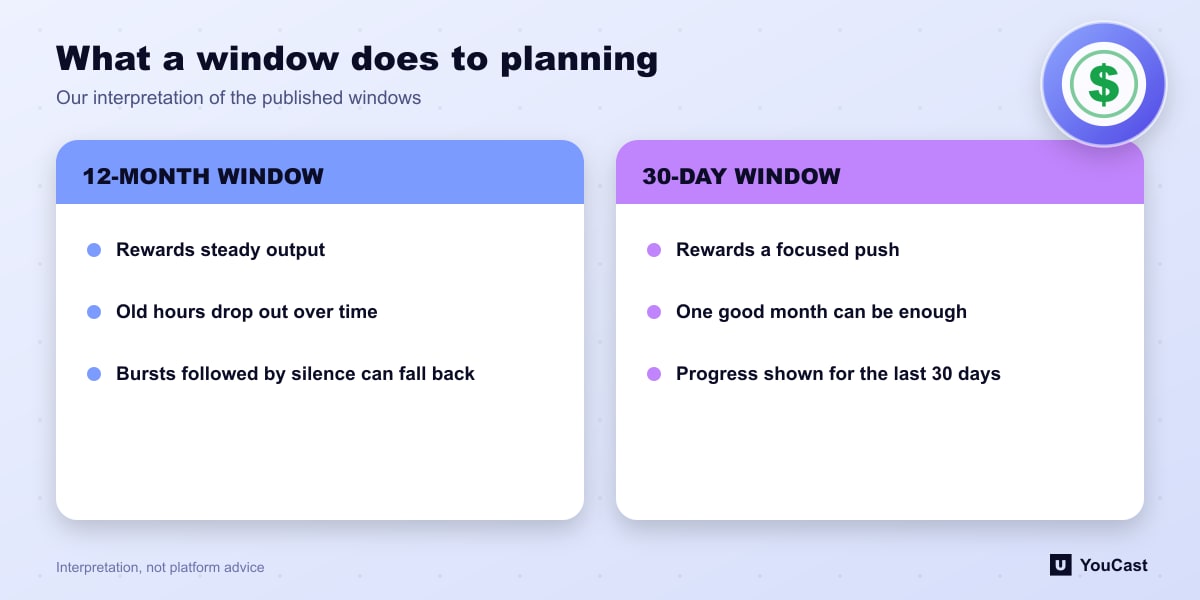
These are interpretations of how the published windows behave. The platforms do not describe them as planning advice.
For a 24/7 Channel
- On YouTube, track your rolling 12-month watch hours, not a single month.
- Keep the stream public and converted to VOD so its hours qualify.
- Do not delete old streams that contribute to the 12-month total.
- Remember that watch hours measure viewing time, which depends on viewers and not on how long you have been live.
Where YouCast Fits
YouCast turns the videos you upload into a 24/7 live stream that runs from the cloud, to YouTube and, with a stream key, to Twitch, Kick and Instagram, so there is no encoder to configure, no computer to keep awake and no home upload line to saturate.
Twitch counts a 30-day window, YouTube a 12-month one. For a slower build, a YouCast stream that stays online for months is easier to keep than one you restart by hand.
You can try one stream on the free trial and add more streams as the channel grows.
Sources
- YouTube Help: YouTube Partner Program overview & eligibility — checked October 2026
- Twitch Help: Joining the Affiliate Program — checked October 2026
Further reading
- YouTube Help: Get started with live streaming — Official overview of live streaming on YouTube
- YouTube Help: Choose live encoder settings, bitrates, and resolutions — The ingestion settings table
- YouTube Help: YouTube channel monetization policies — What reviewers check
- YouTube Help: Advertiser-friendly content guidelines — What can earn ad revenue
Start Your 24/7 Stream Today
No PC needed. No OBS. Just upload your video and go live on YouTube — 24/7, from the cloud.