YouTube
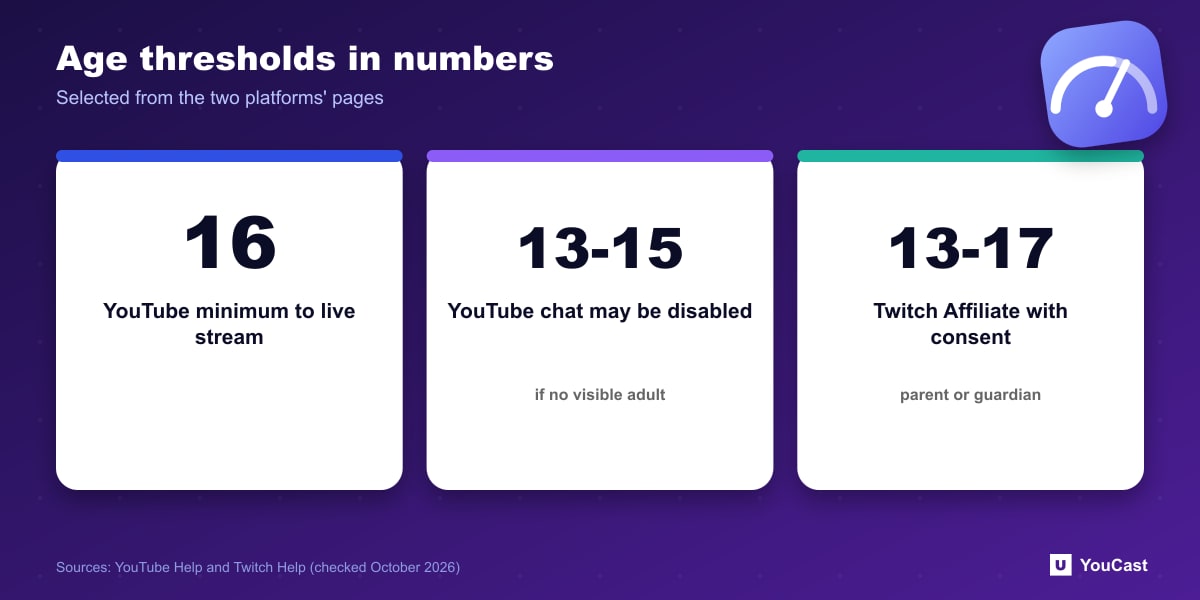
YouTube's live streaming page says you must be at least 16 years old to live stream. Streams that do not follow the minimum age requirement will be taken down, and the account may temporarily lose its ability to live stream.
Live streams featuring 13 to 15 year olds who are not visibly accompanied by an adult may have their live chat disabled, and the account may temporarily lose access to live chat or other features.
Twitch
In the Affiliate program article, Twitch says streamers aged 13 to 17 may join the program with parental or guardian consent and supervision, and points parents to a guide on monetization and minors. The page we read is about the Affiliate program, so we do not state Twitch's general minimum age to broadcast here.
The Takeaway
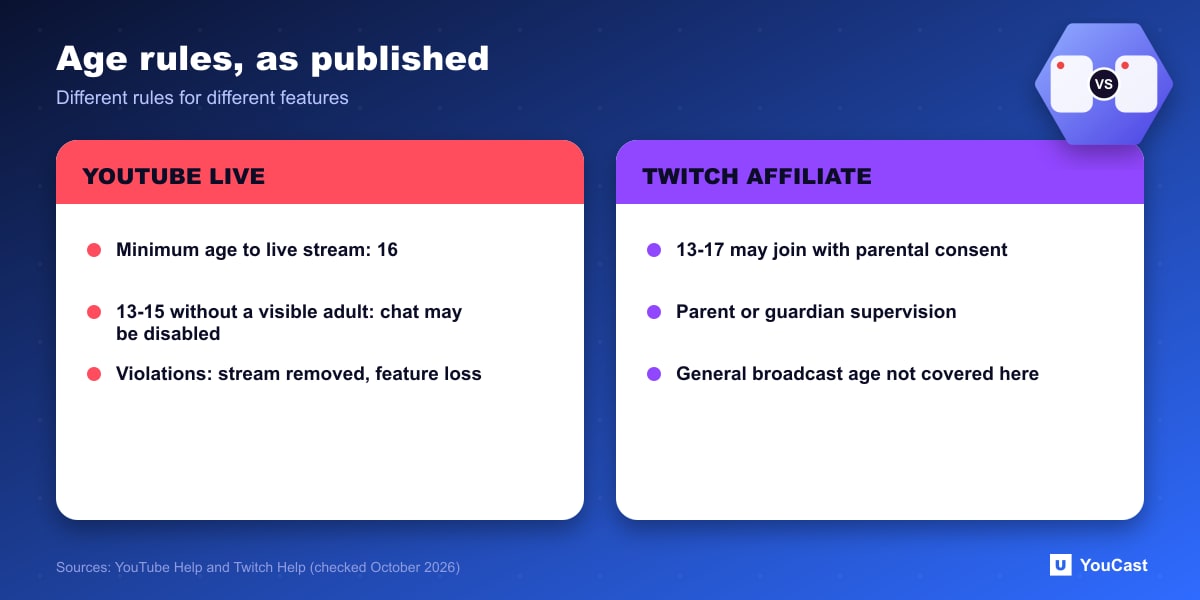
- The rules are different per platform and per feature, so check the one you are using.
- On YouTube, a minor in a stream without a visible adult can lose live chat.
- On Twitch, monetization for a 13 to 17 year old needs parental or guardian consent and supervision.
- If a parent or guardian manages a young creator's channel, make sure the person who agrees to the terms is the one the platform expects.
Where YouCast Fits
YouCast turns the videos you upload into a 24/7 live stream that runs from the cloud, to YouTube and, with a stream key, to Twitch, Kick and Instagram, so there is no encoder to configure, no computer to keep awake and no home upload line to saturate.
The age rule applies to whoever runs the channel. YouCast connects to a channel or uses a stream key from an account that can already go live, so check this first.
You can try one stream on the free trial and add more streams as the channel grows.
Sources
- YouTube Help: Get started with live streaming — checked October 2026
- Twitch Help: Joining the Affiliate Program — checked October 2026
Further reading
- YouTube Help: Choose live encoder settings, bitrates, and resolutions — The ingestion settings table
- YouTube Help: YouTube Partner Program overview & eligibility — Thresholds and benefits
- YouTube Help: YouTube channel monetization policies — What reviewers check
- YouTube Help: Advertiser-friendly content guidelines — What can earn ad revenue
Start Your 24/7 Stream Today
No PC needed. No OBS. Just upload your video and go live on YouTube — 24/7, from the cloud.