What the Reviewers Look At
YouTube says that if you make money on YouTube, your content should be original and authentic: your own creation (borrowed content changed significantly) and not mass-produced, generic, repetitive or manipulative. It should be made for viewers' enjoyment or education rather than for the sole purpose of getting views.
Reviewers cannot watch every video, so the page says they may focus on specific parts of the channel.
- The channel's main theme.
- Most viewed videos and newest videos.
- The biggest proportion of watch time.
- Video metadata: titles, thumbnails and descriptions.
- The channel's About section.
The Policies Apply to Live Streams Too
On this page, YouTube uses the word video for Shorts, long-form videos and live streaming alike, and the policies apply wherever videos are viewed, including the watch page, the embedded player and the Shorts player. Content that violates the Community Guidelines is not eligible for monetization, and the guidelines apply to the channel overall, not only individual videos.
Review Timing and Policy Changes
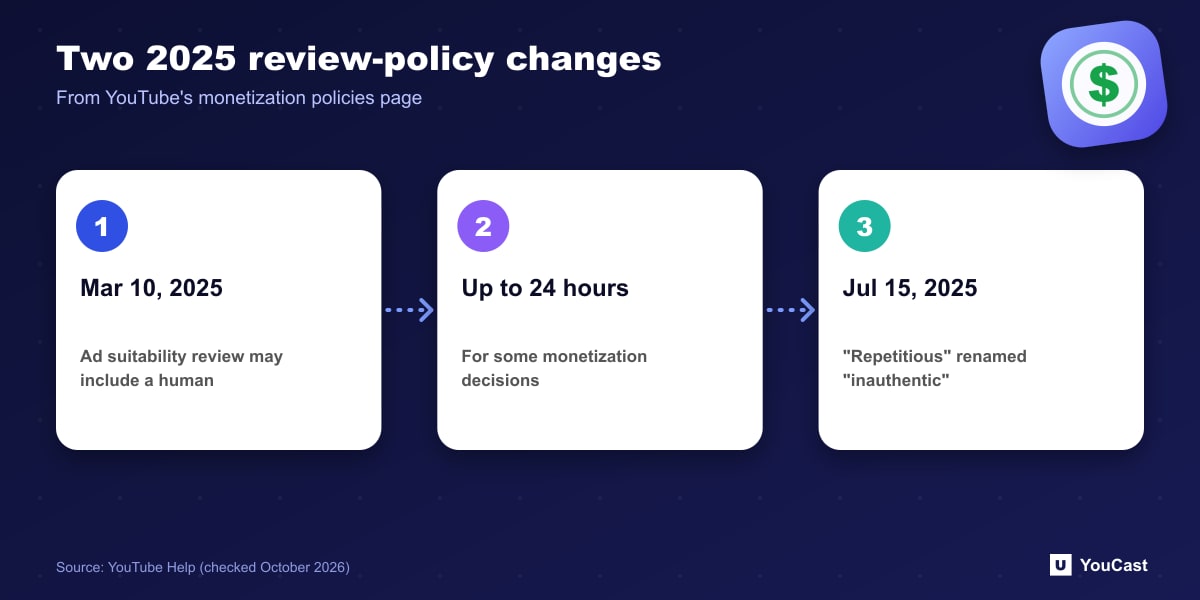
- March 10, 2025: improvements to the ad suitability review. Videos undergoing checks, including private videos, may get an additional review that may be completed by a human, and some monetization decisions may take up to 24 hours.
- July 15, 2025: the repetitious content policy was renamed inauthentic content and clarified to include content that is repetitive or mass-produced. YouTube says such content was always ineligible for monetization.
How to Prepare Your Channel
Our suggestion, based on the list above: make the About section explain what the channel is, make titles and thumbnails match what is actually streamed, and check that your most-watched and newest items would pass the originality test on their own.
Keeping a YouCast Stream Compliant
YouCast turns the videos you upload into a 24/7 live stream that runs from the cloud, to YouTube and, with a stream key, to Twitch, Kick and Instagram, so there is no encoder to configure, no computer to keep awake and no home upload line to saturate.
Reviewers look at your main theme, top videos, titles and About section. In YouCast you control the stream title, description and thumbnail, so make them match what the stream actually shows.
You can try one stream on the free trial and add more streams as the channel grows.
Sources
- YouTube Help: YouTube channel monetization policies — checked October 2026
Further reading
- YouTube Help: Get started with live streaming — Official overview of live streaming on YouTube
- YouTube Help: Choose live encoder settings, bitrates, and resolutions — The ingestion settings table
- YouTube Help: YouTube Partner Program overview & eligibility — Thresholds and benefits
- YouTube Help: Advertiser-friendly content guidelines — What can earn ad revenue
Start Your 24/7 Stream Today
No PC needed. No OBS. Just upload your video and go live on YouTube — 24/7, from the cloud.