What YouTube Has Published
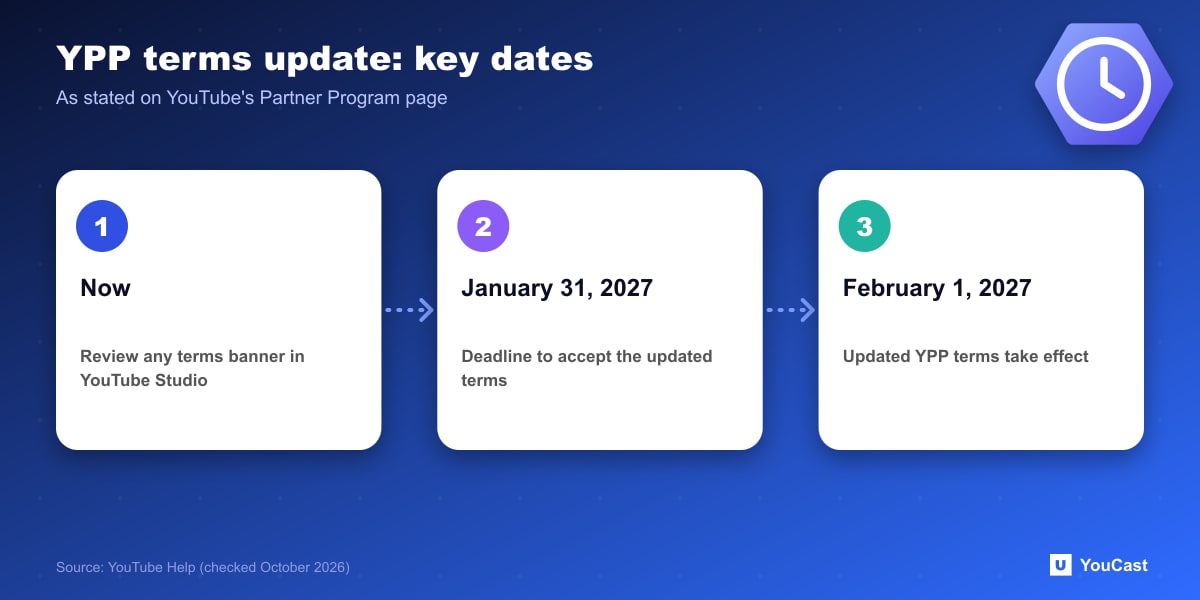
At the top of the Partner Program overview, YouTube states that starting February 1, 2027 it is introducing updates to the YouTube Partner Program. To continue fully monetizing, creators are asked to review and accept the updated terms in YouTube Studio by January 31, 2027.
The same page marks "Earlier Access to YouTube Partner Program Features" as new. The notice is short, and the page does not describe what the updated terms contain.
What Is Not Confirmed
The page does not say which clauses change, whether revenue shares change, or what happens to a channel that does not accept by the deadline beyond the phrase "continue fully monetizing". We do not speculate here. Read the updated terms in YouTube Studio when they appear rather than relying on summaries.
Be careful with secondhand summaries of the new terms. Until YouTube publishes the details, anything beyond the dates above is a guess.
A Practical To-Do List
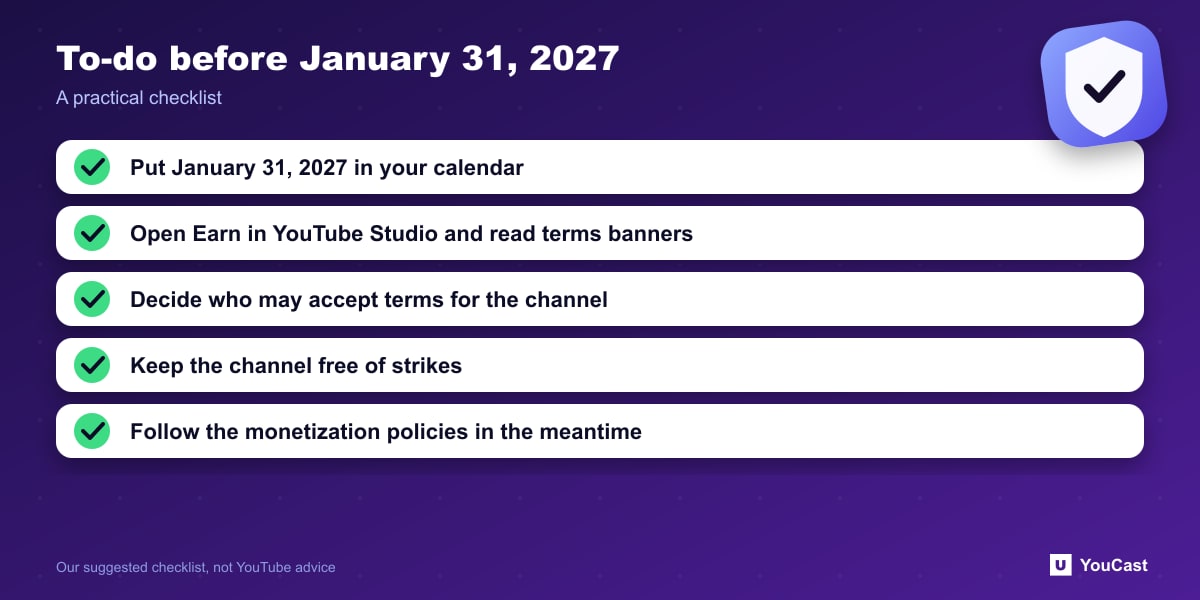
- Put January 31, 2027 in your calendar as the acceptance deadline.
- Open the Earn area of YouTube Studio periodically and read any terms banner in full.
- If several people manage the channel, decide who has the authority to accept terms.
- Keep your channel in good standing in the meantime: no active strikes, and content that follows the monetization policies.
What It Means for a YouCast Channel
YouCast turns the videos you upload into a 24/7 live stream that runs from the cloud, to YouTube and, with a stream key, to Twitch, Kick and Instagram, so there is no encoder to configure, no computer to keep awake and no home upload line to saturate.
A YouCast stream does not change what you have to accept in YouTube Studio. Keep the stream steady, put the acceptance deadline in your calendar and read the updated terms yourself.
You can try one stream on the free trial and add more streams as the channel grows.
Sources
- YouTube Help: YouTube Partner Program overview & eligibility — checked October 2026
Further reading
- YouTube Help: Get started with live streaming — Official overview of live streaming on YouTube
- YouTube Help: Choose live encoder settings, bitrates, and resolutions — The ingestion settings table
- YouTube Help: YouTube channel monetization policies — What reviewers check
- YouTube Help: Advertiser-friendly content guidelines — What can earn ad revenue
Start Your 24/7 Stream Today
No PC needed. No OBS. Just upload your video and go live on YouTube — 24/7, from the cloud.