In short
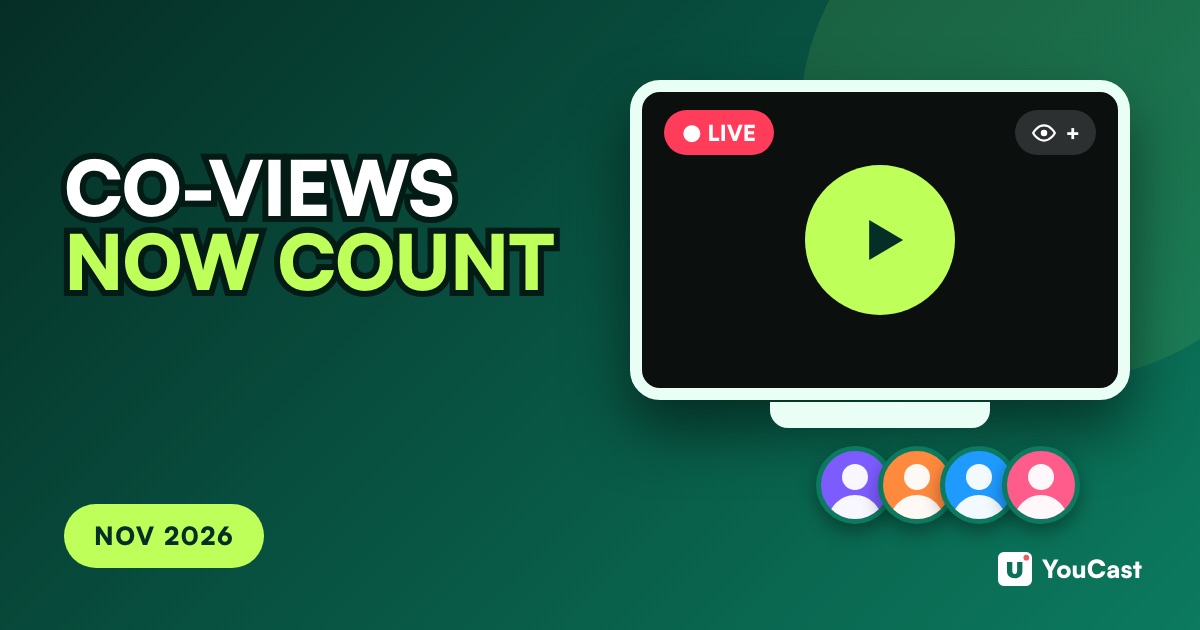
From November 2026 YouTube public view counts on watch pages include co-views, an estimate of people watching together on a TV screen. It covers Shorts, long videos and live streams, and the concurrent viewers number includes co-viewing estimates. YouTube says the change does not affect Partner Program earnings or eligibility.
What Changed
Beginning in November 2026, YouTube says, public view counts on video watch pages incorporate co-views. A view is still counted the moment a video starts to play, across Shorts, long videos and live streams.
A co-view is an estimate of people watching together on a TV screen. The change is about the public view count shown on the watch page.
What a Co-View Is
In YouTube Insights, the Views (Co-viewed) metric is defined as an estimated total view count that includes multiple people watching together. YouTube says it accounts for shared viewing on devices like YouTube TV and the main YouTube app on TV.
- The co-view rate lets you divide total views by it to estimate views without co-viewers.
- Watch time includes watch time from co-views.
- Engaged views and unique viewers exclude co-viewers.
- Views (Co-viewed) is available in YouTube Insights Advanced Mode until May 2027.
Live Streams
The live Concurrent viewers report shows the peak and average number of concurrent viewers for a stream. YouTube says it incorporates co-viewing estimates for viewers watching together on TV screens.
In our reading, a stream that people leave playing on a TV, such as a music or ambient stream, may show a higher concurrent number than before. YouTube does not give figures, so check your own numbers.
What Does Not Change
YouTube says the update will not impact YouTube Partner Program earnings or eligibility. Earnings stay based on engaged Shorts views and engaged watch hours, and eligibility stays based on qualified Shorts views and qualified watch hours.
A higher public view count is not a sign of extra income or progress toward the Partner Program, because those use other measures.
How to Read Your Numbers
- 1Expect the public view count on watch pages to rise for content watched on TVs.
- 2For earnings and eligibility, keep using the engaged and qualified measures in your analytics.
- 3Until May 2027 you can see Views (Co-viewed) in YouTube Insights Advanced Mode and compare it with your other views.
- 4When you compare periods, remember that public view counts after November 2026 include co-views.
Watch Hours vs Stream Hours: Why 24/7 Is Not 168 Watch Hours a Week
What counts toward the Partner Program.
YouTube Live Stream Metrics: What Each Number Means and Where It Lives
Concurrent viewers and other live metrics.
YouTube Partner Program: The 1,000 / 4,000 Rule for Live Streamers
The eligibility thresholds.
Start Streaming with YouCast
Upload your videos once and stream them 24/7 from the cloud.
Frequently asked questions
Does the co-view change affect monetization?
YouTube says the update will not impact YouTube Partner Program earnings or eligibility.
Does it apply to live streams?
Yes. YouTube says the live Concurrent viewers report incorporates co-viewing estimates for viewers watching together on TV screens.
What It Means for a YouCast Channel
YouCast turns the videos you upload into a 24/7 live stream that runs from the cloud, to YouTube and, with a stream key, to Twitch, Kick and Instagram, so there is no encoder to configure, no computer to keep awake and no home upload line to saturate.
A stream that YouCast keeps online can be watched on a TV like any other. The co-view change affects the number YouTube shows, not what the stream earns, so keep tracking the engaged and qualified measures.
You can try one stream on the free trial and add more streams as the channel grows.
Sources
- YouTube Help: Understand your YouTube content performance — checked November 2026
- YouTube Help: YouTube Partner Program overview & eligibility — checked November 2026
Further reading
- YouTube Help: Get started with live streaming — Official overview of live streaming on YouTube
- YouTube Help: Choose live encoder settings, bitrates, and resolutions — The ingestion settings table
- YouTube Help: YouTube channel monetization policies — What reviewers check
- YouTube Help: Advertiser-friendly content guidelines — What can earn ad revenue
Start Your 24/7 Stream Today
No PC needed. No OBS. Just upload your video and go live on YouTube — 24/7, from the cloud.