In short
YouTube's Schedule stream lists an upcoming stream and lets viewers get reminders, but the help page describes starting it manually with Go live. YouCast scheduling starts, stops and restarts the stream at set times, one-time, recurring or in cycles. The two are separate tools, so test them together before you rely on both.
What YouTube's Schedule Stream Does
In YouTube Studio you click Create, then Go live, open the Manage tab and click Schedule stream. YouTube says that scheduling a stream lets you promote it: viewers can get reminders about upcoming streams and you can share the URL on social media.
The same help page then describes the start as a manual step: you set up your encoder, start the stream, wait for the preview to show up in the Live Control Room and click Go live. It does not describe an automatic start or stop at the scheduled time, so check YouTube Studio for the options your stream has.
What YouCast Scheduling Does
YouCast scheduling controls the stream itself. It starts, stops or restarts the stream at set times, as a one-time schedule, a recurring daily or weekly window, or back-to-back cycles. Each stream has its own schedule, and every action checks the state of the stream first.
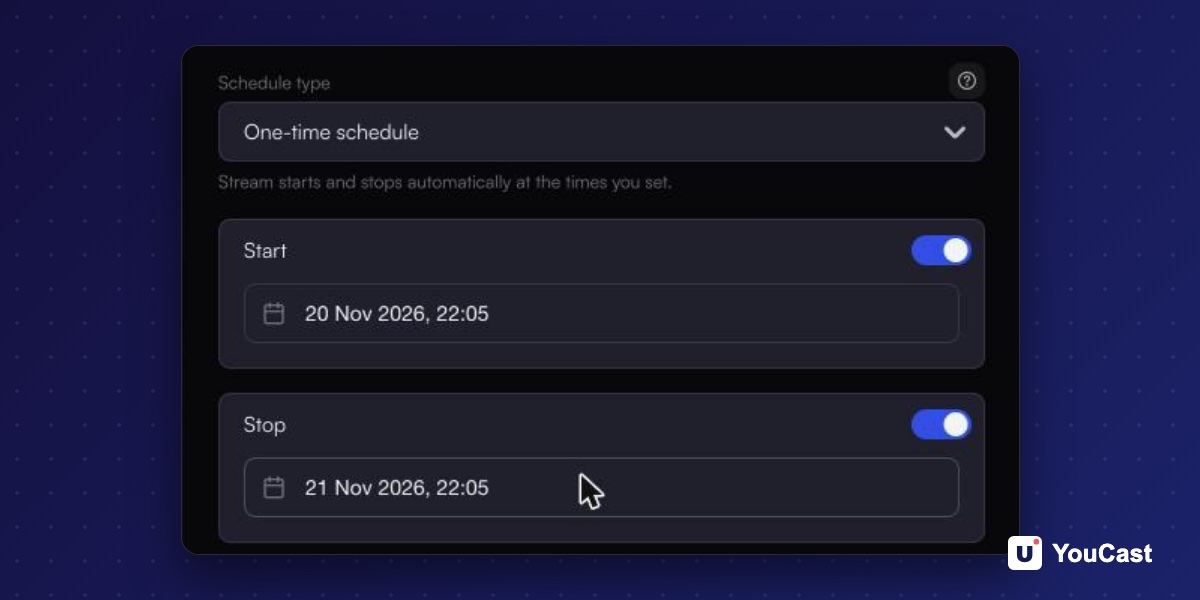
Side by Side
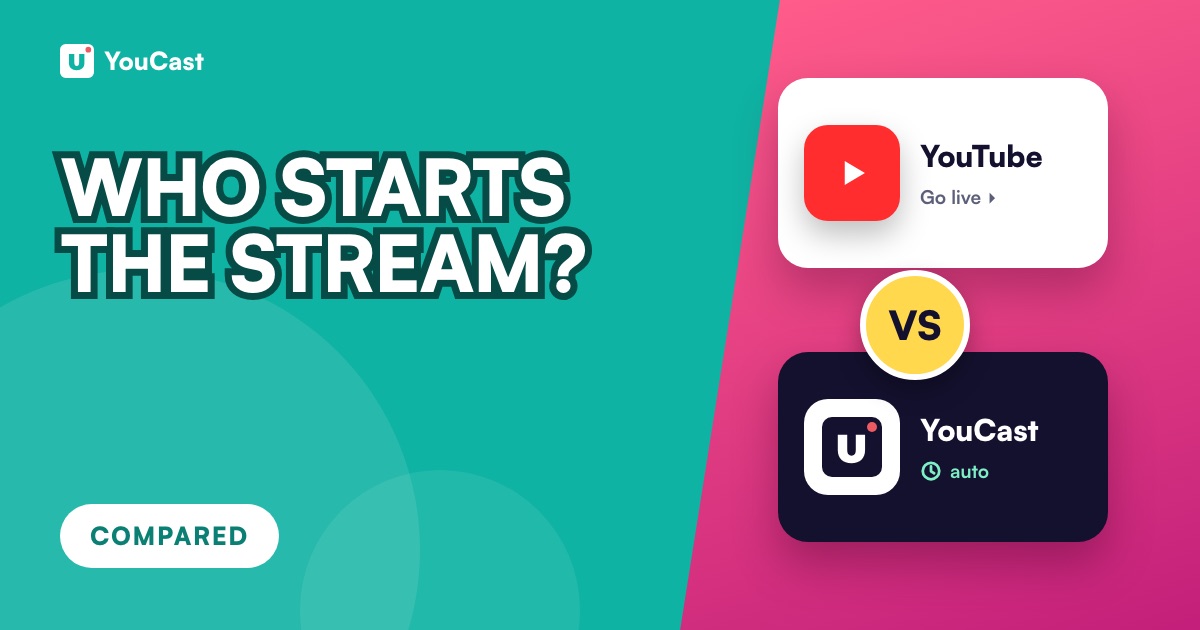
- What it controls: YouTube's schedule lists an upcoming stream with a time. YouCast's schedule decides when the stream starts, stops or restarts.
- Who starts the stream: on YouTube the help page has you click Go live. In YouCast the schedule starts the stream at the set time.
- Repeats: a scheduled stream on YouTube is a single upcoming event. YouCast can repeat a window every day or week, or run cycles.
- Viewer reminders: YouTube offers them for scheduled streams. The YouCast documentation does not describe viewer reminders.
- 12-hour archive: YouTube archives streams under 12 hours. YouCast cycles can restart the stream before that mark.
Can You Use Both?
They are separate tools: one lists an upcoming stream on YouTube, the other controls when YouCast sends the stream. The pages we used do not say how the two behave together. In our reading, test with one stream and check YouTube Studio before you rely on a combination.
YouTube Premiere vs Live Stream: Which One for a Pre-Recorded Video?
Premiere or live stream for a recorded video.
How to Promote a YouTube Live Stream: Before, During and After
Reminders and links around a stream.
How to Schedule a 24/7 YouTube Stream
The four YouCast schedule types.
Start Streaming with YouCast
Upload your videos once and stream them 24/7 from the cloud.
Sources
- YouTube Help: Create a YouTube live stream with an encoder — checked November 2026
- YouCast Docs: Scheduling — checked November 2026
Further reading
- YouTube Help: Get started with live streaming — Official overview of live streaming on YouTube
- YouTube Help: Choose live encoder settings, bitrates, and resolutions — The ingestion settings table
- YouTube Help: YouTube Partner Program overview & eligibility — Thresholds and benefits
- YouTube Help: YouTube channel monetization policies — What reviewers check
Start Your 24/7 Stream Today
No PC needed. No OBS. Just upload your video and go live on YouTube — 24/7, from the cloud.